Shenzhen Topwisdom Technology Co., Ltd
58
4.3.2 Automatic Head Presetting
1. Before the work, the head presetting blocks have been equipped, and the wiring is as
follows (the following wiring is active at low level). If the head presetting block is
active at high level, please refer to the wiring diagram of the specific presetting block.
The presetting signal interface of the control card is the Door_SW terminal. Note that
when it is active at high level, need to change the polarity of the presetting block in the
Equipment Parameters to "positive".
2. Set the "Feeler Block (Presetting Block Height) (mm)" H in the Equipment Parameters as
shown in the figure below as H = 10mm.
3. Move the rotary cutting head to the top of the presetting block.
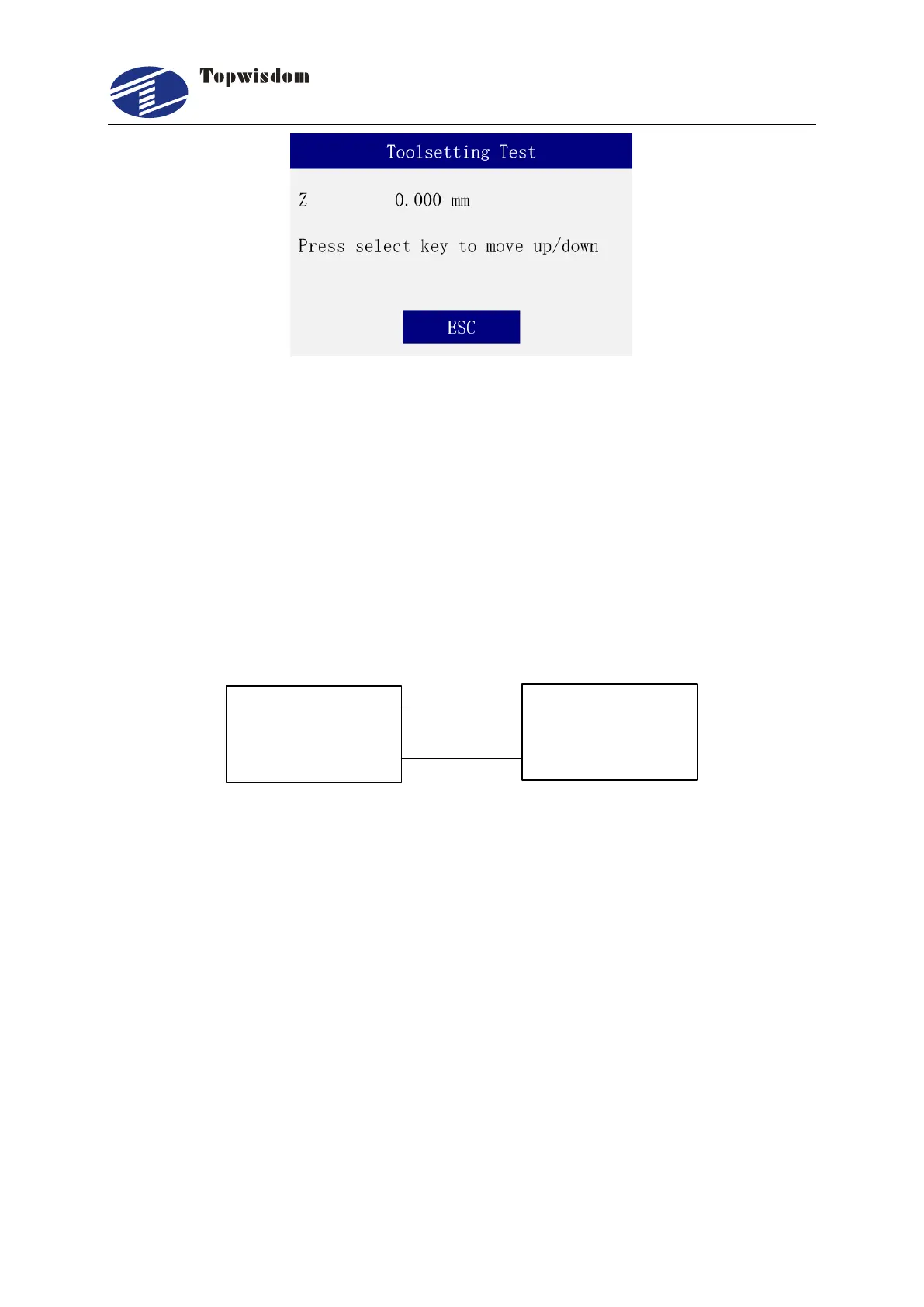
4. In the standby interface, press the number "Enter" key, and select "Knife/Automation" to
start the automatic head presetting and press the Enter to execute. At this time, the rotary
cutting head moves downward, and the moving speed is the Z-axis stop speed. As shown
in below figures.



 To Next Page