Shenzhen Topwisdom Technology Co., Ltd
57
cutting head is lowered during the processing.
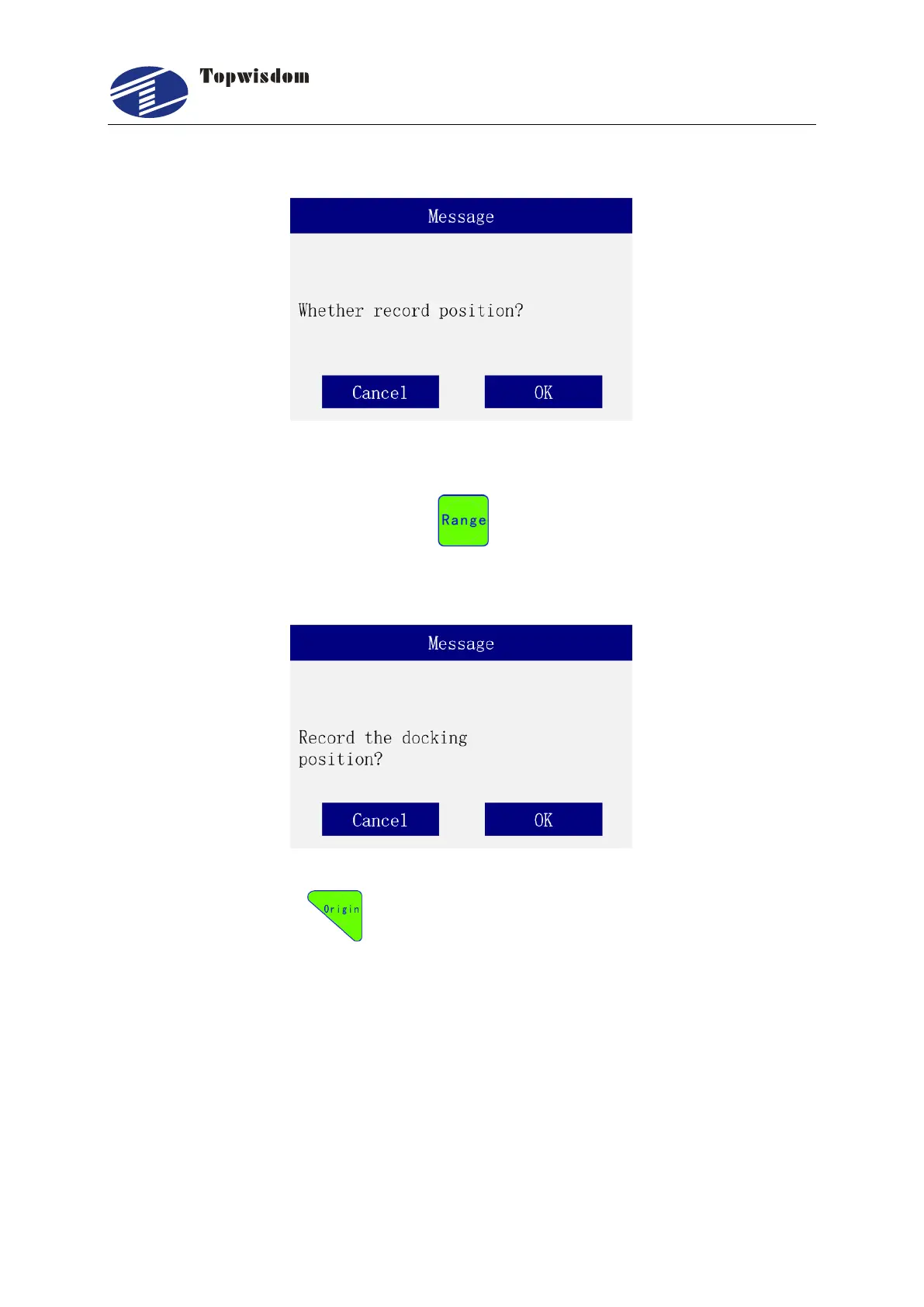
3. Press "Up/Down" to move the rotary cutting head to the position where it stops after
completion then press the Range key and then Enter to record the current stop
position.
4. Press the Origin key to test the head presetting. At this time, the interface pops
up as shown in the figure. At this point, the cutting head will automatically drop to the
present position recorded, and the coordinates of the current Z axis will be displayed in
the interface. In this interface, press the Select key again, the cutting head can be lifted up
to the position specified by the lifting height. For example, if the head presetting position
is 30mm and the stop position is 10mm, when lifting up, it is 10mm. If an emergency stop
is required during the test, press the Pause key to stop the motion. Repeat pressing the
Select key to finish the descending and ascending test, and press the ESC to exit the test.



 To Next Page