Shenzhen Topwisdom Technology Co., Ltd
41
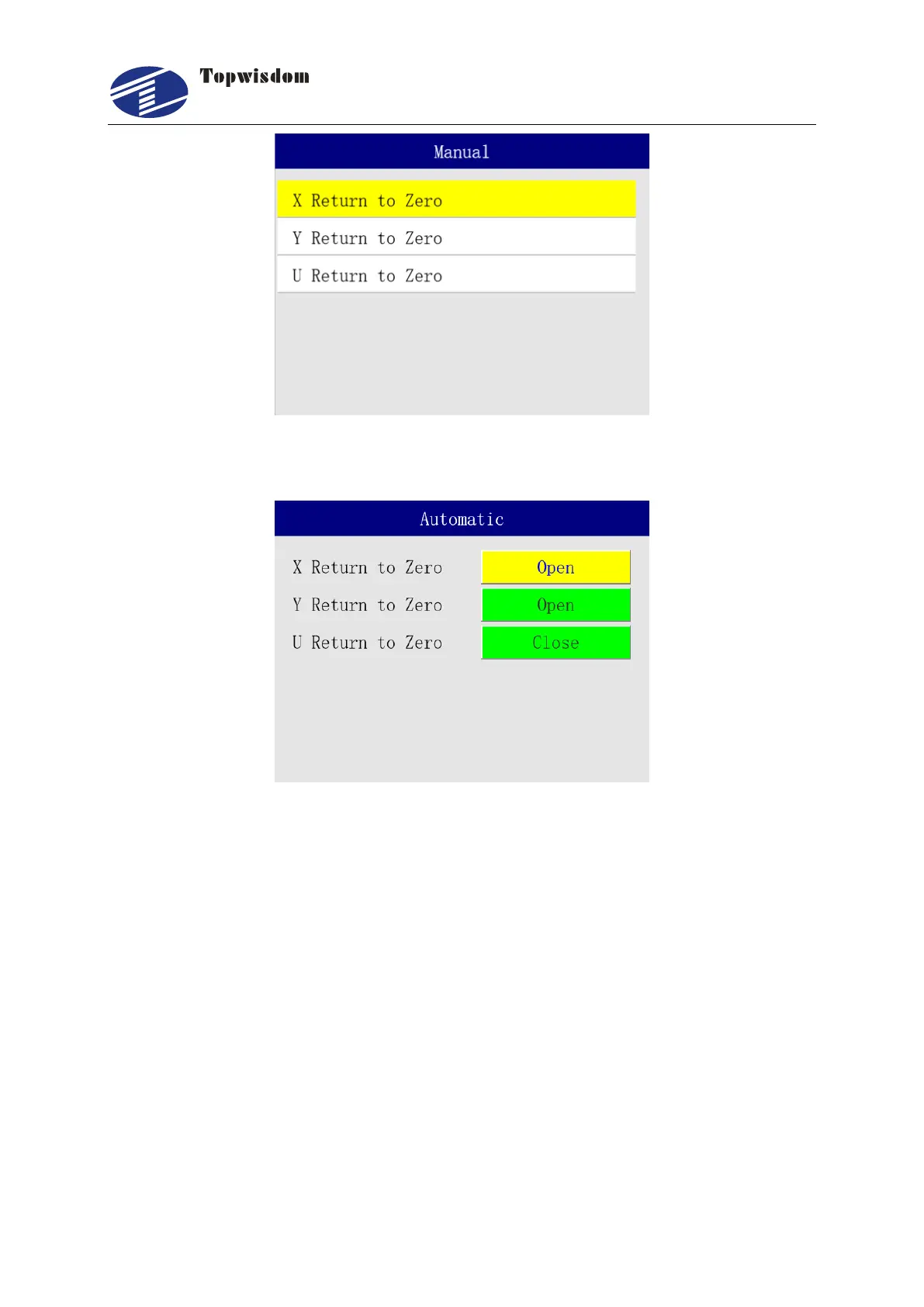
Press "Up/Down" key to select the needed operation, click on the "Enter" to set one axis back
to origin, press "Pause" to stop.
When the parameters are set to Open, the axis automatically moves back to origin after
machine powers up, and the coordinates will get back to zero. When close, the axis moves
none, and the stop position will be the origin of axis.
3.2.16 Equipment Settings
In the Menu interface, choose "Equipment" to enter, show as:



 To Next Page