Shenzhen Topwisdom Technology Co., Ltd
16
3.2 The Main Interfaces
3.2.1 System Initialization Interface
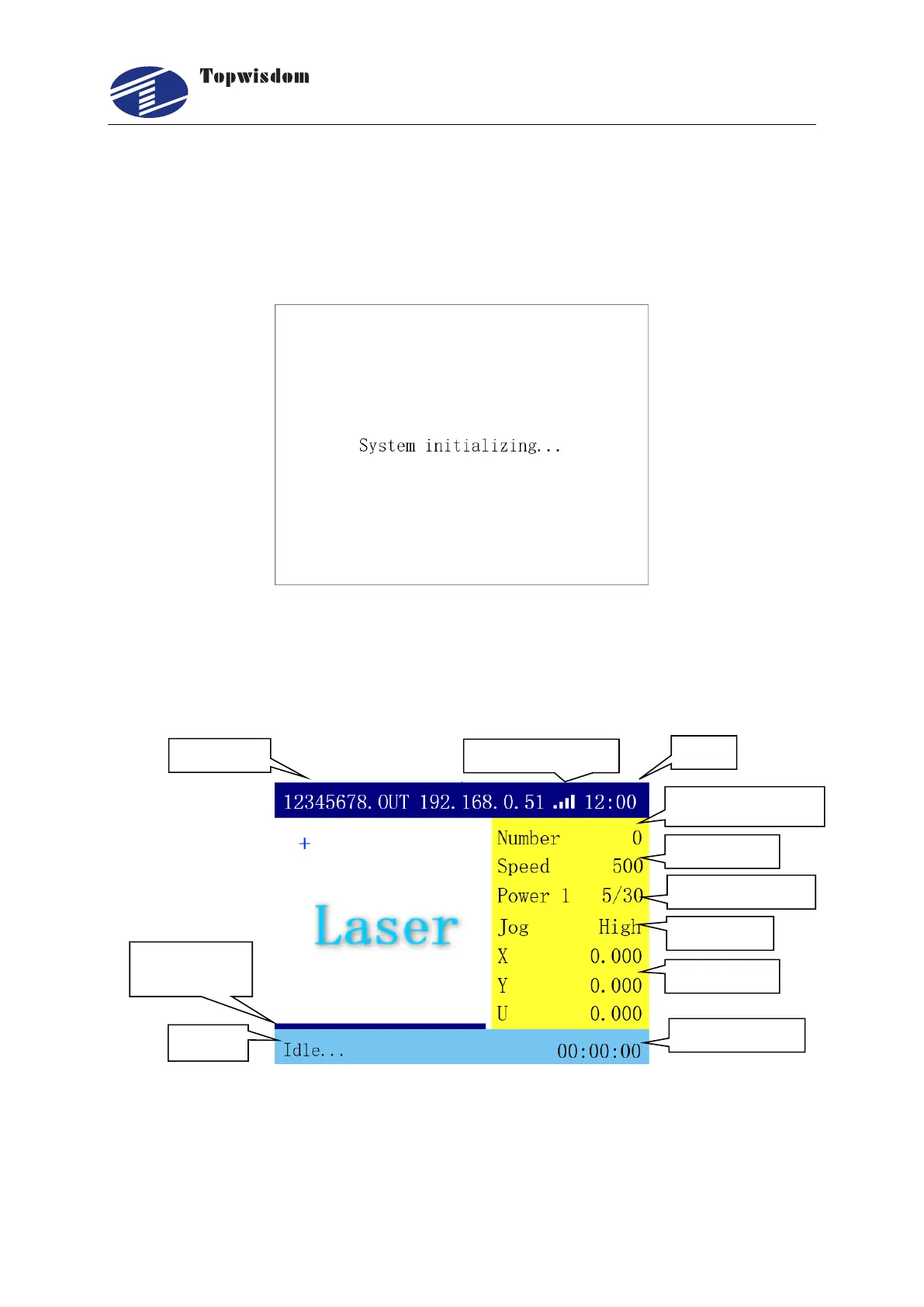
The system initialization interface is as show:
3.2.2 Standby Interface
After initialization, it’ll go into the standby interface, show as:
The top of the interface shows the file name, IP address, network status and time. The white
area shows the preview of the selected file. And at the bottom left of the interface, it shows
the machine status and the work time. When there is no work, the status displays "Idle...",
while "Working..." when it is at work, and "Pause" when being paused. And the right side of



 To Next Page