Shenzhen Topwisdom Technology Co., Ltd
30
greater the acceleration, the faster the acceleration and the greater the relative jitter. On
the contrary, acceleration and deceleration are smoother.
13. Idle Jerk: the acceleration speed of X, Y Axis when the Light OFF. The unit is mm/s3.
The bigger the jerk, the stronger the jitter of motion. Otherwise, the smoother the
acceleration and deceleration is.
14. Idle Delay: the delay waiting time after the XY moves to the position without emitting
light, which is used to optimize the jitter before cutting starts, the unit is ms.
15. Cooling Check: enable or disable detecting the status of laser water cooling valve.
"Open" means detect, "Close" means NOT detect.
16. Pulse Blowing: whether there is blowing when pulsing.
17. Display Track: whether displays working track simulation.
18. Speed Limit Mode: Work Speed limits the working speed of the small figure; End
Speed limits the end speed of the small figure. If you need to limit the speed when cutting
large arcs, set it as the end speed.
19. Times Alarm: when it is open, set the work times. Then when the finish times reaches to
the setting number. It will beep 5 times for alarm.
20. Times Homing: when it is open, set the work times. Then when the finish times reaches
to the setting number. It will home to the machine origin automatically.
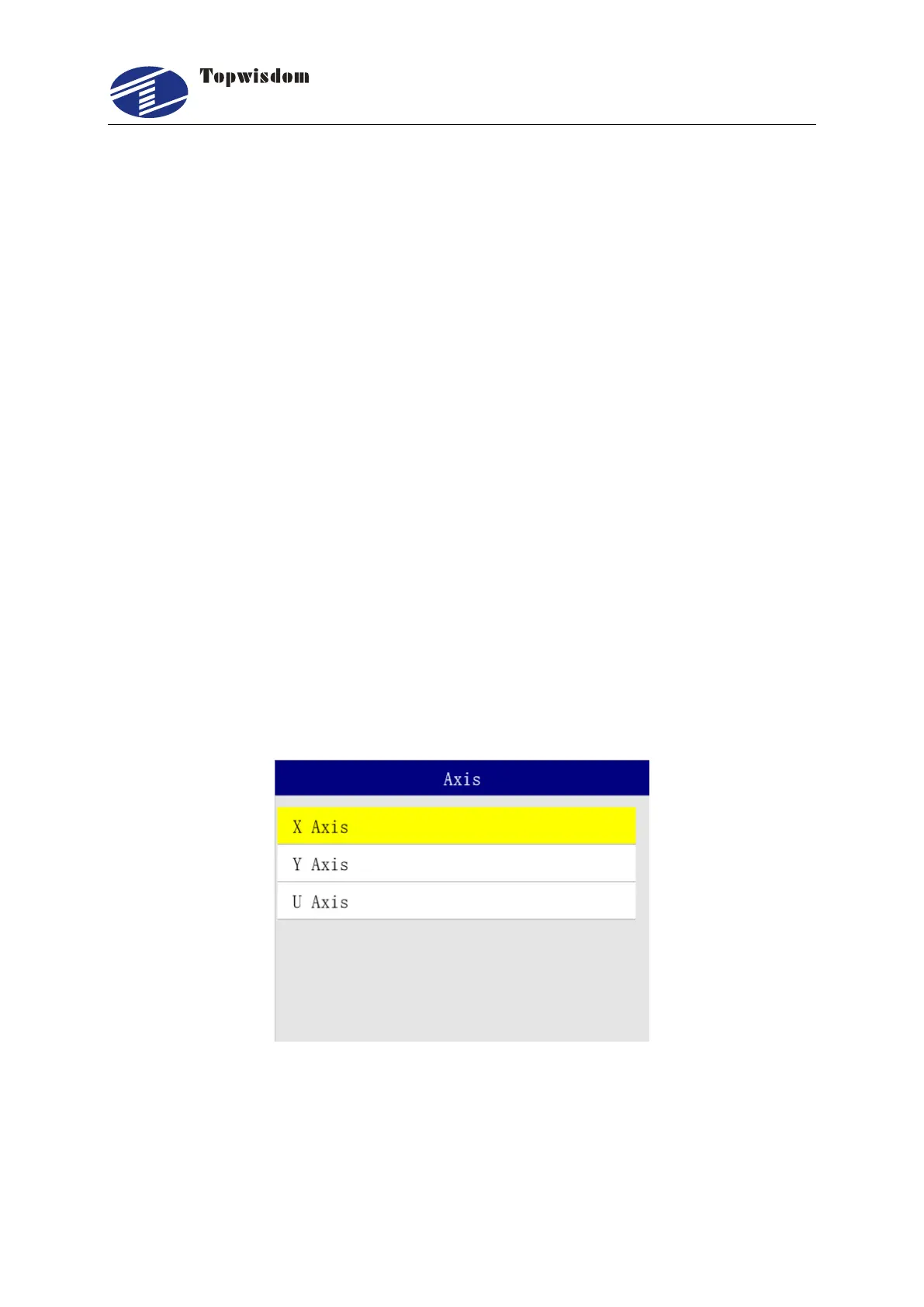
3.2.13 Axis Settings
In the Menu interface, choose "Axis" to enter, show as:
Press the "Up/Down/Left/Right" key to select the needed operation. Press "Enter" to enter the
operation interface, and click "ESC" to quit.



 To Next Page