Shenzhen Topwisdom Technology Co., Ltd
34
2. IP settings, IP address can use the default value, can also be changed according to user
requirements!
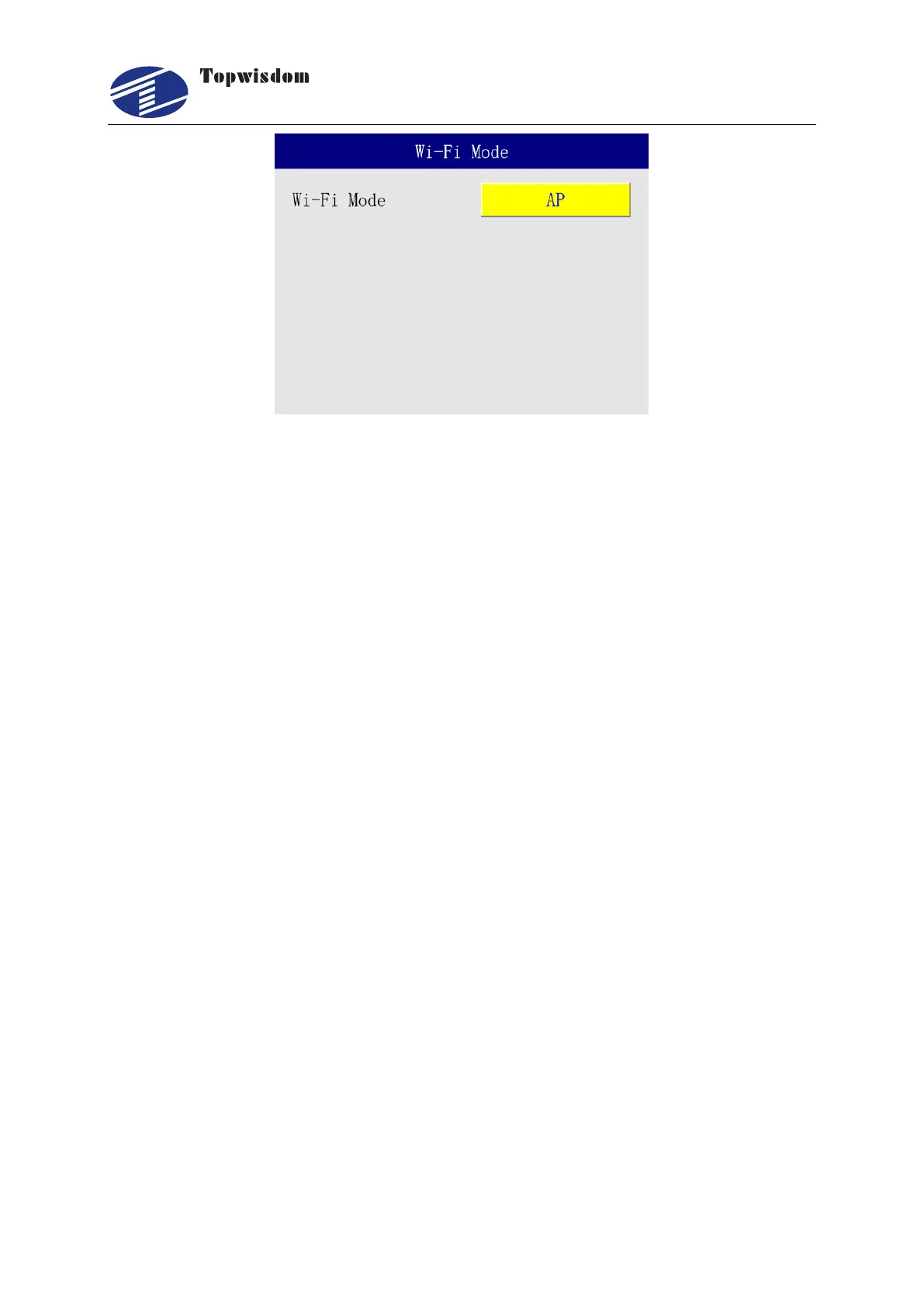
3. Wi-Fi mode is divided into AP and Station. In AP mode, the control card is used as a WiFi
access point, and the computer directly searches for the SSID of the control card through
the wireless network and connects to the control card. When the computer is networked
through a router, the control card selects the Station mode and searches for the connection
to the router. In this way, the computer is connected to the control card through the router.
4. Therefore, the WiFi network used by the controller, so the Ethernet cable cannot be used
for direct connection, and the computer itself needs to have the function of wireless
network card to communicate with the controller using this network.
Connection Description: (Take the default IP address of the controller as an example).
1.AP Mode
First, change the controller WiFi mode to AP.
Second, set the IP address. If the IP address of the controller is 192.168.0.51, you need to set
the device IP address in the AutoLaser software to be the same as the controller.
Software setting method: Open AutoLaser-Device-IP address, and click "Save" below after
setting. As shown in the figure:



 To Next Page