Shenzhen Topwisdom Technology Co., Ltd
22
The list of files is displayed on the left side of the interface, the preview image in the upper
right area, and the file information in the lower right area.
1. Total File: the total number of files, up to 500 files.
2. Selected File: the currently selected file.
3. Number: the completion times of the selected file.
4. Time: the previous processing time of the selected file.
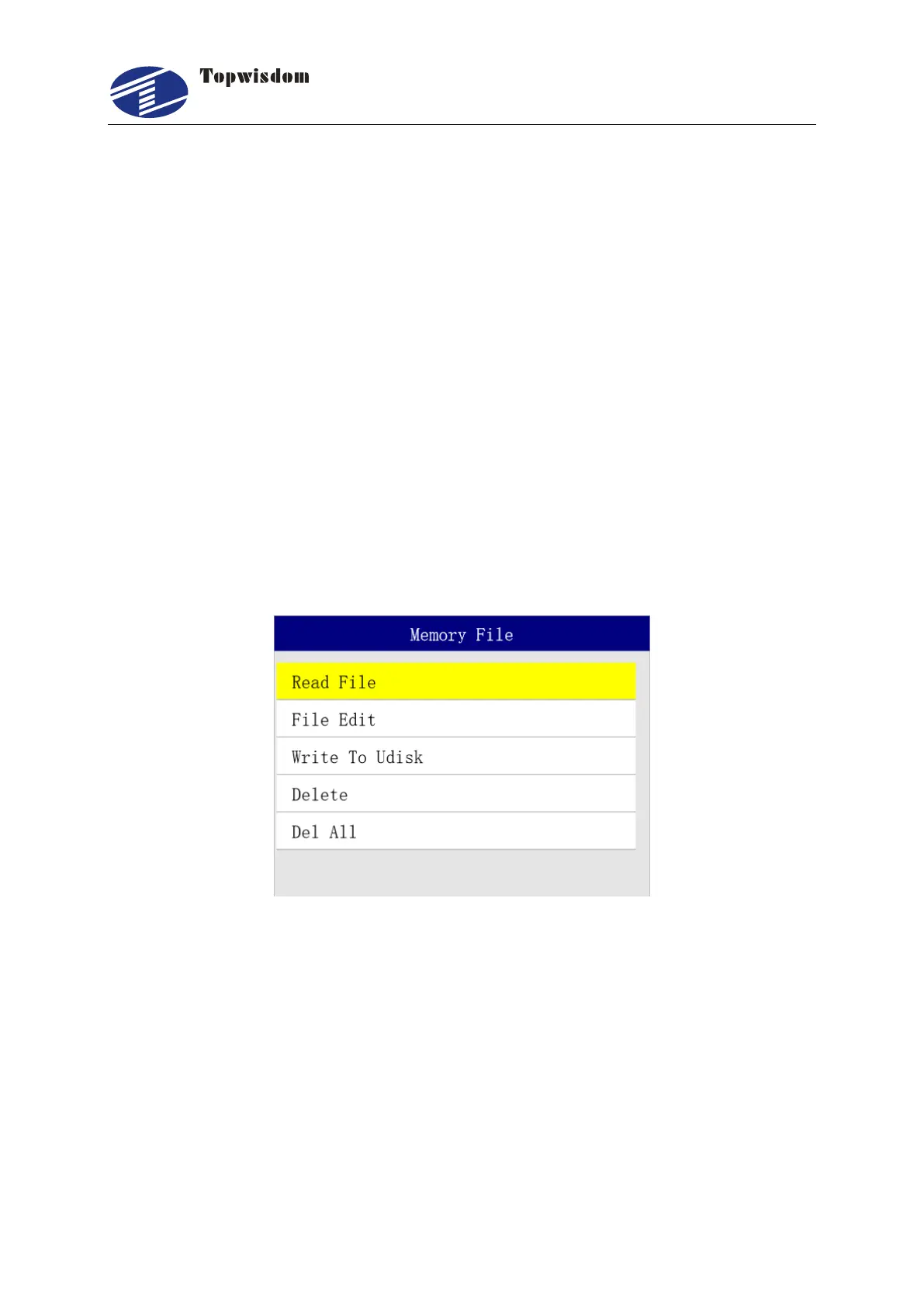
Press "Down/Up" to view the file, press "Select" key to find the current file, press "ESC" to
quit. Press "Enter" to operate, show as:
5. Reading File: select this file to work.
6. File Edit: edit the file parameters like speed and power.
7. Write to U Disk: copy the file into U disk.
8. Delete: delete the current file.
9. Delete all: delete all memory files.
Press "Enter" to confirm the operation, press "ESC" to quit and return to the original
interface.
Under File Edit, the layer parameter and file parameter can be set, as shown in the Fig. Press
"Enter" to enter into the next interface.



 To Next Page