Shenzhen Topwisdom Technology Co., Ltd
39
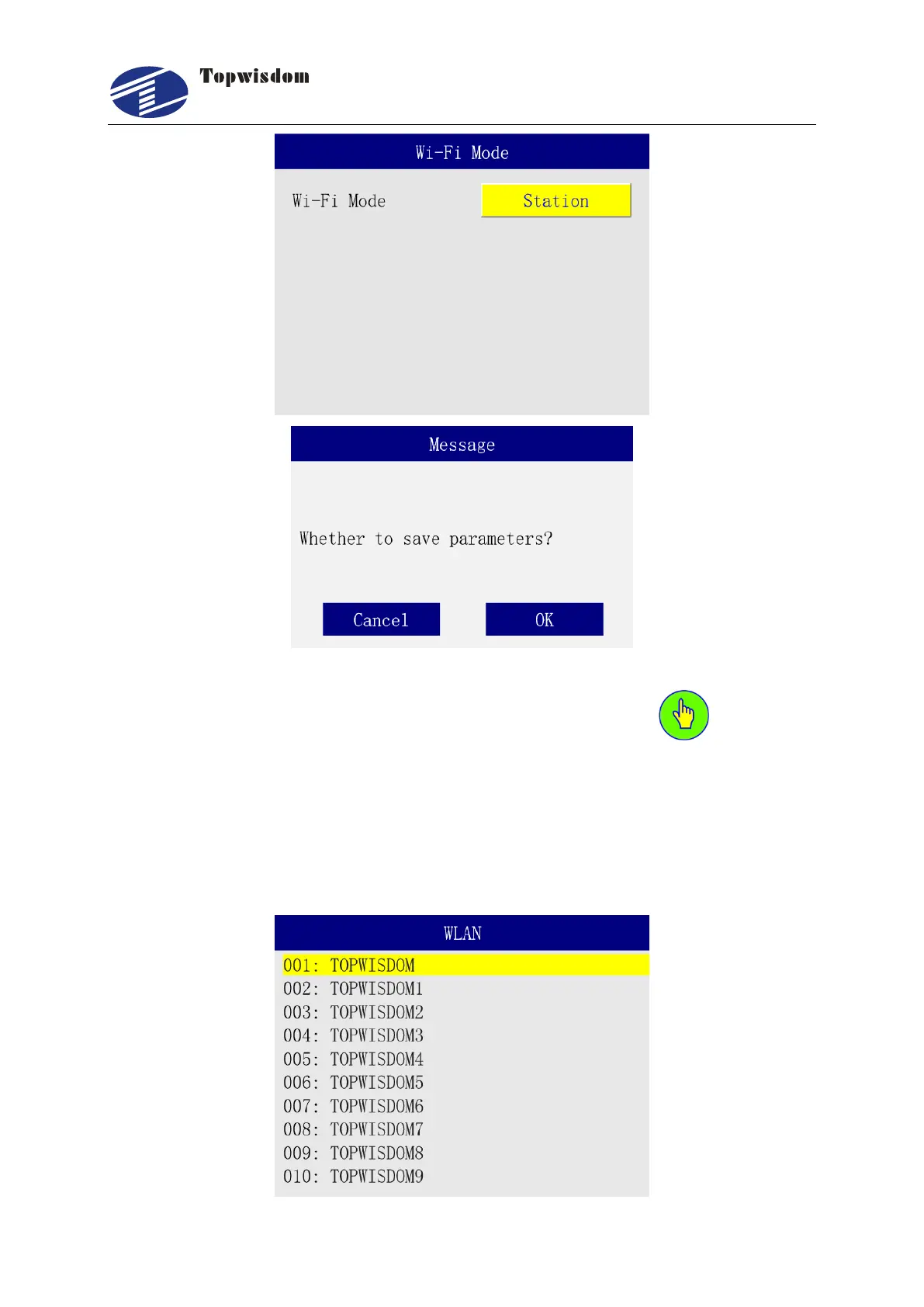
In the WLAN page, the available wifi ssid will be displayed, select the same wireless network
as the computer, click enter, enter the password input page, press to enter the
password and press the "Enter" button to save and connect. After the connection is successful,
it will prompt that the connection is successful, and enter the IP address setting interface to set
the address. Then set the computer IP and fill in the device IP address in AutoLaser, and select
the device to communicate. For details, see the IP address settings in the AP mode.



 To Next Page