Shenzhen Topwisdom Technology Co., Ltd
50
after locking the machine, you could also enter the system after entering the
Administrator password.
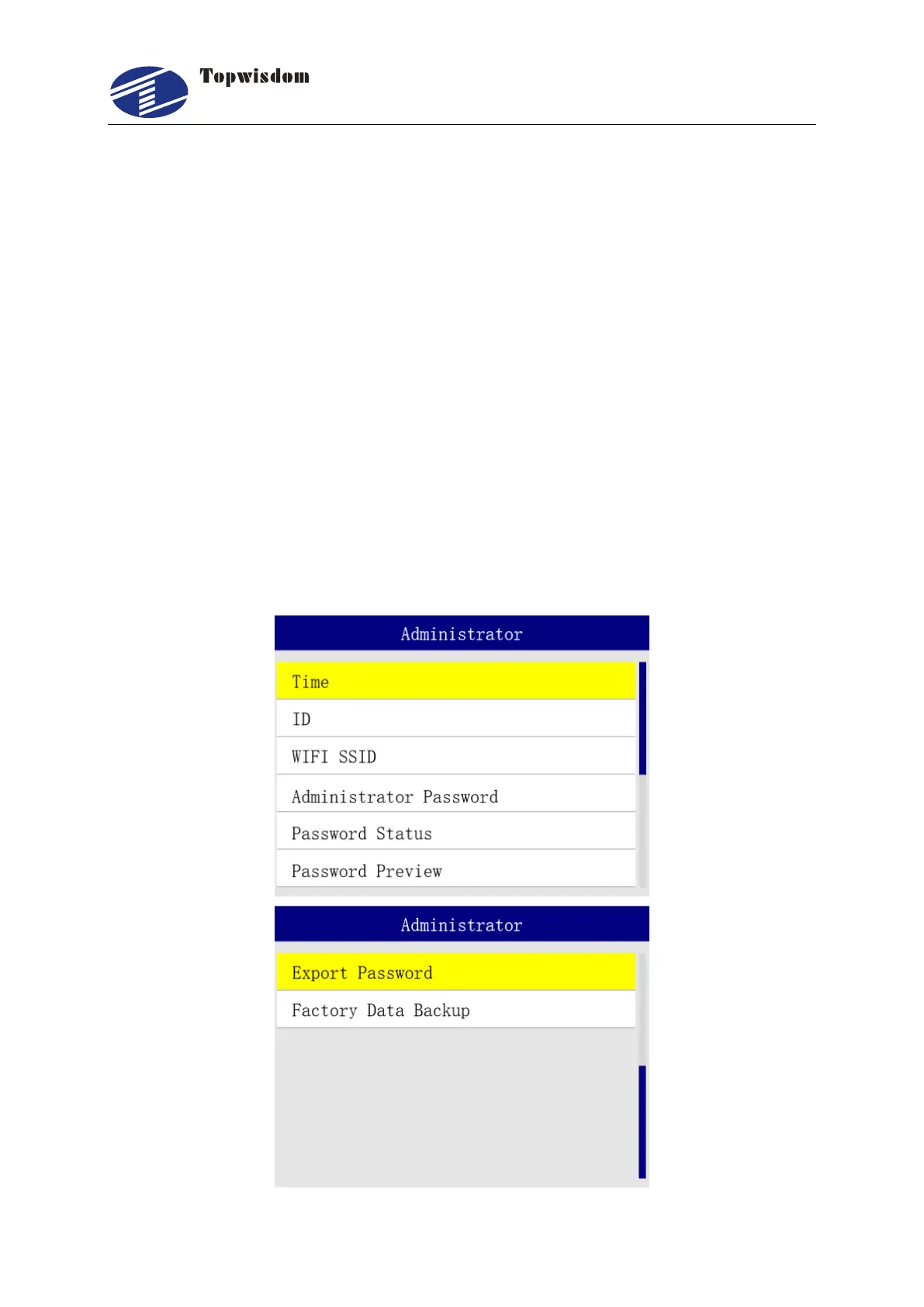
5. Password Status: when the time limit is set to "Open", the periodic passwords start
working.
6. First Lock Date: the periodic password starts on the lock date, and the setting range is
1~31 days.
7. Password Times: set the times of periodic passwords, one period for one month.
8. Password Preview: shows the periodic passwords for the lock.
9. Export Password: insert a USB flash drive into the system and click Password Export.
You can export the Periodic Passwords to a text file on the USB flash drive. The file
name is the device number.
10. Factory Data Backup: backup the factory machine parameters.
The time base is subject to the time set by the system.
Note: 7 days before the system is locked, the system will prompt the remaining days of
the lock to remind the user to unlock in time.



 To Next Page