7
play pattern
The pattern menu behaves differently depending on whether the T-1 is currently playing:
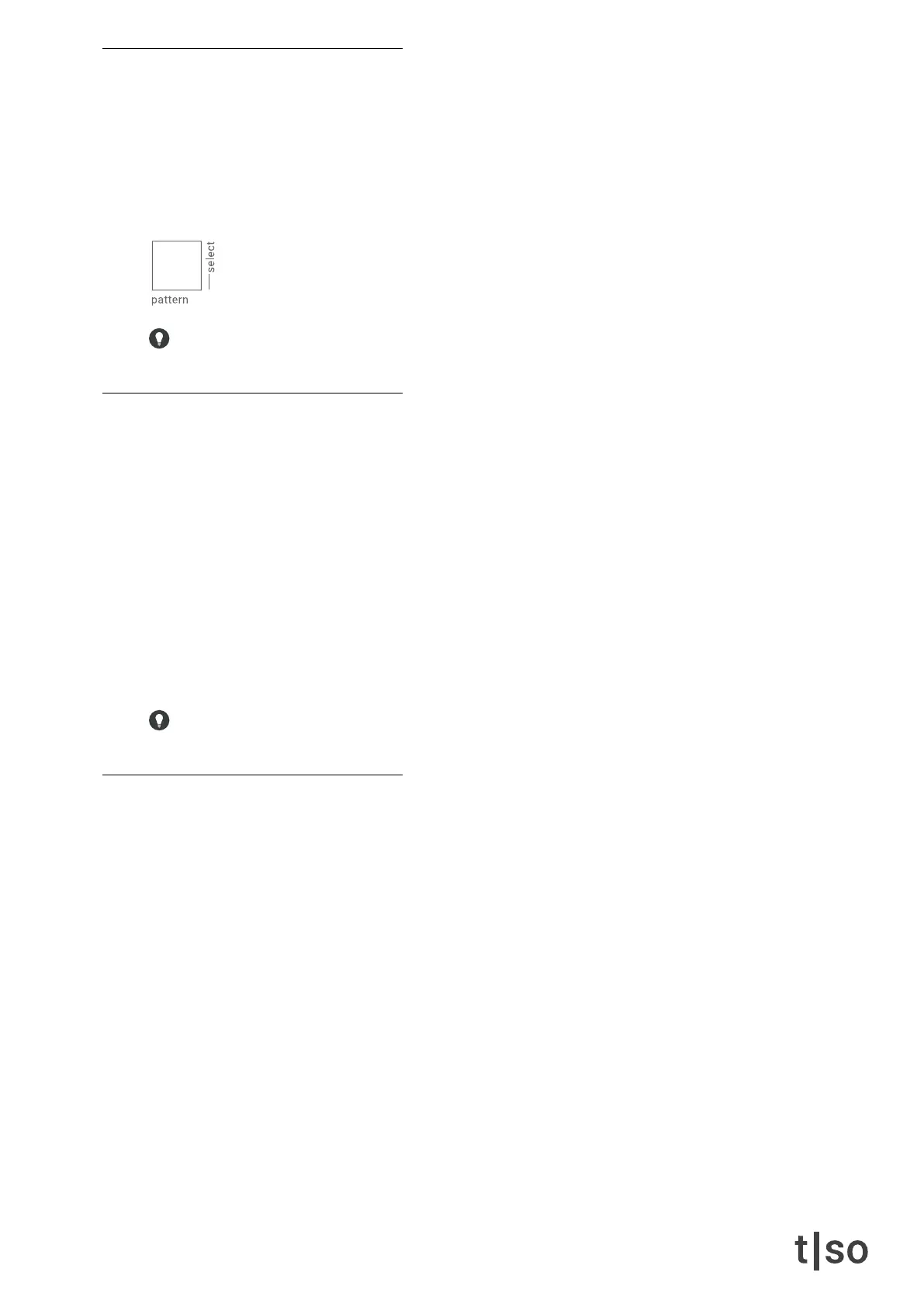
• If playback is stopped, pressing [ PATTERN ] + [ VALUE ] selects the pattern.
• If playback is started, pressing [ PATTERN ] + [ VALUE ] queues the pattern to play next.
The playback of the next pattern will start according to the current pattern’s quantization setting (by de-
fault, all patterns are set to 1 bar).
Pattern quantization can be set with [ CTRL ] + ( QUANTIZE ). See “quantize” on page 27.
pattern chain
Patterns can be played automatically after each other in a sequence. This sequence is the pattern chain,
which is saved to the bank.
To create a pattern chain, follow these steps:
1. Press [ PATTERN ] and hold the [ VALUE ] button that should be rst in the chain.
2. While holding the rst [ VALUE ] button, add patterns to the chain by pressing [ VALUE ] buttons in the
desired order.
3. Release the rst [ VALUE ] button.
4. The chain will now play after the currently playing pattern.
[ PATTERN ] + hold [ VALUE ] + [ VALUE ] ...
To play a pattern chain from another bank, hold [ BANK ] + select bank + press [ PATTERN ].
select pattern during playback
If playback is started, patterns can be selected by using the combination
[ CTRL ] + [ PATTERN ] + [ VALUE ]
This feature allows editing patterns without interrupting playback of a pattern chain.



 To Next Page