19
groove
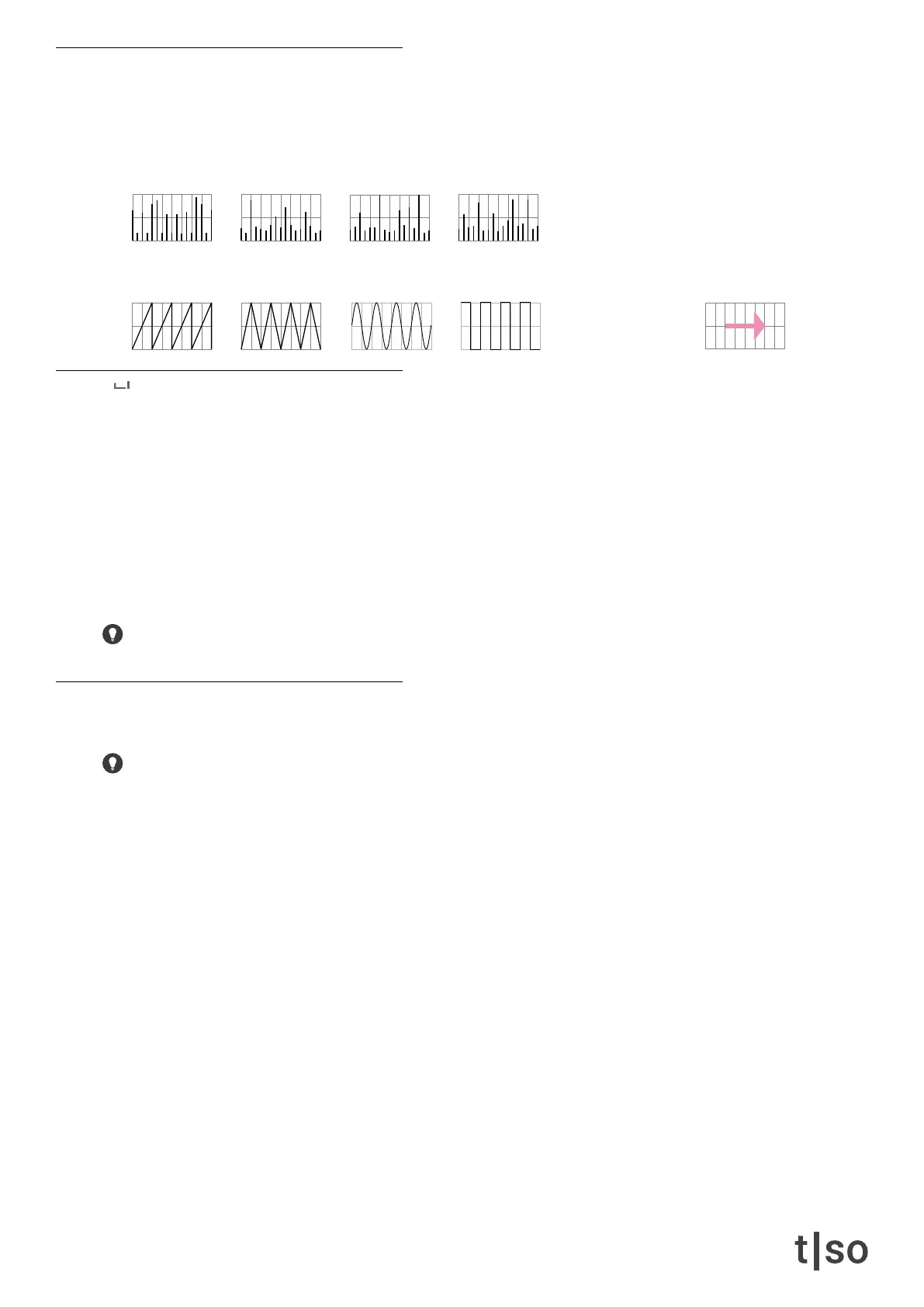
There are 8 different grooves with different velocity characteristics. The last groove on [ VALUE ] button 16 en-
ables timing and velocity variations from the CV input.
timing
Adjust the micro-timing applied the rhythm, by stretching the beat grid asymmetrically. Turning the timing knob
clockwise/counterclockwise lets you continuously increase/decrease the note value of every 2nd subdivision of
the beat grid, to create a non-uniform grid.
The [ RED ] modier buttons let’s you select 3 different subdivisions of the main division. By default the timing
division is the same as the track division.
• The top modier button sets the rate to track division X 2.
• The bottom modier button sets the rate to track division X 4.
Turing the timing knob clockwise will create swing like timing characteristics.
delay
Adjusts the amount of overall positive or negative delay applied to the track.
Press the [ VALUE ] buttons in the lower row to x delay to 1/16th, 1/8th, and a quarter note.
[ TRACK 1 ]
Agogo
[ TRACK 2 ]
Timbales
[ TRACK 3 ]
Congas
[ TRACK 4 ]
Bongo
[ TRACK 9 ]
Saw
[ TRACK 10 ]
Triangle
[ TRACK 11 ]
Sine
[ TRACK 12 ]
Pulse
[ TRACK 16 ]
CV input



 To Next Page