4
THE USER INTERFACE
basic user interface
The T-1 has a total of 18 endless push encoders and 23 multicolor push buttons that are used for operating the
unit. The multicolored light in the buttons are used to display information that will help you in interacting with the
machine.
Link to tutorial video: torsoelectronics.com/tutorials/t1/basic-user-interface
value buttons
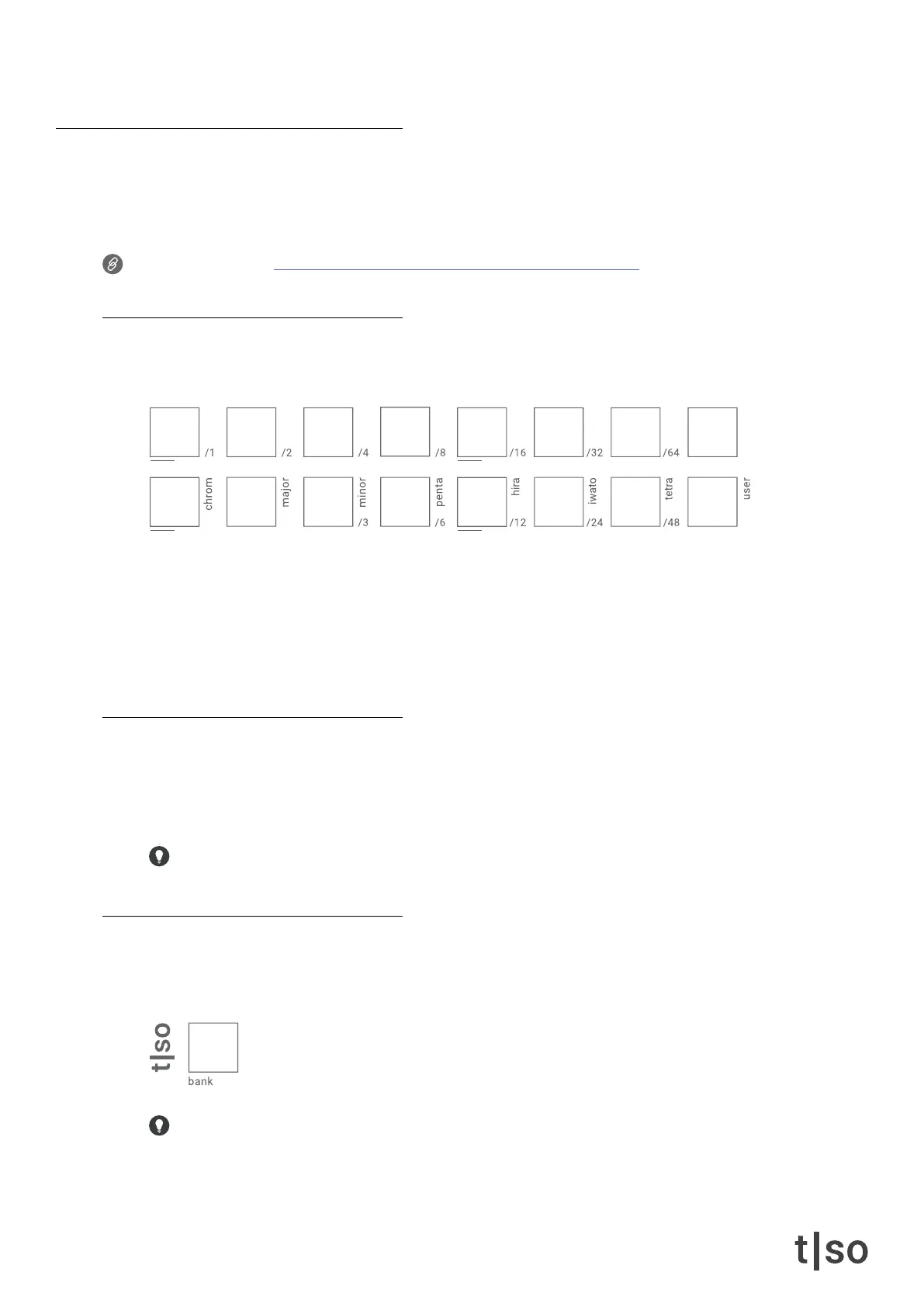
The 16 [ VALUE ] buttons have multiple purposes. The [ VALUE ] buttons are for selecting the active track.
The active track(s) is lit in ORANGE and indicates which track you are editing.
When pressing and holding
• [ MUTE ], the [ VALUE ] buttons lets you mute or unmute the 16 tracks in the pattern.
• [ PATTERN ], the [ VALUE ] buttons represent 16 patterns.
• [ BANK ], the [ VALUE ] buttons represent 16 banks.
knobs
Every knob holds a function for shaping the composition of the active track, except the knobs
( QUANTIZE ) and ( TEMPO ), which are bound to the active pattern and bank respectively.
When a knob is pressed, the [ VALUE ] buttons show the value of the current parameter, which is changed
by turning the knob or by pressing the buttons.
All ( KNOBS ) can be double tapped for keeping the parameter menu visible on the [ VALUE ] buttons.
home button
Apart from selecting the current bank, the [ BANK ] button also works as a home button. Pressing [ BANK ]
lets you return to the default track overview.
This is a fast way to exit any parameter menu and return to the default track overview.



 To Next Page