11
automation (cycles)
Cycles allows for creating parameter-lock style automations.
On a default track, the T-1 plays 4 identical Euclidean cycles after each other but up to 16 cycles can be created.
Each cycle contain settings for every parameter on the T-1. They are identical at rst, but can be changed individu-
ally to create progressions and other musical variations.
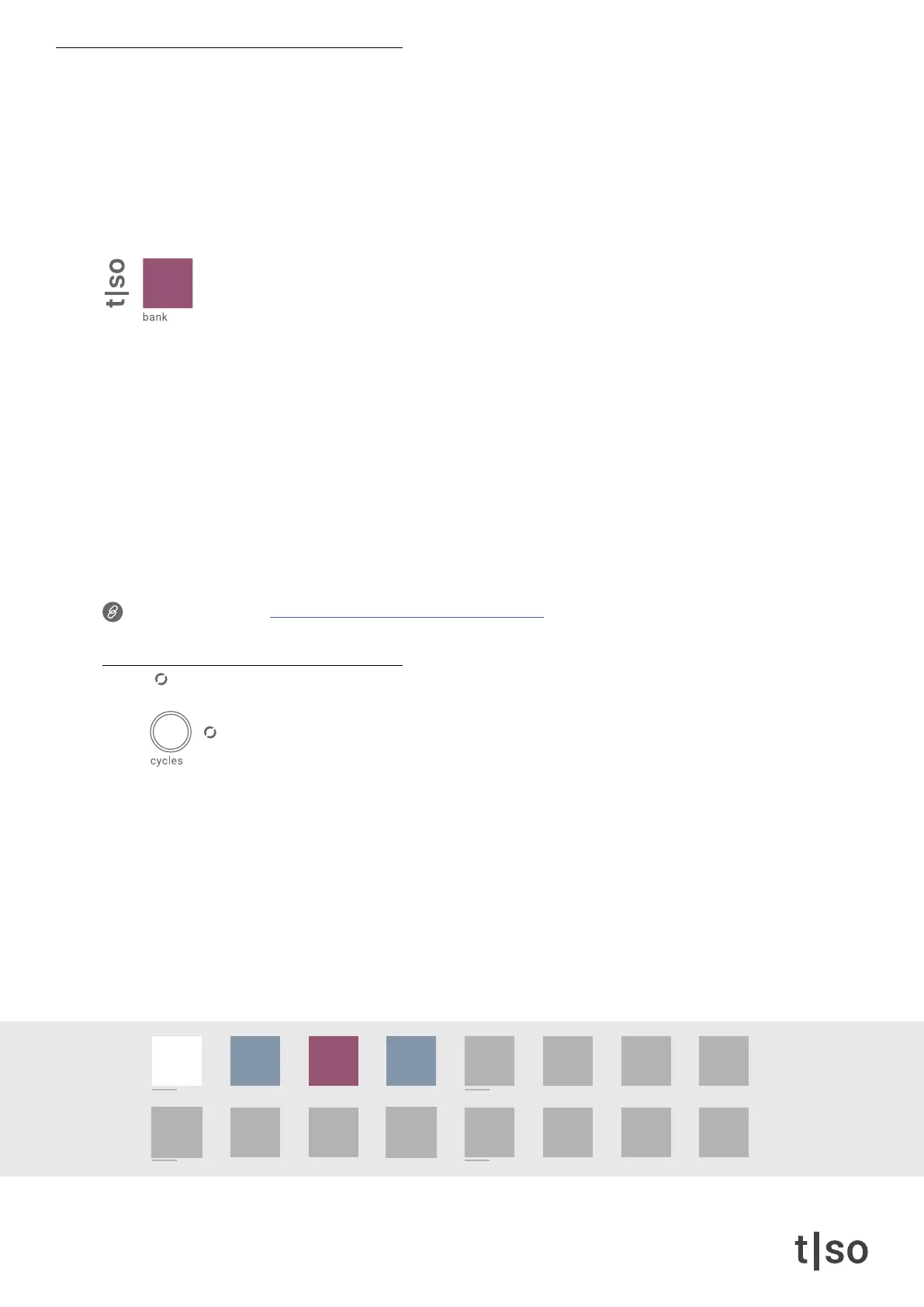
When cycles editing mode is activated, the [ BANK ] button is RED. In this mode, the currently selected cycle’s
parameter values are displayed.
Parameter changes works differently depending on whether the cycles editing mode is activated:
Cycles editing mode activated
• All changes to parameters are saved within the selected cycle.
Cycles editing mode deactivated
• When turning a ( KNOB ), parameter changes are applied relatively to all cycles.
• When pressing a [ VALUE ] button inside a parameter, changes are applied absolutely to all cycles. This
corresponds to removing automation.
Link to tutorial video: torsoelectronics.com/tutorials/t1/cycles
cycles
When the ( CYCLES ) knob is pressed or double tapped, it is possible to make changes to the active cycle
by adjusting any of the other parameters.
Turn the ( CYCLES ) knob to select the active cycle. The active cycle is indicated with a WHITE color.
The DARK BLUE indicates the number of cycles, and the RED color indicates that a cycle has been edited.
The FLASHING light indicates the currently playing cycle.
Press [ CTRL ] and turn the ( CYCLES ) knob to adjust the number of cycles. The maximum number of
cycles per track is 16.
/1 /2 /4
/3
/8
/6
/16 /32 /64
/12 /24 /48
chrom
major
minor
penta
hira
iwato
tetra
user



 To Next Page