10
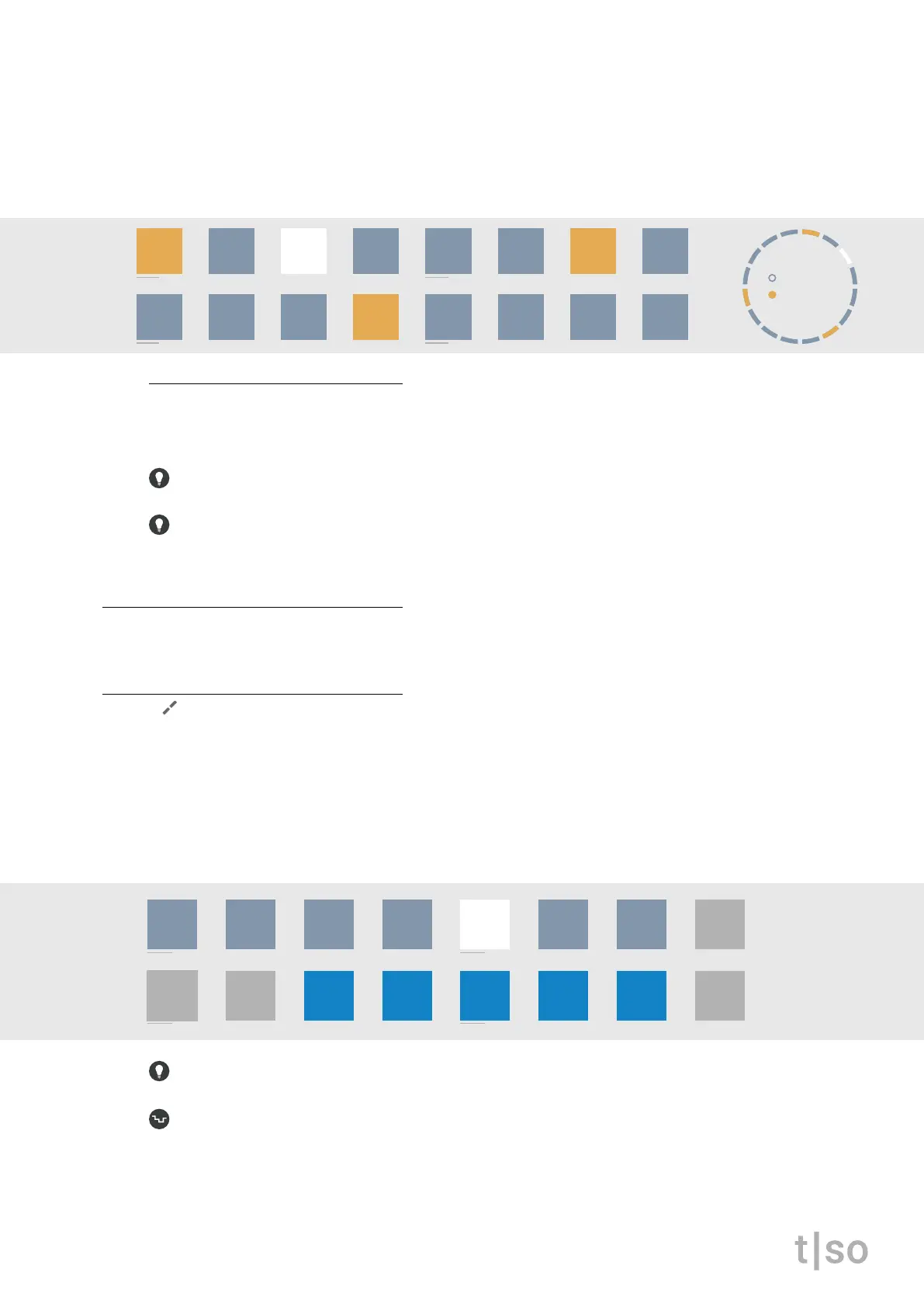
Steps and pulses share the same visualization on the [ VALUE ] buttons.
• ORANGE indicates the pulses of the Euclidean rhythm.
• DARK BLUE indicates the number of steps.
• WHITE indicates the playhead.
step-sequencer notes
As an additional layer to the Euclidean rhythm, it is possible to manually place and remove pulses
similar to a classic step sequencer. Press the [ VALUE ] buttons to toggle the steps.
Double tap ( STEPS ) or ( PULSES ) to keep the Euclidean cycle visible on the [ VALUE ] buttons.
While holding ( PULSES ) + [ CLEAR ], press a [ VALUE ] button to remove all pulses and step-se-
quencer pulses.
rotate
Shifts the start point of the rhythm.
division
The note value of each step in the cycle. Ranges from 1/1 to 1/64. The default is 1/16.
When the knob is pressed, the [ VALUE ] buttons will represent different note divisions.
• The rst row of buttons [ VALUE 1-7 ] represents quadruplets: 1/1, 1/2, 1/4, 1/8, 1/16, 1/32, 1/64
• The second row of buttons [ VALUE 11-15 ] represents triplets: 1/3, 1/6, 1/12, 1/24, 1/48
• The button in WHITE represents the selected division.
To access the triplets, press [ VALUE 11-15 ], or turn ( DIVISION ) in combination with [ CTRL ].
Random affects division after each cycle. The random modulation for division is unipolar. If the mod-
ulation amount is positive, the division is modulated within its current tuplet. If the amount is negative,
the division is modulated across both quadruplets and triplets.
Press ( RANDOM ) + turn ( DIVISION )
chrom
major
minor
penta
hira
iwato
tetra
user
Steps
Pulses
Repeats
16
02
06
Offset03
steps
pulses
16
03
/1 /2 /4
/3
/8
/6
/16 /32 /64
/12 /24 /48
chrom
major
minor
penta
hira
iwato
tetra
user



 To Next Page