17
GROOVE SECTION
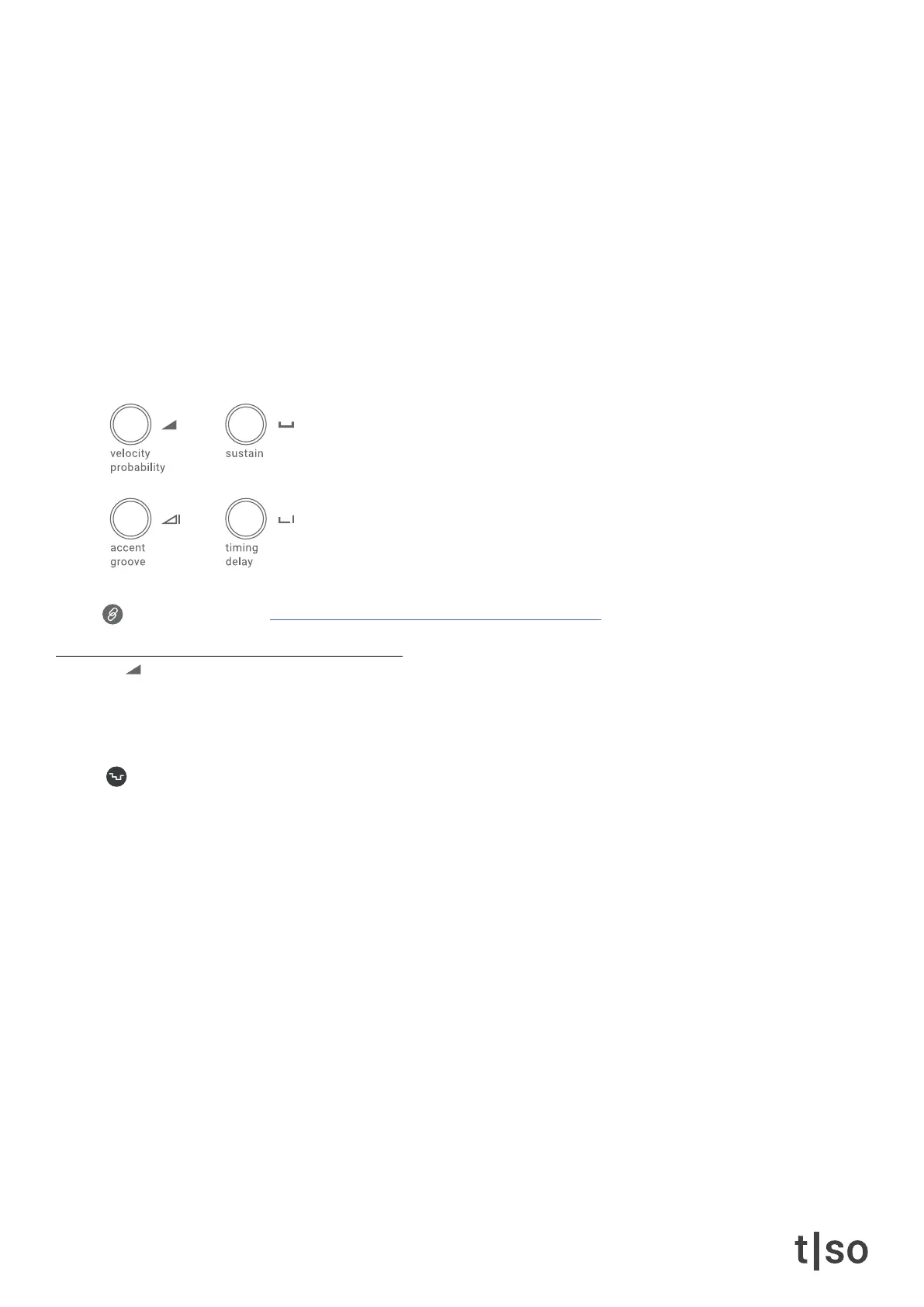
The groove section applies timing and velocity characteristics to the sequence. This is a fast way of applying
musical groove and feel to your composition. You can modify the groove behavior by adjusting the parameters.
• Velocity controls the base velocity of notes.
• Probability lters notes based on chance.
• Sustain controls the note length.
• Accent adds velocity variations to notes.
• Groove selects the groove used for variations.
• Timing adjusts the amount of micro-timing applied to the rhythm.
• Delay adds positive or negative delay to the track.
Link to tutorial video: torsoelectronics.com/tutorials/t1/groove-section
velocity
Adjusts the base velocity for all notes on the track. The value is visualized on the [ VALUE ] buttons in DARK
BLUE. The velocity can be set to a value between 1-127.
Random affects the individual notes inserted in the ( PITCH ) menu after each cycle.
Press ( RANDOM ) + turn ( VELOCITY )



 To Next Page