22
scale
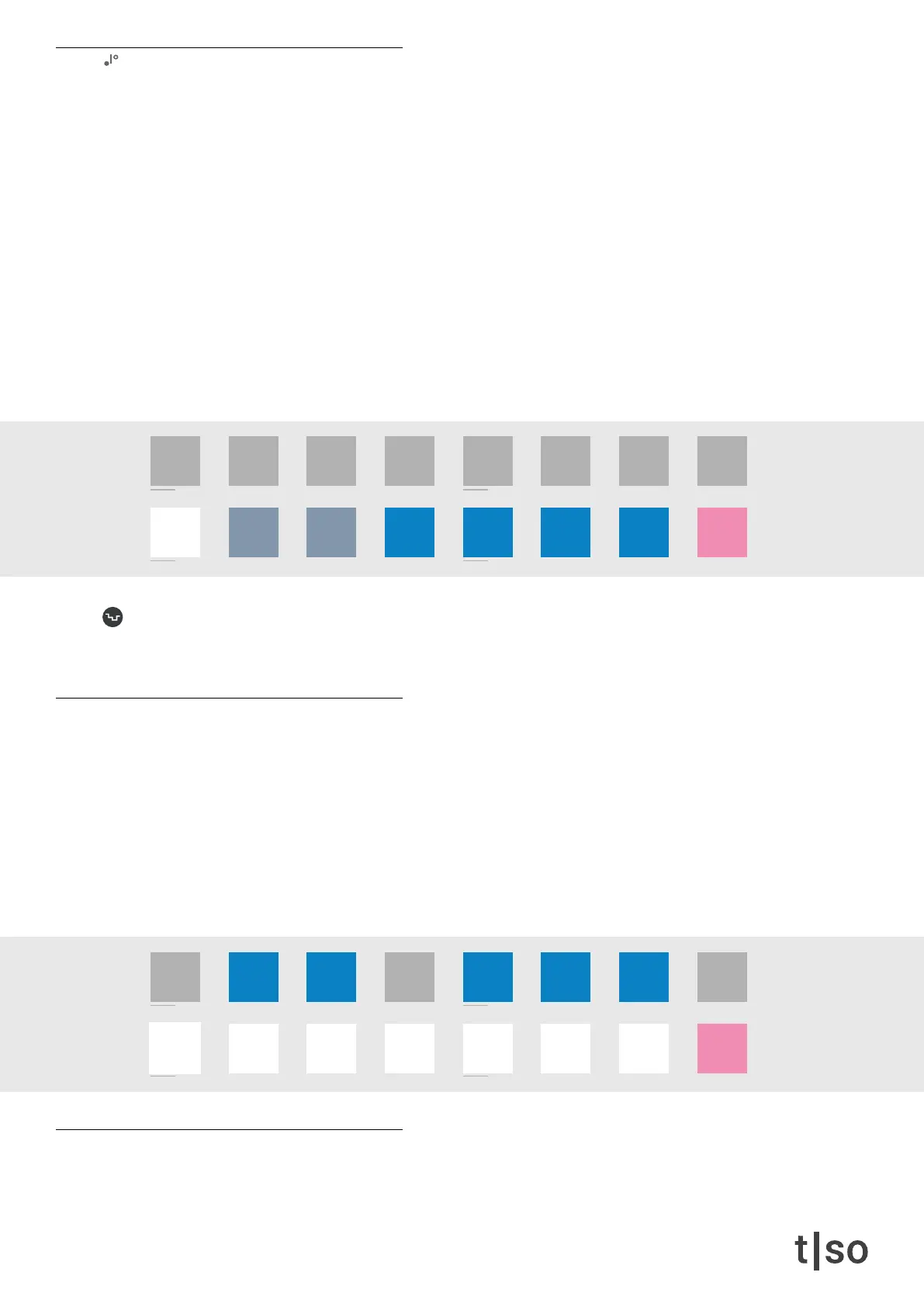
The scale parameter lets you select between 8 different scales on the lower row of the [ VALUE ] buttons.
• [ VALUE 9 ] Chromatic
• [ VALUE 10 ] Major
• [ VALUE 11 ] Minor
• [ VALUE 12 ] Pentatonic
• [ VALUE 13 ] Hirajōshi
• [ VALUE 14 ] Iwato
• [ VALUE 15 ] Tetratonic
• [ VALUE 16 ] User scale
• The WHITE button represents the currently selected scale.
Random affects the selection of scales after each cycle.
Press ( RANDOM ) + turn ( SCALE )
user scale
Press ( SCALE ) + press and hold [ VALUE 16 ] to access the user scale.
While holding the [ VALUE 16 ] button, it is possible to turn off undesired notes. This works similarly as an au-
totuner. The user scale should be created with C as the root note, as ( ROOT ) transposes the user scale in the
same manner as the preset scales.
When releasing [ VALUE 16 ] button, the user scale is selected. There is a user scale available for each of the 16
tracks in the pattern.
root
Sets the root note of the scale.
/1 /2 /4
/3
/8
/6
/16 /32 /64
/12 /24 /48
chrom
major
minor
penta
hira
iwato
tetra
user
/1 /2 /4
/3
/8
/6
/16 /32 /64
/12 /24 /48
chrom
major
minor
penta
hira
iwato
tetra
user



 To Next Page