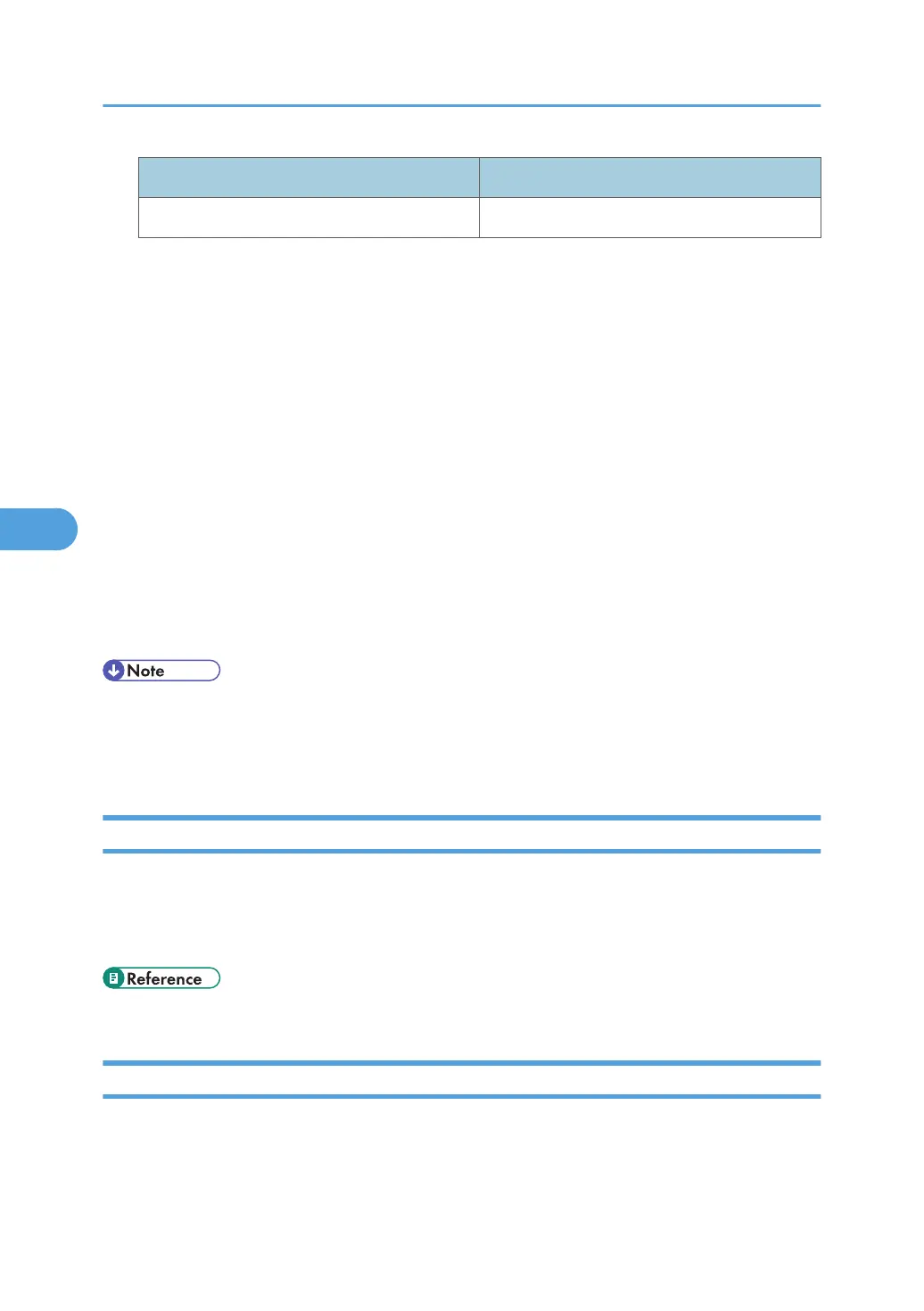
Interface name Interface configured
ether Ethernet Interface
The following explains how to configure an IPv4 address 192.168.15.16 on Ethernet interface.
msh> ifconfig ether 192.168.15.16
IPv6 configuration
msh> ifconfig ether inet6 "interface_name" "printer_name"
The following explains how to configure an IPv6 address to 2001:DB8::100 with prefix length 64
on the Ethernet interface.
msh> ifconfig ether inet6 2001:DB8::100 64
Netmask configuration
msh> ifconfig "interface_name" netmask "address"
The following explains how to configure a subnet mask 255.255.255.0 on Ethernet interface.
msh> ifconfig ether netmask 255.255.255.0
Broadcast address configuration
msh> ifconfig "interface_name" broadcast "address"
• To get the above addresses, contact your network administrator.
• Use the default configuration if you cannot obtain setting addresses.
• Use "0x" as the initial two letters of a hexadecimal address.
info
Use the "info" command to display printer information such as paper tray, output tray, and printer language.
Printer information display
msh> info
• p.211 "Getting Printer Information over the Network"
ipp
Use the "ipp" command to view and configure IPP settings.
Viewing settings
The following command displays the current IPP settings:
5. Monitoring and Configuring the Printer
188


 To Next Page