15
To set the minimum dose rate…
1. Select the Titration menu (
→
→→
→
F4:Setup
→
→→
→
F6:Titr.).
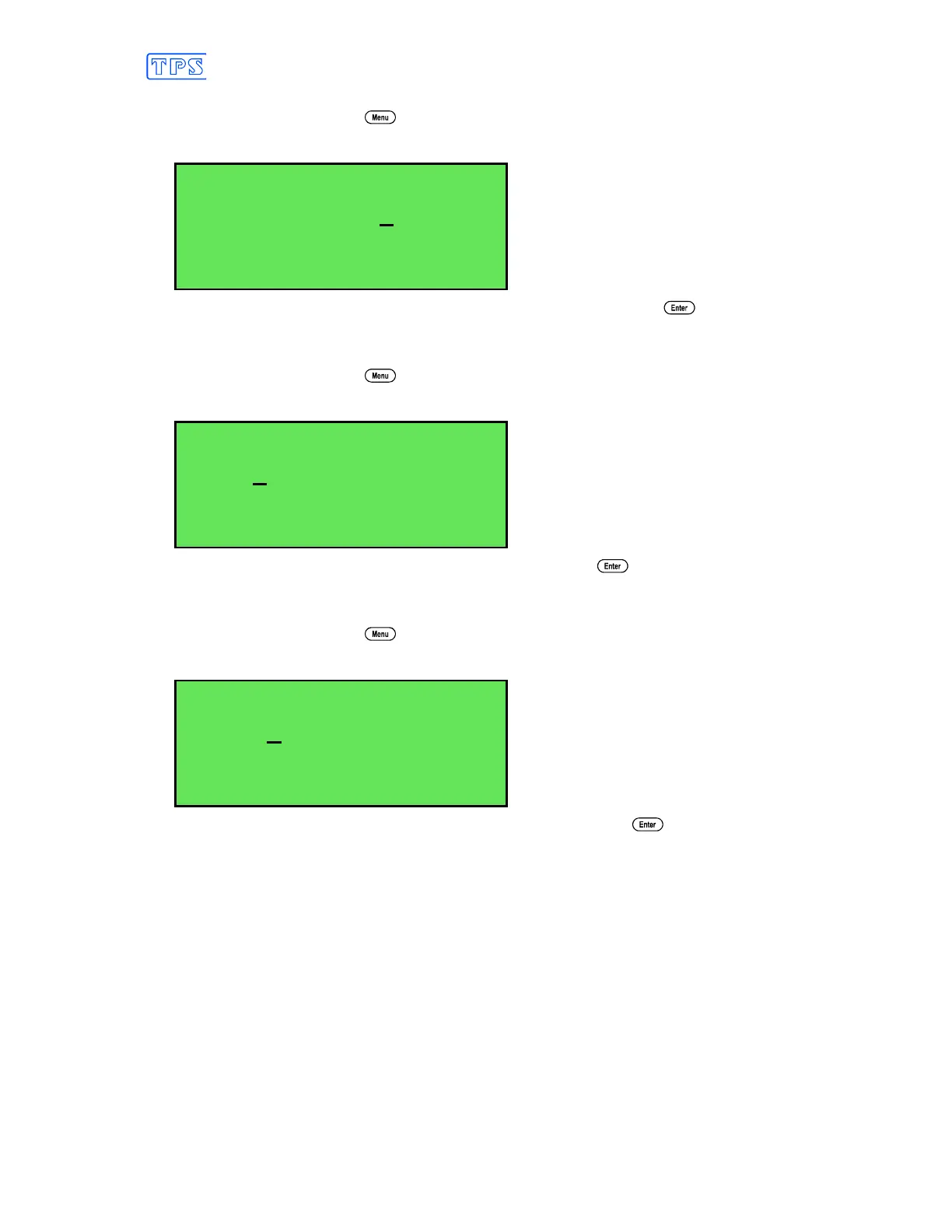
2. Select F3:Min Rate from the menu. The following screen is now displayed…
Enter Minimum mL/min
Addition Rate:0.2
Enter the minimum dose rate, from 0.1 to 3.0 mL / minute, and press .
To set the proportional band...
1. Select the Titration menu (
→
→→
→
F4:Setup
→
→→
→
F6:Titr.).
2. Select F2:Prop. from the menu. The following screen is now displayed…
Enter Proportional
Band:1.00pH
Enter the proportional band, from 0.1 to 1.00 pH. and press .
To set the delay time...
1. Select the Titration menu (
→
→→
→
F4:Setup
→
→→
→
F6:Titr.).
2. Select F4:Delay from the menu. The following screen is now displayed…
Enter End Time
Delay:10 sec
Enter the end point time delay, from 3 to 300 seconds, and press .



 To Next Page