Programming Codes iTherm
®
280 Programmer’s Guide
28-04430 Rev K Page 111
iTherm
®
280 Page Mode
The iTherm
®
280 supports two operational modes, standard and page mode. In
standard mode, as a line of text is received it is buffered and printed when the line feed
is received. In page mode the printer waits for a complete ―Page‖ (a number of lines) to
be received before printing the complete page. The advantage of page mode is that text
and/or graphics can be placed anywhere on the page, in any order, and in any of 4
orientations.
How to use page mode
Page mode requires two phases to operate correctly.
1) Page definition (placing data on the page)
2) Printing the page.
Page Definition
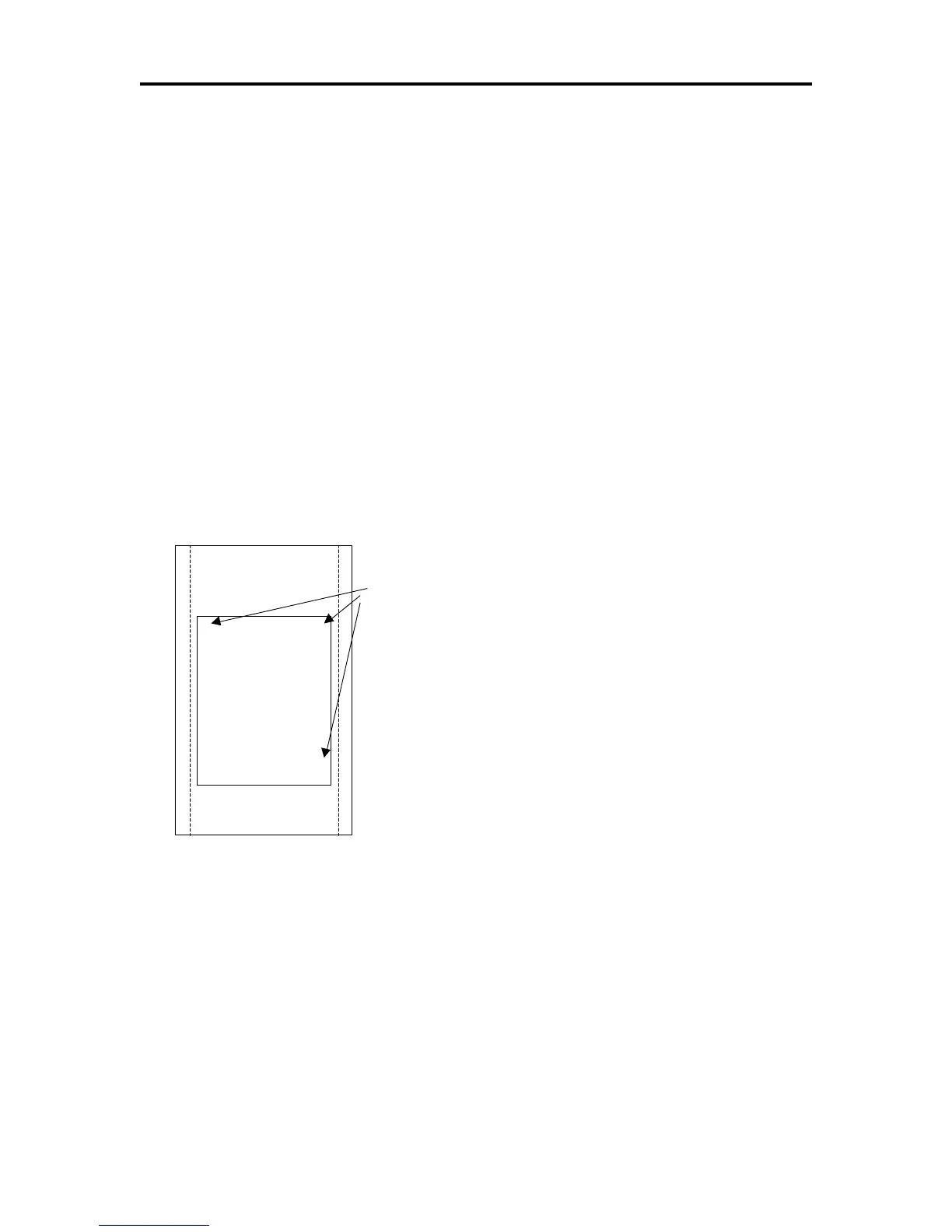
The [ESC]t command will start page definition and define the initial orientation. An
[ESC]t command during page definition will change the orientation and reset the entry
location back to the top left corner of that orientation.
Receipt or
Inserted Form
B > > > > >
A > > > > >
D > > > > >
C > > > > >
Initial entry
location
Figure 6 Page Mode entry Orientations
Auto-cutter and page mode
You may embed an auto-cutter command with in a page definition, provided the page
will be printed on the receipt station. The auto-cut command may be placed anywhere in
the page definition, however, it will be processed after the page is printed. To prevent
the cut from occurring in the page, it will be preceded with a feed that will place the end
of the page about 0.125 inches above the auto-cut position.
Mechanism commands in page mode
In general, mechanism commands received during page mode will be processed if the
result will not effect the printed result. For example, the bell and cash drawer commands
will be processed as they are received.



 To Next Page