Programming Codes iTherm
®
280 Programmer’s Guide
Page 202 Rev K
Paper Sensor Commands
Function Select Paper Sensor(s) to Stop Printing
ASCII [ESC] c 4 <n>
Hexadecimal 1BH 63H 34H <n>
Decimal <27> <99> <52> <n>
Range 0 n 255
Description ESC c 4 n selects whether to stop printing or not when the paper low is detected.
There are three sensors in the TM-88 or TM-90 that are simulated in the iTherm
®
280: the paper roll low, paper roll end sensor, and validation sensor. The paper
roll low sensor is enabled when either bit 0 or bit 1 is on. The paper roll end
sensor is enabled when either bit 2 or bit 3 is on. The validation sensor is
enabled when either bit 6 or bit 7 is on. When a paper low or a paper out is
detected, printing stops after printing the current line. The printer goes off line
after printing stops. Installing a new roll starts printing again. The default setting
is n=12. If the paper roll low sensor or paper roll end sensor is disabled and a
paper out is detected, printing does not stop. The printer does not go off line, and
the Paper Out LED comes on. When the validation sensor is enabled and a
paper-end is detected, the printer ejects the paper after printing as much as
possible and enters the paper waiting state. When the validation sensor is
disabled and a paper-end is detected, the printer does not stop printing and eject
the paper. It is possible to select multiple sensors to stop printing. Then when
any sensor detects a paper-end, printing stops. When a paper sensor is enabled
with this command, printing stops only when the corresponding paper is selected
for printing. Print sheet can be selected by using ESC c 0.
Note: The iTherm
®
280 does not allow the paper out sensor to be
disabled.
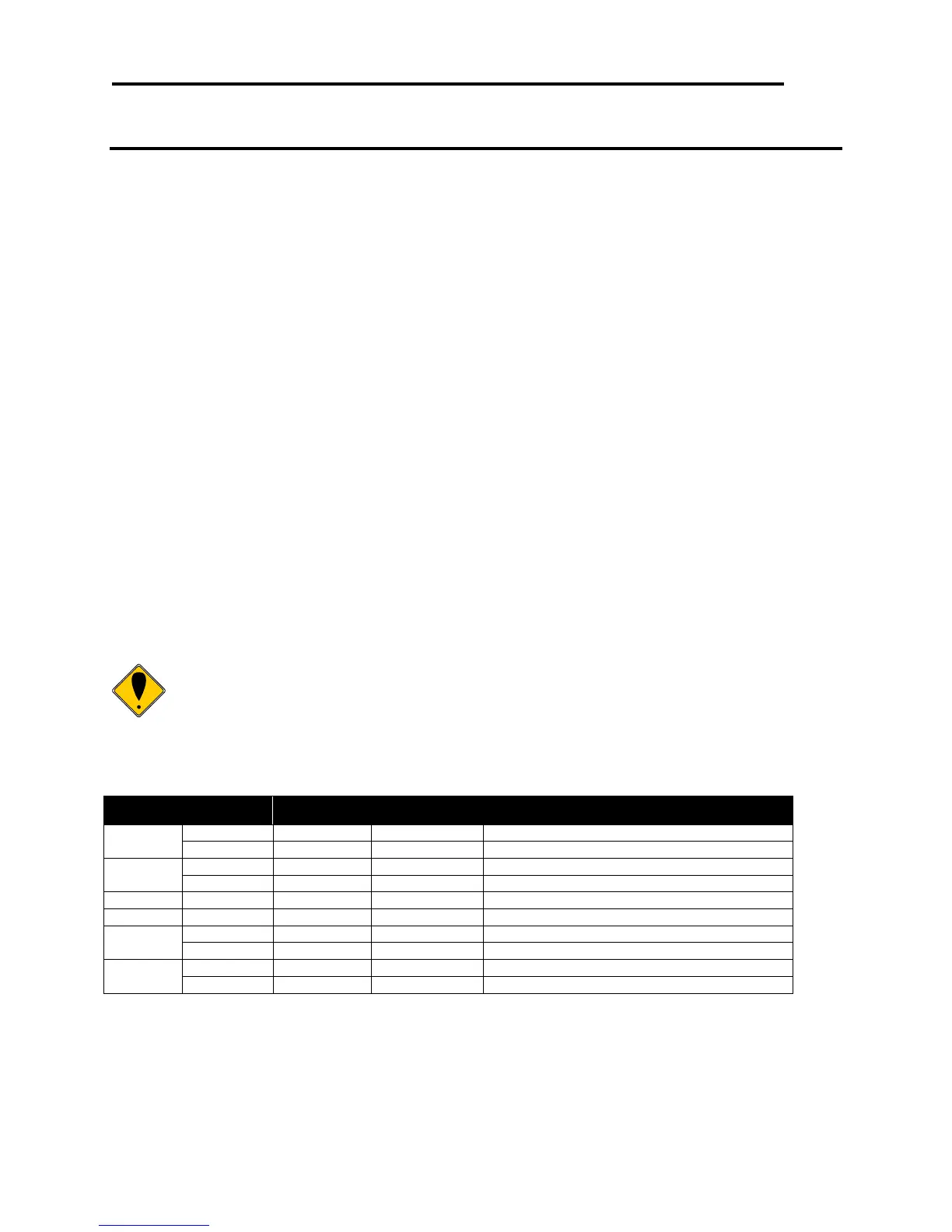
The paper sensor(s) used to stop printing are selected by using n as follows:
Paper roll low sensor disabled.
Paper roll low sensor enabled.
Paper roll low sensor disabled.
Paper roll low sensor enabled.
Paper roll end sensor enabled (always on)
Validation sensor disabled.
Validation sensor enabled.
Validation sensor disabled.
Validation sensor enabled.
Table 30 Paper Sensor Commands



 To Next Page