Programming Codes iTherm
®
280 Programmer’s Guide
Page 164 Rev K
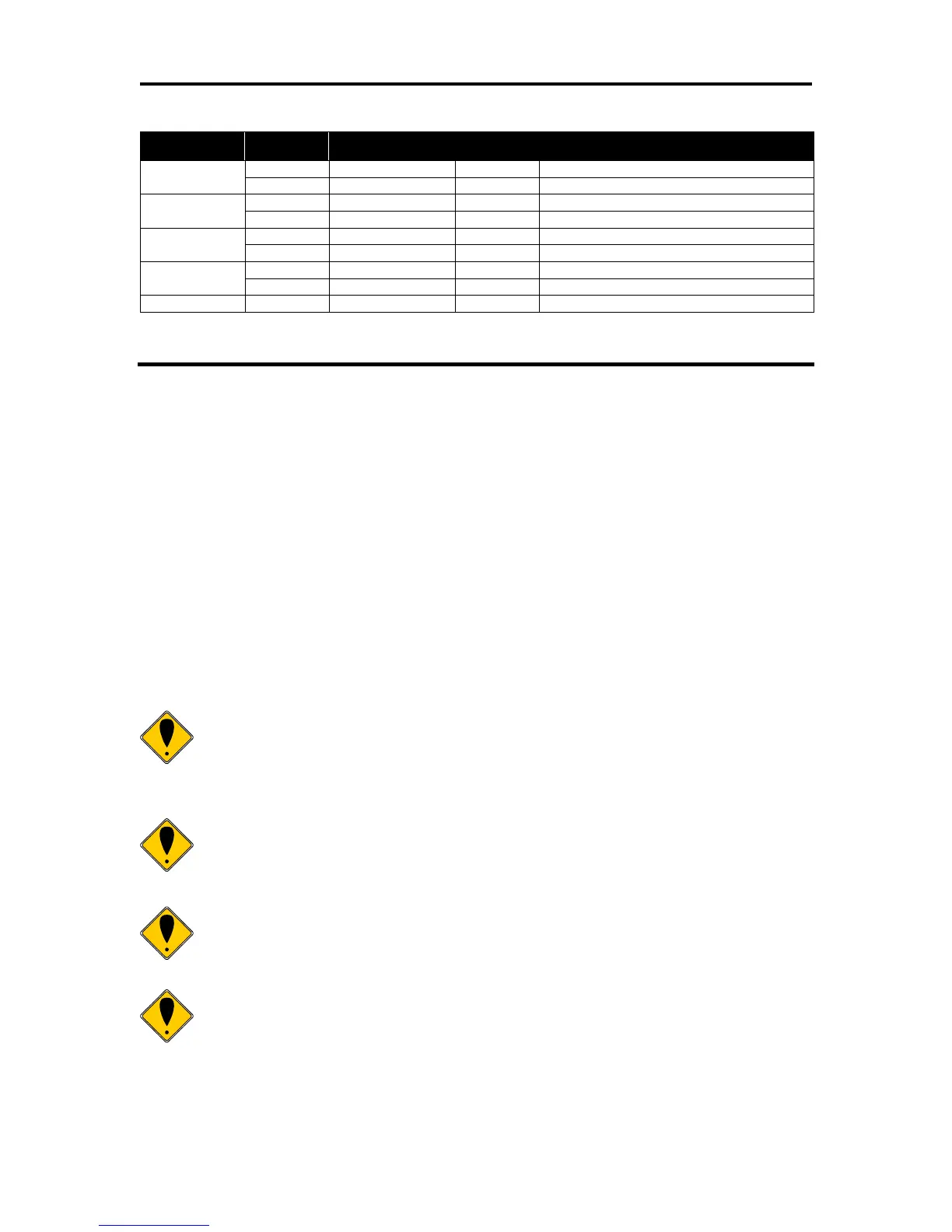
Paper roll near-end sensor disabled
Paper roll near-end sensor enabled
Paper roll near-end sensor disabled
Paper roll near-end sensor enabled
Paper roll end sensor disabled
Paper roll end sensor enabled
Paper roll end sensor disabled
Paper roll end sensor enabled
Table 20 Paper Sensor Commands
[ESC] < Enable print suppress and data pass through
ASCII [ESC] < <n>
Hexadecimal 1BH 3CH <n>
Decimal <27> <60> <n>
IPCL &%PT <n>
EPOS [ESC] = <n>
Description The [ESC] < <n> command provides print suppress and data pass
through features.
Where Bit 0 Printer select
Bit 1 Pass through On
Bits 2 - 7 Undefined
If Bit 0 is clear, the printer stops processing data. If Bit 1 is set, the data
is passed through the printer and sent out on the serial port.
Note 1: The pass through command is preprocessed. It is processed as
soon as it is received. The printer may continue to print while previously
received data is processed. The printer must be on-line and ready to
activate the command.
Note 2: Pass through should only be used with serial printers. If the
printer is configured for parallel operation, the data is still pass through on
the IEEE 1284 port. In most cases this is not useful.
Note 3: When Ithaca
®
Series 50 Printer compatibility is being used, these
commands do not function. Series 50 Printer pass through must be used.
Note 4: Multi-drop is not operational during suppress and pass through. If
a multi-drop address is present in the pass through data, it is not
processed.



 To Next Page