Programming Codes iTherm
®
280 Programmer’s Guide
Page 234 Rev K
Function Print single user-defined bit-image
ASCII GS / <m>
Hexadecimal 1DH 2FH <m>
Decimal <29> <47> <m>
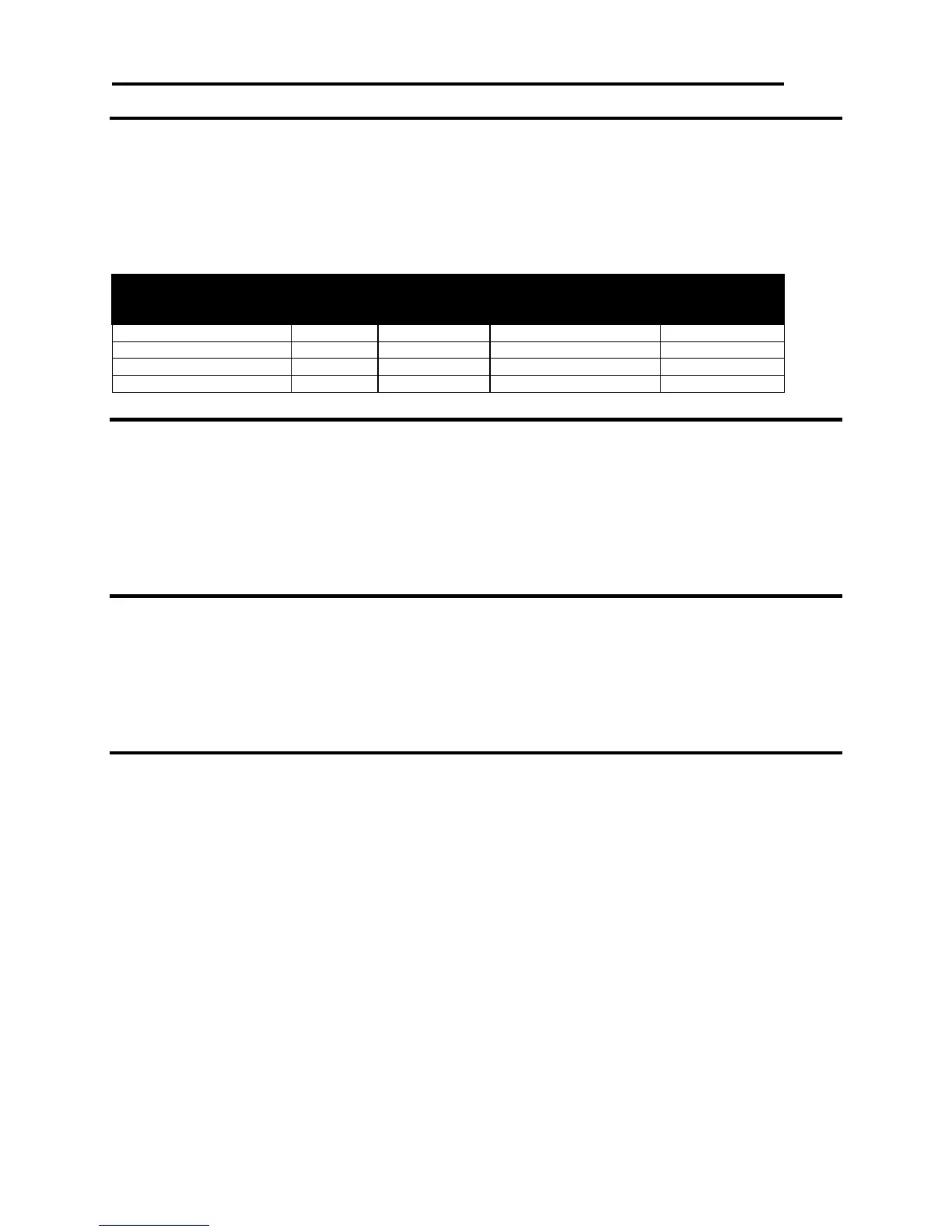
Description The GS / <m> command prints a downloaded or stored bit-image using the mode
specified by <m>. <m> selects a mode from the table below.
Vertical Dot Density
(dpi)
Horizontal Dot
Density (dpi)
Table 55 User-defined Bit-image Resolutions
Function Save User-Defined Character Set
ASCII GS 6 <Name..> <0>
Hexadecimal 1DH 36H <Name..> 0H
Decimal <29> <54> <Name..> <0>
Range <Name> = a 15-byte maximum alphanumeric name to identify the image.
Description GS 6 <Name..> <0> saves the current character set created by the [ESC] &
command to the nonvolatile memory pool. If no character set has been defined,
the command stores an empty definition structure.
Function Select User-Defined Character Set
ASCII GS 7 <Name..> <0>
Hexadecimal 1DH 37H <Name..> 0H
Decimal <29> <55> <Name..> <0>
Range <Name..> = a 15-byte maximum alphanumeric name to identify the image.
Description GS 7 <Name..> <0> selects a previously saved user-defined character set. If the
character set does not exist, the command is ignored.
Function Query Nonvolatile Memory Pool Information
ASCII GS 3
Hexadecimal 1DH 33H
Decimal <29> <51>
Description The GS 3 command prints a summary of the user-store usage. It is intended to
help with the generation and maintenance of user store.
Note 1 The report is printed as part of the configuration report.



 To Next Page