Setup Procedures iTherm
®
280 Programmer’s Guide
28-04430 Rev K Page 33
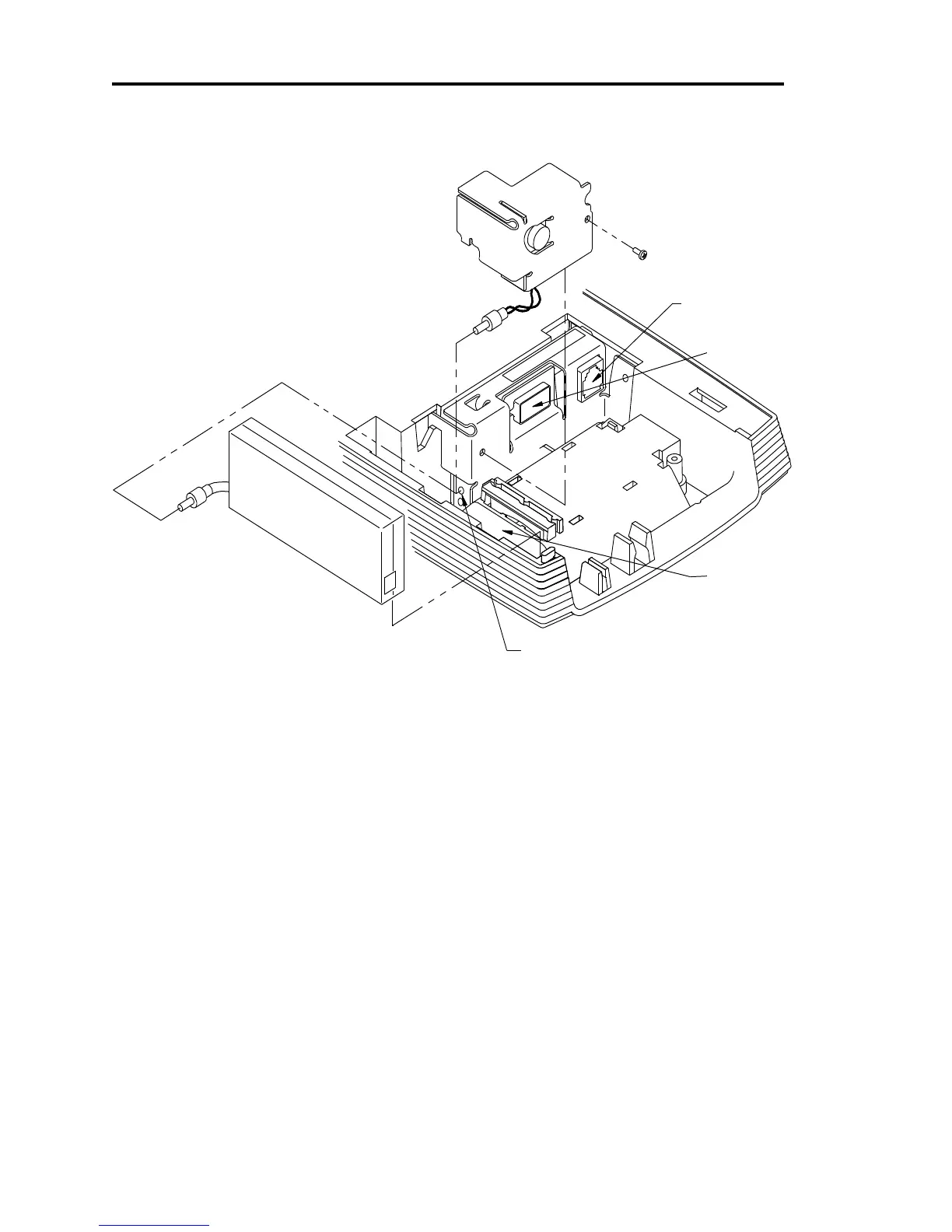
Installing Cables
3) Cash Drawer/
External Buzzer
Figure 4 Power and Communications Ports
Three cables are required to be connected to the printer.
1. DC Power
2. Communications
3. Cash Drawer
Connecting power
The iTherm
®
280 Printer is generally supplied with a built-in power supply. As an option, the
printer is available without a power supply.
Internal Supply
The internal supply connects to an outside power source with a standard two wire power cord.



 To Next Page