Programming Codes iTherm
®
280 Programmer’s Guide
Page 216 Rev K
Function Select Paper Type for Command Settings
ASCII [ESC] c 1 <n>
Hexadecimal 1BH 63H 31H <n>
Decimal <27> <99> <49> <n>
Range n = 1, 1 n 3, 8 n 11
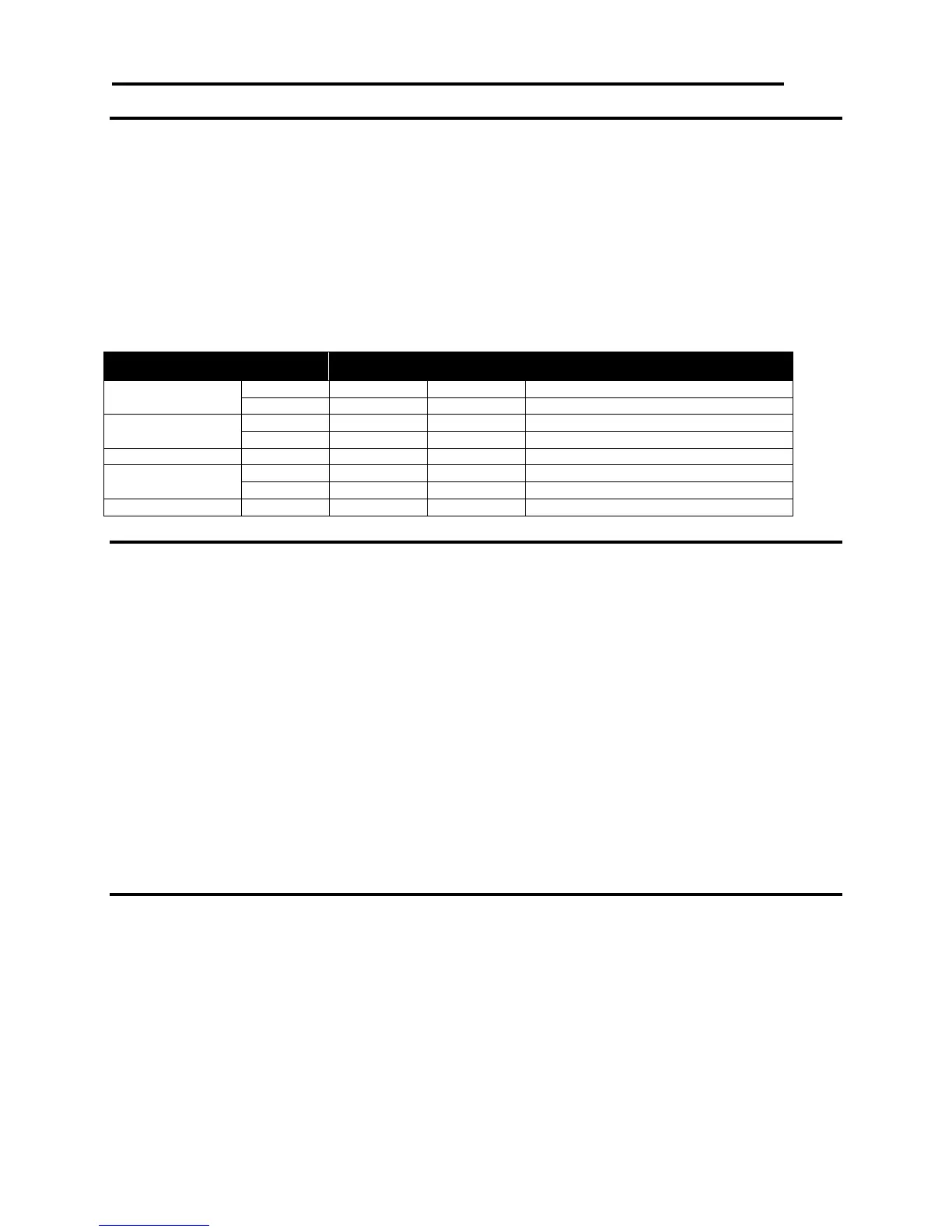
Description ESC c 1 n selects paper type(s) for setting. Paper roll and validation paper are
available. Both bits 0 and 1 indicate paper roll and if either of them is available,
the paper roll is selected as the print sheet. The commands that need to select
paper types for setting are ESC 2, ESC 3, GS L, and GS W. The value of n is
used as follows:
Validation paper disabled.
Validation paper enabled.
Function Select Paper Type for Command Settings
ASCII [ESC] f <t
1
><t
2
>
Hexadecimal 1BH 66H <t
1
><t
2
>
Decimal <27> <116> <t
1
><t
2
>
Range 0 t
1
15
0 t
2
64
Description ESC f t1 t2 sets the time that the printer waits for validation paper to be inserted
to t
1
1 minutes, and the time from detection of the validation to the start of
printing to t
2
0.1 seconds. When t1=0, the validation waiting time is not set and
the printer continues waiting for a validation to be inserted. The default validation
waiting time is not set, and the start operation time is set to 10 seconds (t
1
=0,
t
2
=10). This setting alone, however, does not cause the printer to immediately
start waiting for a validation to be inserted. The setting becomes effective when
validation paper is used. DLE ENQ is used to cancel the validation waiting state.
Page Mode
Function Cancel Print Data in Page Mode
ASCII [CAN]
Hexadecimal 18H
Decimal <24>
Description CAN In page mode, deletes all the print data in the current printable area.



 To Next Page