Programming Codes iTherm
®
280 Programmer’s Guide
Page 86 Rev K
[ESC] [ P Set character pitch
ASCII [ESC] [ P <n>
Hexadecimal 1BH 5BH 50H <n>
Decimal <27> <91> <80> <n>
IPCL &%F1, &%F2, &%F3, &%F4, &%F5, &%F6, &%F7
EPOS [ESC] [SP] <n>
Description The [ESC] [ P <n> command sets character per inch print pitch to <n>.
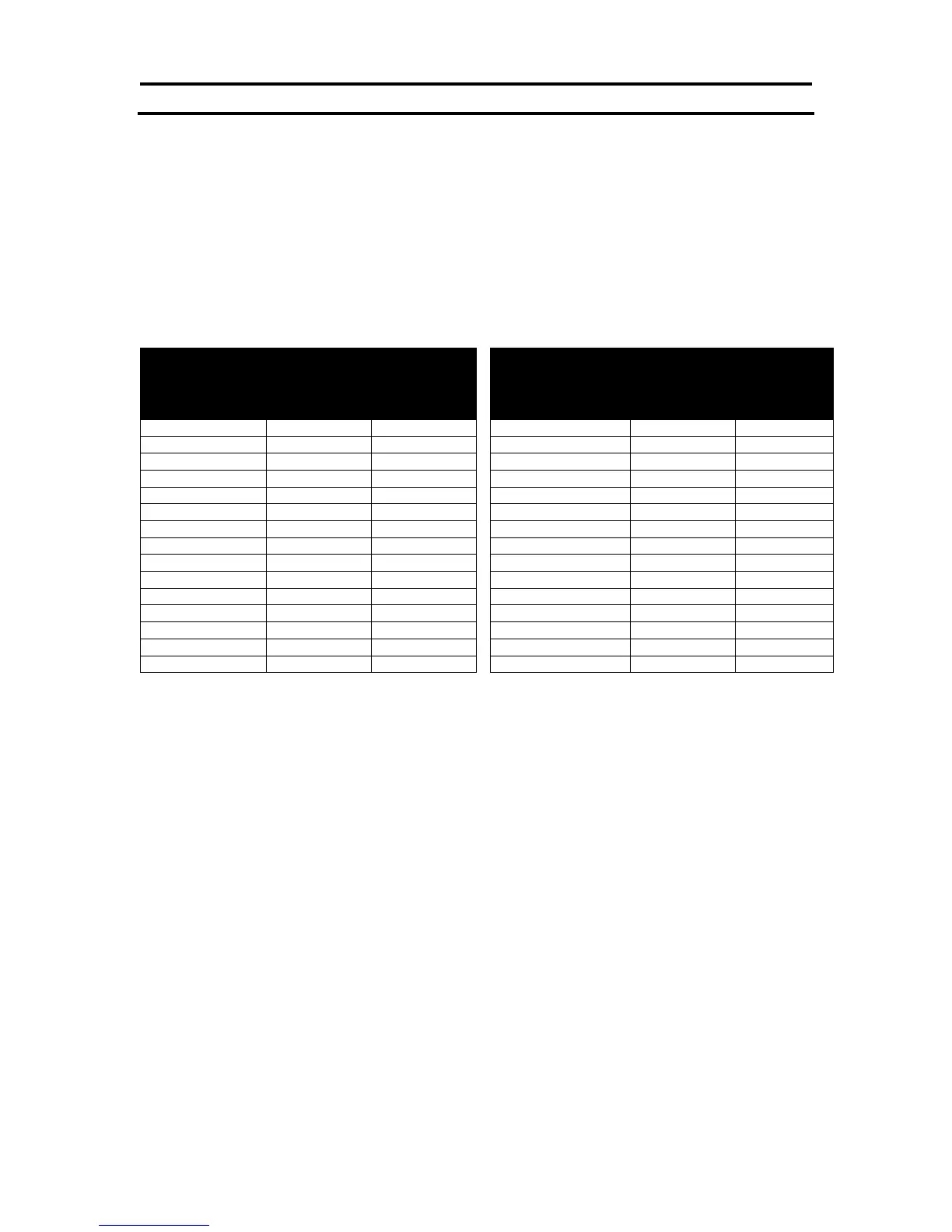
The printer resolution limits the exact print pitch. The following table lists
the exact pitch for various values on <n>.
Resulting
Characters
per Inch
Resulting
Characters
per Inch
Table 13 Character Pitch
This command disables any right-side spacing set by the [ESC] V command. In addition
when font changes are made, the character pitch is maintained.



 To Next Page