Programming Codes iTherm
®
280 Programmer’s Guide
28-04430 Rev K Page 113
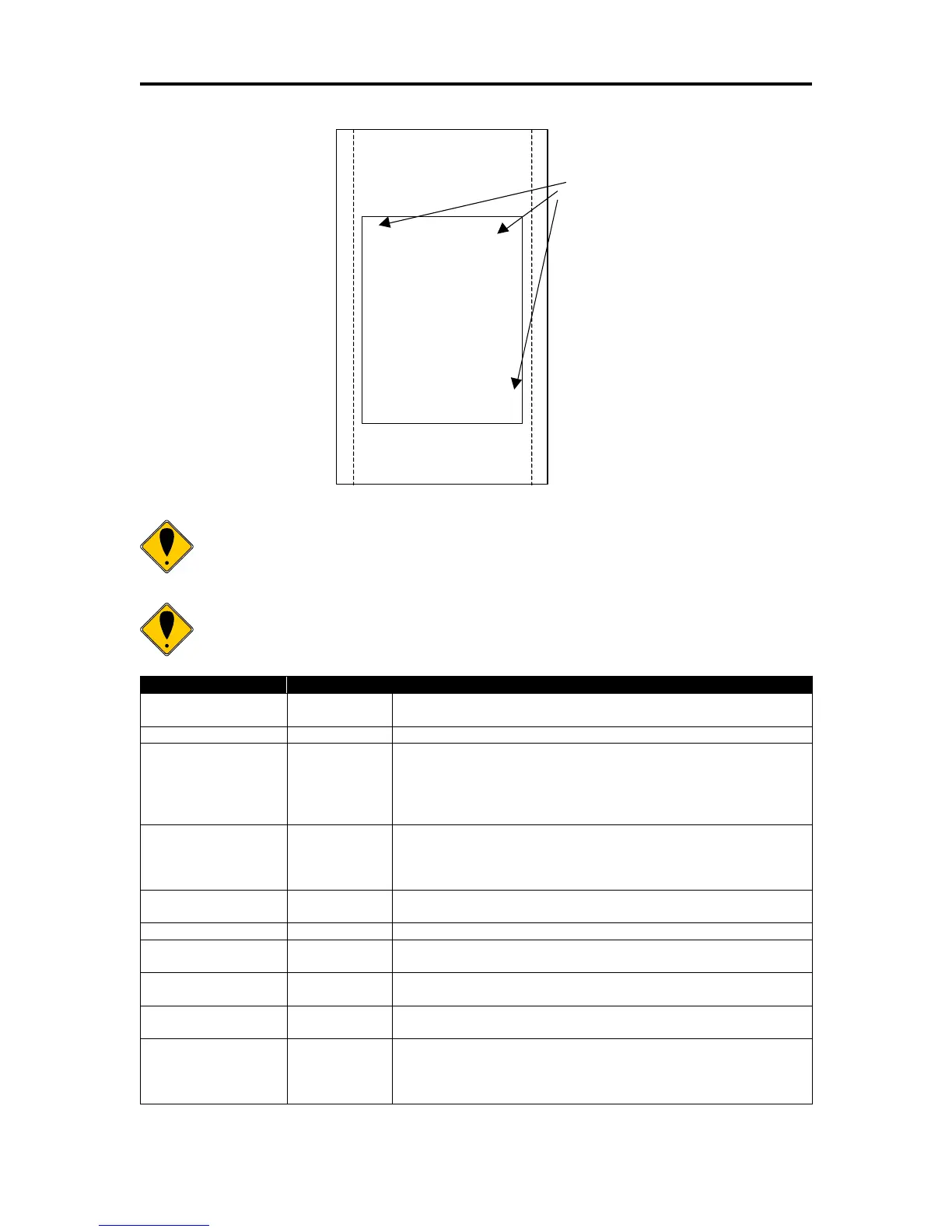
Receipt or
Inserted Form
B > > > > >
A > > > > >
D > > > > >
C > > > > >
Initial entry
location
Note 1: This command saves the current right and left margin and sets
them to the maximum values for the orientation currently defined.
Note 2: During page mode definition almost all printer commands are
active. The following table lists the exceptions.
The printer will perform a feed to cut and then operate the auto
cutter after the page is printed. The cut command may be
anywhere in the definition. If the page is printed twice, the Auto
cut command must be reissued after the first print to generate
additional cuts.
Electronic journal
station select
This command is like a station select and is not active. You
cannot store page mode images in the electronic journal. A
page mode command in journal station mode will exit journal
mode.
Electronic journal
entries
You can make journal entries as part of a page description.
They are saved as text and not part of the page.
The status is returned during definition.
Printer initialize
command
Cancels page mode definition and returns the printer to standard
mode.
You must set the top of form outside of page mode. The form
position is maintained after the page is printed.
The definition of a vertical tab is ambiguous in page mode and is
ignored.
You can not define or delete a macro while in page mode. You
can, however, invoke a macro or stored graphic. You can not
enter page mode while in a macro definition.



 To Next Page