Programming Codes iTherm
®
280 Programmer’s Guide
Page 232 Rev K
Function Print User-Defined Bit Image
ASCII GS 0 <Name..> <0><m>
Hexadecimal 1DH 30H <Name..> 0H<m>
Decimal <29> <48> <Name..> <0><m>
Range <Name..> = a 15-byte maximum length name to identify the image.
Description GS 0 prints a bit-image from storage in the nonvolatile memory pool. The name
of the bit-image can be from one to 15 bytes long and contain any alphanumeric
characters as well as spaces. GS searches the nonvolatile memory pool for the
first occurrence of the image identified by <Name..>. If the image is found, it will
be printed. If the image cannot be found, the command will be ignored. The
following basic example demonstrates how to print the stored bit-image named
―MY IMAGE‖:
PRINT #1 CHR$(29), CHR$(48) REM Enter the GS 0 command
PRINT #1 ―MY IMAGE‖, CHR$(0) CHR$(0) REM Enter the image name
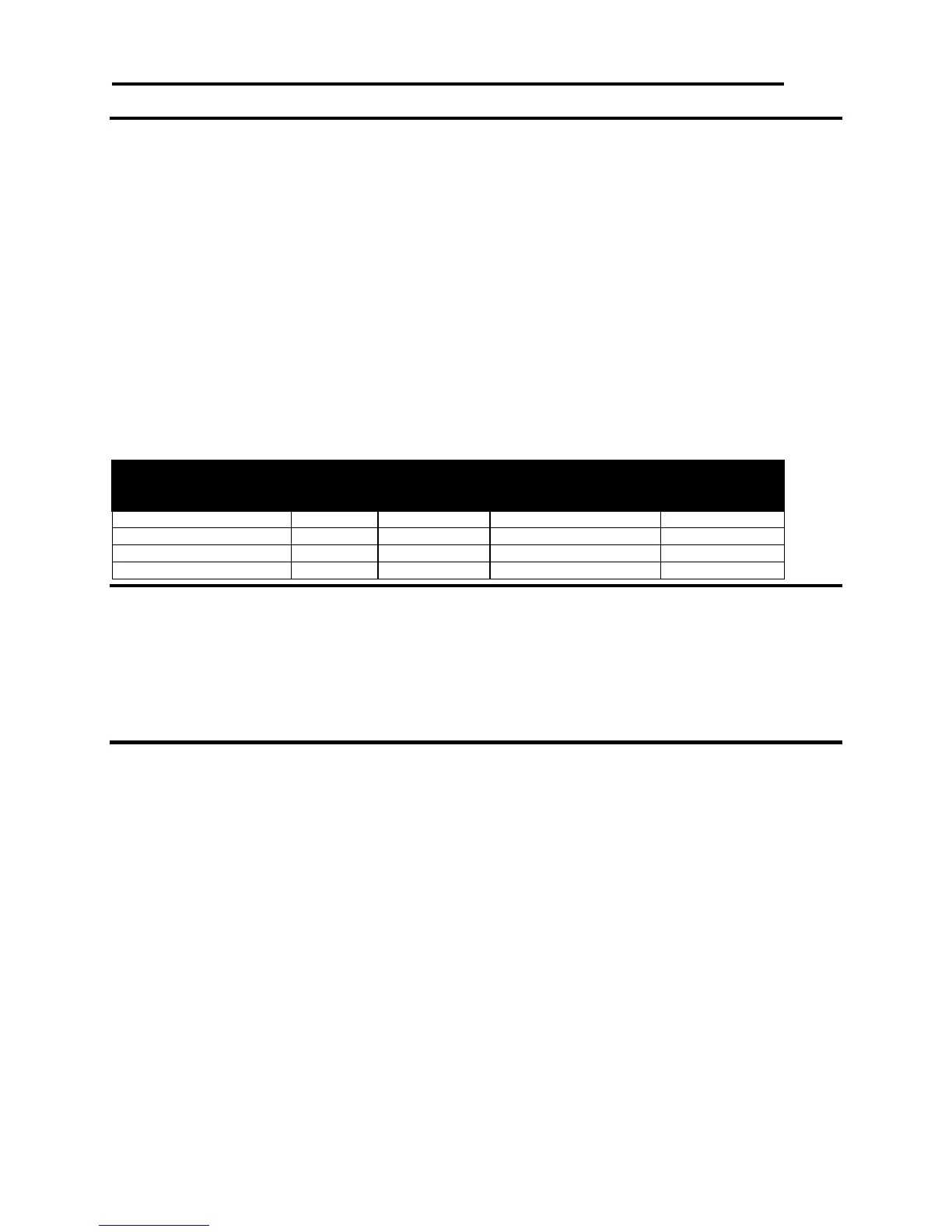
Where <m> selects a mode from the table below.
Vertical Dot Density
(dpi)
Horizontal Dot
Density (dpi)
Function Erase single entry from nonvolatile memory EPOS ONLY
ASCII GS 1 <Name..> <0>
Hexadecimal 1DH 31H <Name..> 0H
Decimal <29> <49> <Name..> <0>
Range <Name> = a 15-byte maximum alphanumeric name to identify the image
Description GS 1 deletes a single entry (bit-image or character set) from storage in the
nonvolatile memory pool.
Function Erase all entries from nonvolatile memory EPOS ONLY
ASCII GS 5
Hexadecimal 1DH 35H
Decimal <29> <53>
Description GS 5 erases the entire contents of the nonvolatile memory pool and frees up the
memory for new entries.
Note 1 No protection for the GS 5 command exists. All user store will be erased.



 To Next Page