4. Disconnect the grounding RF cable from the antenna and connect the permanent RF cable to
reader.
Once the antenna is discharged and properly connected to the reader, the reader circuitry
provides a DC path to keep any further charge from building up in the antenna.
Connecting the Reader and Antenna
1. Ensure the reader is turned o and power is disconnected.
2. Connect one end of the RF interface cable to the antenna.
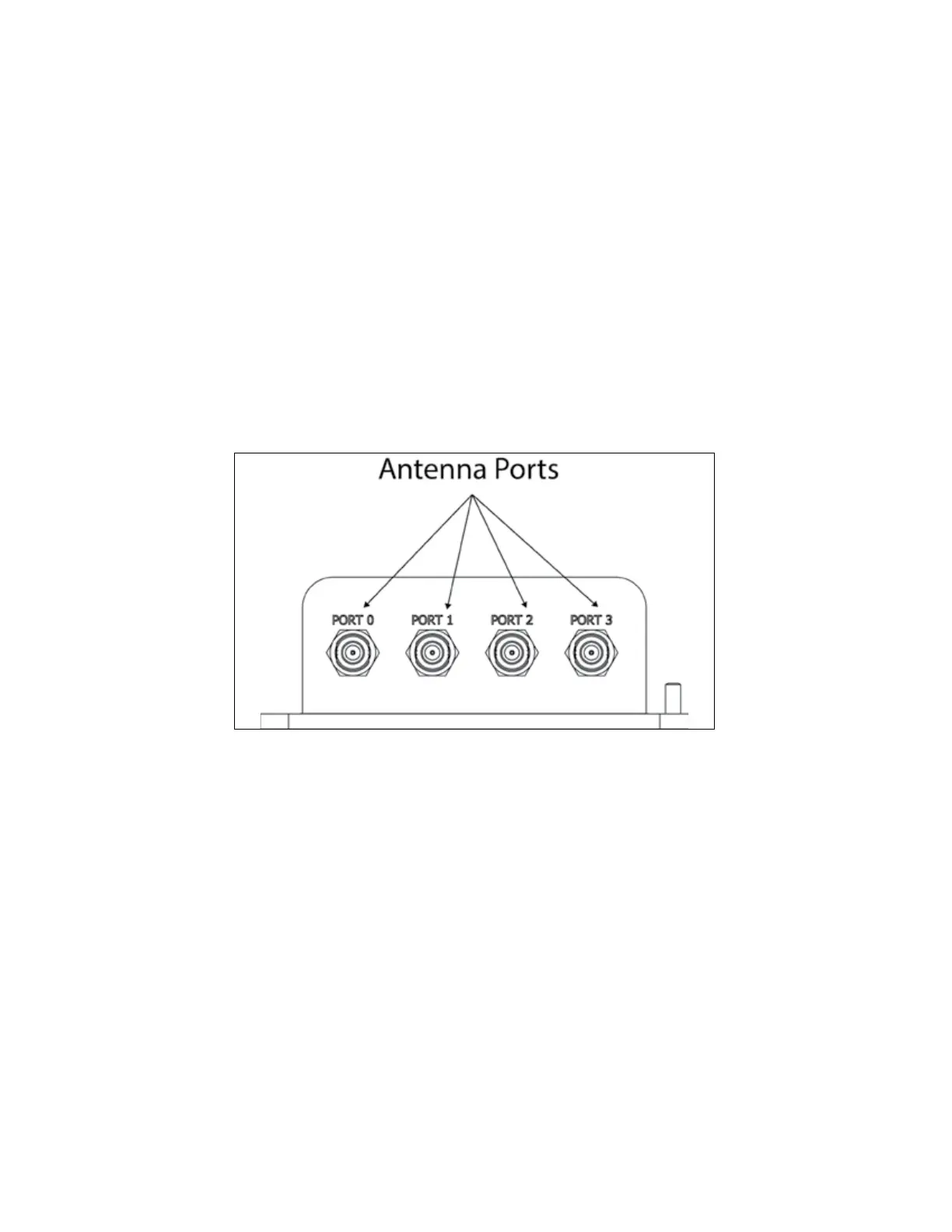
3. Connect the other end of the RF interface cable to the appropriate antenna port on the end of the
MPRX. Refer to Figure 10.
4. The ports can be turned on in consecutive order. If all four ports will not be used, start with Port 0
and turn on connected ports. Unused ports should be set to OFF. Refer to “Appendix D
Encompass 6 Options” on page D–382 for a list of commands.
Figure 10 MPRX Showing Antenna Ports
MPRX User Guide
TransCore Proprietary
2–28



 To Next Page