Finding the IP Address of the Reader
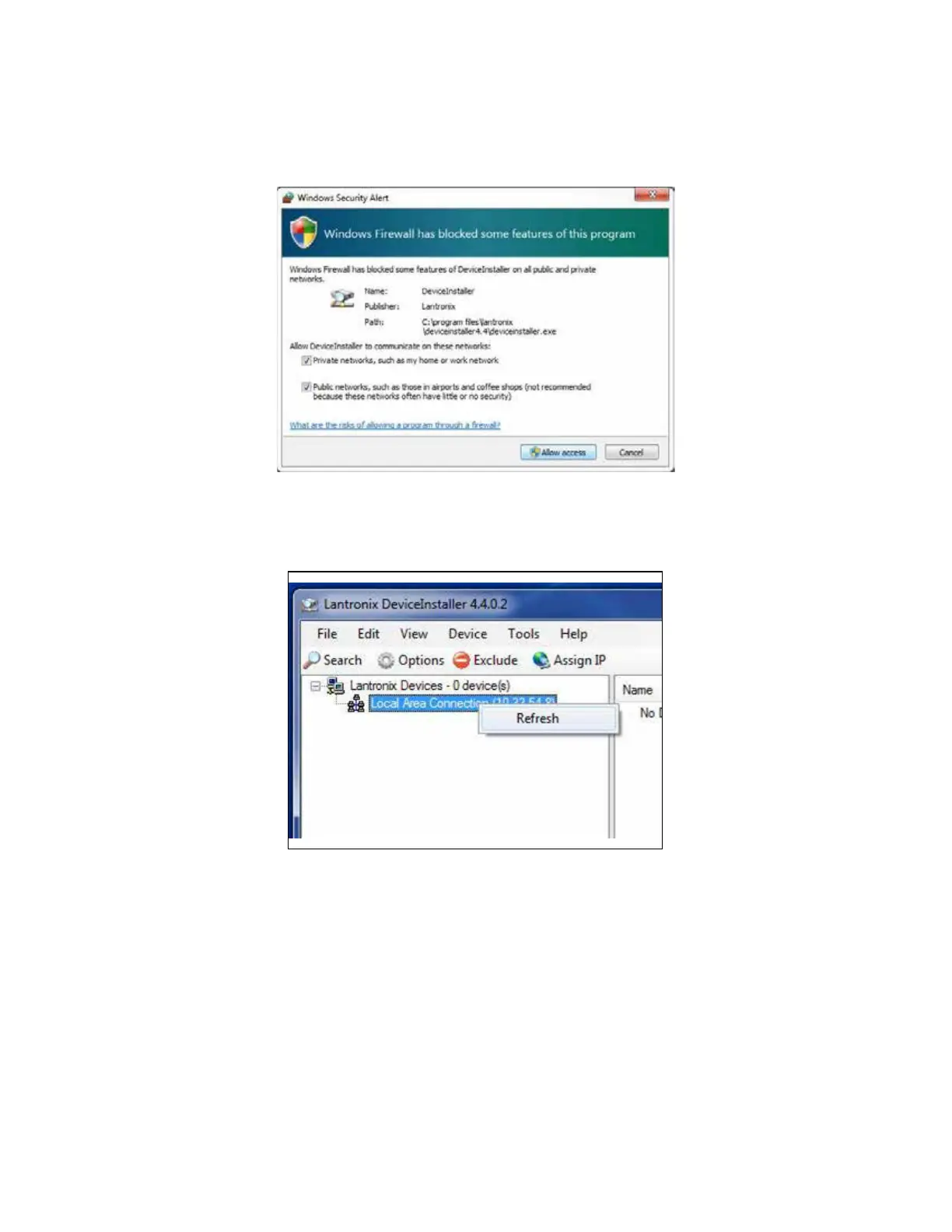
Note: If a firewall is present it will need to be disabled to allow access (Figure 19).
1. From the Lantronix DeviceInstaller, right-click on the appropriate connection and select refresh
(Figure 20).
Figure 19 Disable Firewall
Figure 20 LanTronix DeviceInstaller Screen
MPRX User Guide
TransCore Proprietary
2–36



 To Next Page