Setting up Local Host
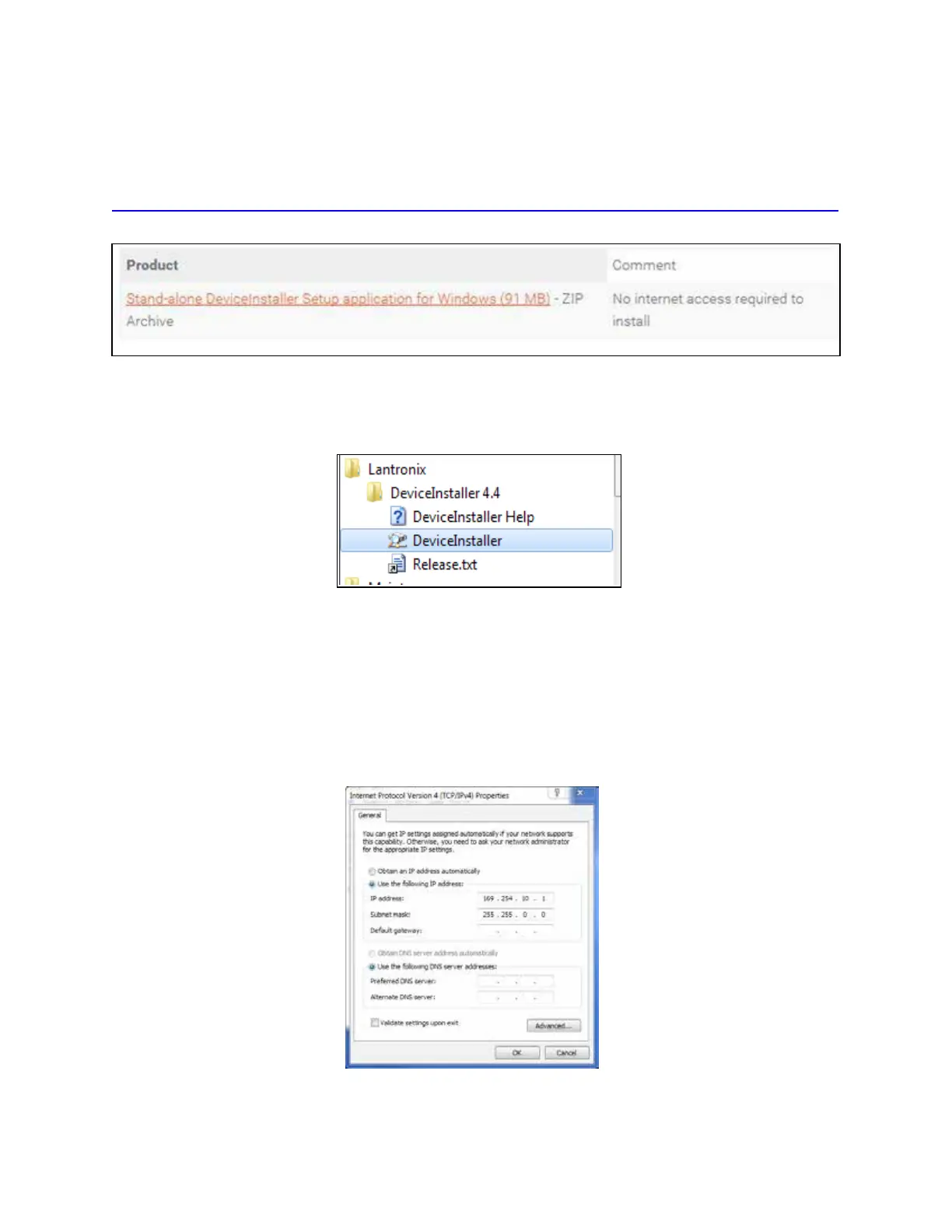
1. From the following link, install the stand-alone DeviceInstaller. (Refer to Figure 13.) This is needed
to know the IP address of the Ethernet to serial converter.
http://ltxfaq.custhelp.com/app/answers/detail/a_id/644?_ga=1.59440430.2035039615.1475511776
2. Once installed, launch DeviceInstaller from the START menu (Figure 14)..
3. Select whether to direct-connect to the computer Ethernet port or whether to connect to the
corporate network.
Connecting Directly to Computer Ethernet Port
1. Go to the computer’s network setting and change the IP address and Subnet mask of the network
interface controller (NIC) card you are connecting to as shown in Figure 15.
Figure 13 Stand-alone DeviceInstaller Link
Figure 14 DeviceInstaller Start Menu
Figure 15 Connecting Directly to Computer Ethernet Port
MPRX User Guide
TransCore Proprietary
2–34



 To Next Page