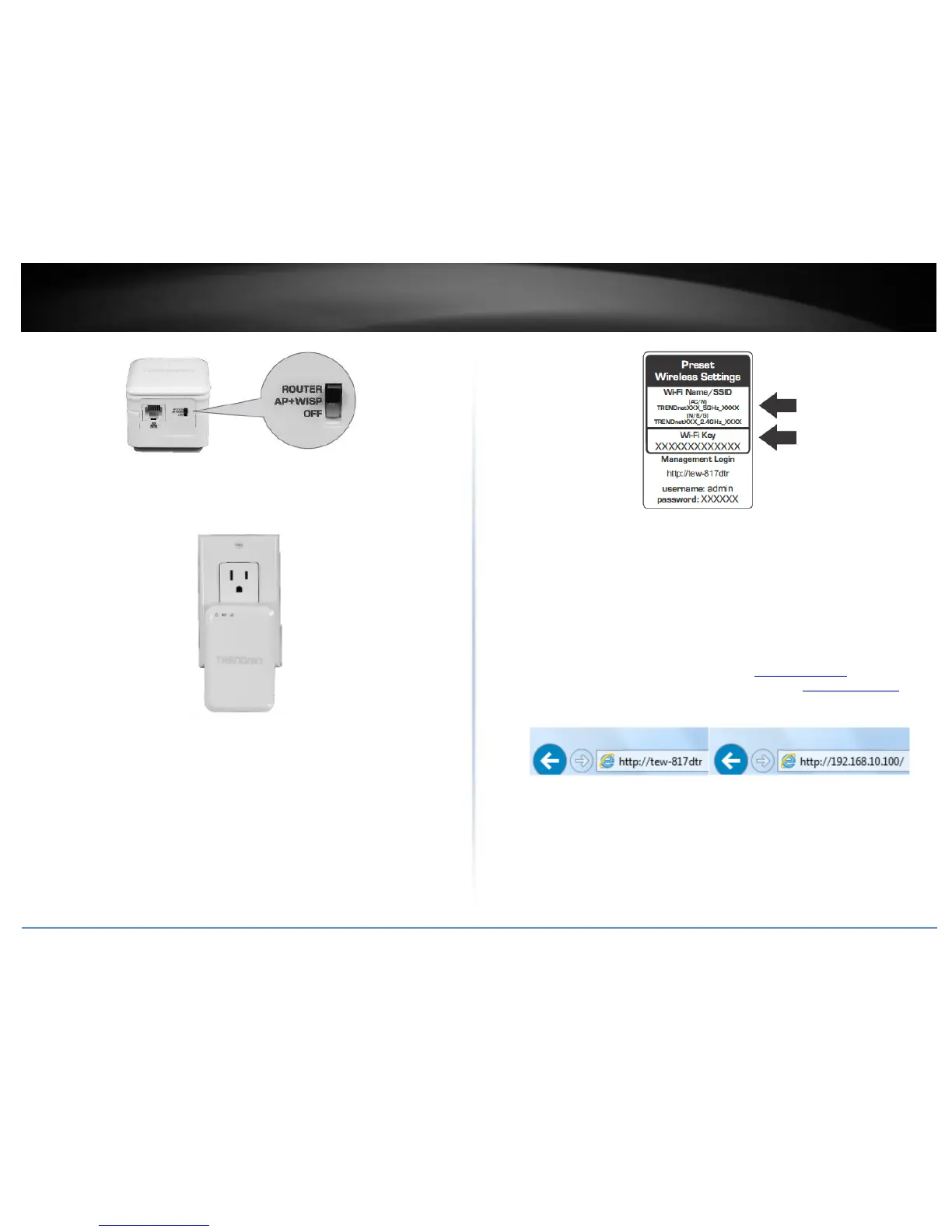
4. Plug the TEW-817DTR into a power outlet.
5. Connect the TEW-817DTR to an available Internet connection port provided by your
hotel.
5. Connect your wireless computer to the TEW-817DTR’s wireless network.
6. When prompted, enter the WiFi password from the sticker on the device.
6. Open your internet browser and verify you can access the Internet. Congratulations,
you are now connected to the Internet using the TEW-817DTR.
Setup Wizard
1. Open your web browser (e.g. Internet Explorer, Firefox, Safari, Chrome, or Opera) and
the wizard will automatically appear.
Note: If you have already configured your router before, the wizard will no longer
appear automatically. In your web browser, go to http://tew-817dtr/ or you can
access the router management using the default IP address http://192.168.10.1. Your
router will prompt you for a user name and password. Enter your user name and
password and click Advanced > Setup > Wizard.
2. Select your Language and click Next..















 To Next Page