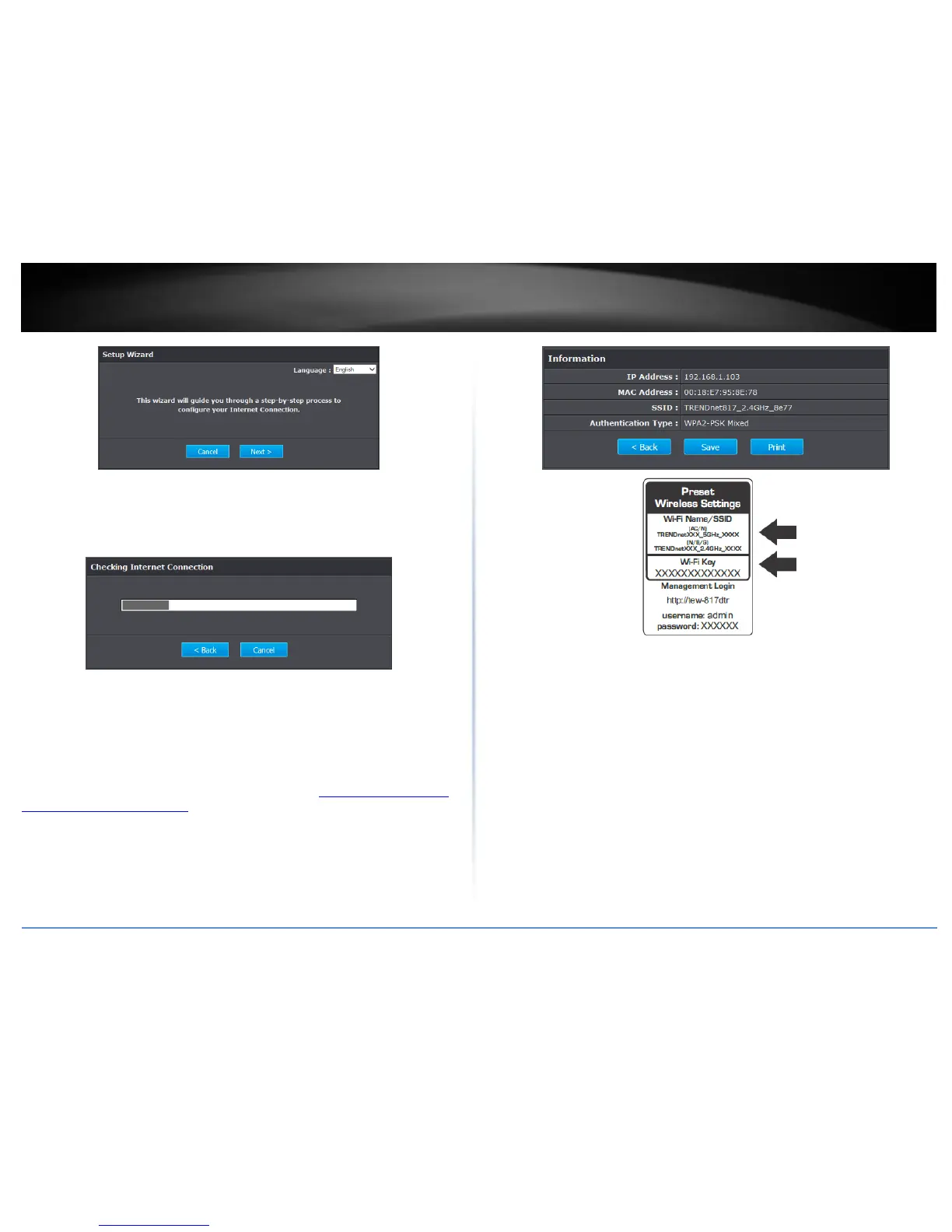
3. If the wizard is unable to detect your Internet connection type, you will be prompted
to select it. Select your Internet connection type and click Next.
Note: Dynamic IP (DHCP) is typical for most Internet services. You can verify your
settings with your Internet Service Provider.
4. Confirm your settings. This window displays your predefined router wireless settings
and click Exit to complete the wizard.
Note: For added security, the router wireless network is pre-encrypted with its own
unique wireless network security key. You can find the unique network security key and
the pre-assigned network name (SSID) on a sticker on the side of the router and on a
label on the bottom of the router. You will need this information to connect to the
router. To change the network security key, refer to page 9 “How to choose the type of
security for your wireless network”. If the router is reset to factory defaults, the wireless
encryption will reset to the network security key printed on the product labels of the
router.















 To Next Page