19
Model Three - Operation Manual
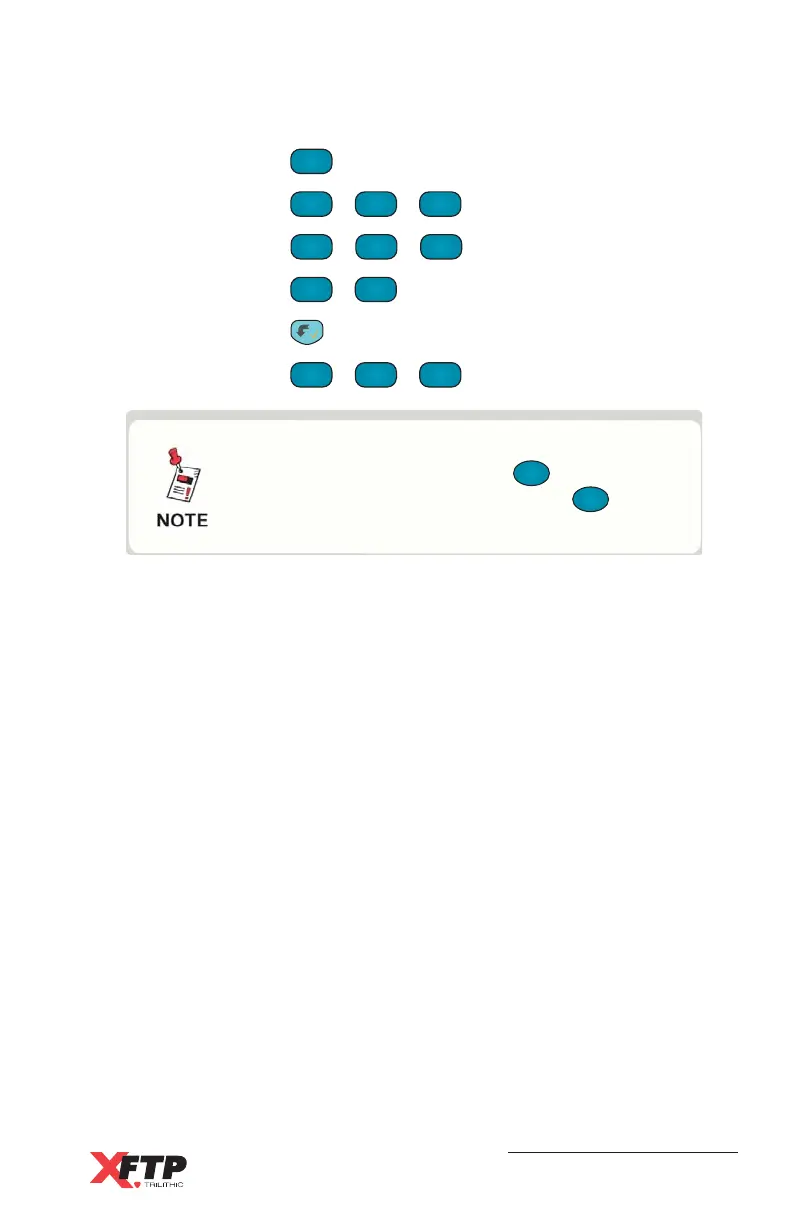
For example, to enter “TEST” in the Name field, do the following:
1. Press
FCN
0
to switch to function mode.
2. Press
SET
7 STU
+
SET
7 STU
+
SET
7 STU
to enter “T” in the field.
3. Press
TILT
2 DEF
+
TILT
2 DEF
+
TILT
2 DEF
to enter “E” in the field.
4. Press
SET
7 STU
+
SET
7 STU
to enter “S” in the field
5. Press to shift to a new entry with the same key.
6. Press
SET
7 STU
+
SET
7 STU
+
SET
7 STU
to enter “T” in the field.
If you make an error when entering a number
or a name, you can press the
F
2
key to go
back and then re-enter it. Press the
F
3
key
to escape from the operation.



 To Next Page