36
Model Three - Operation Manual
Channel Plan
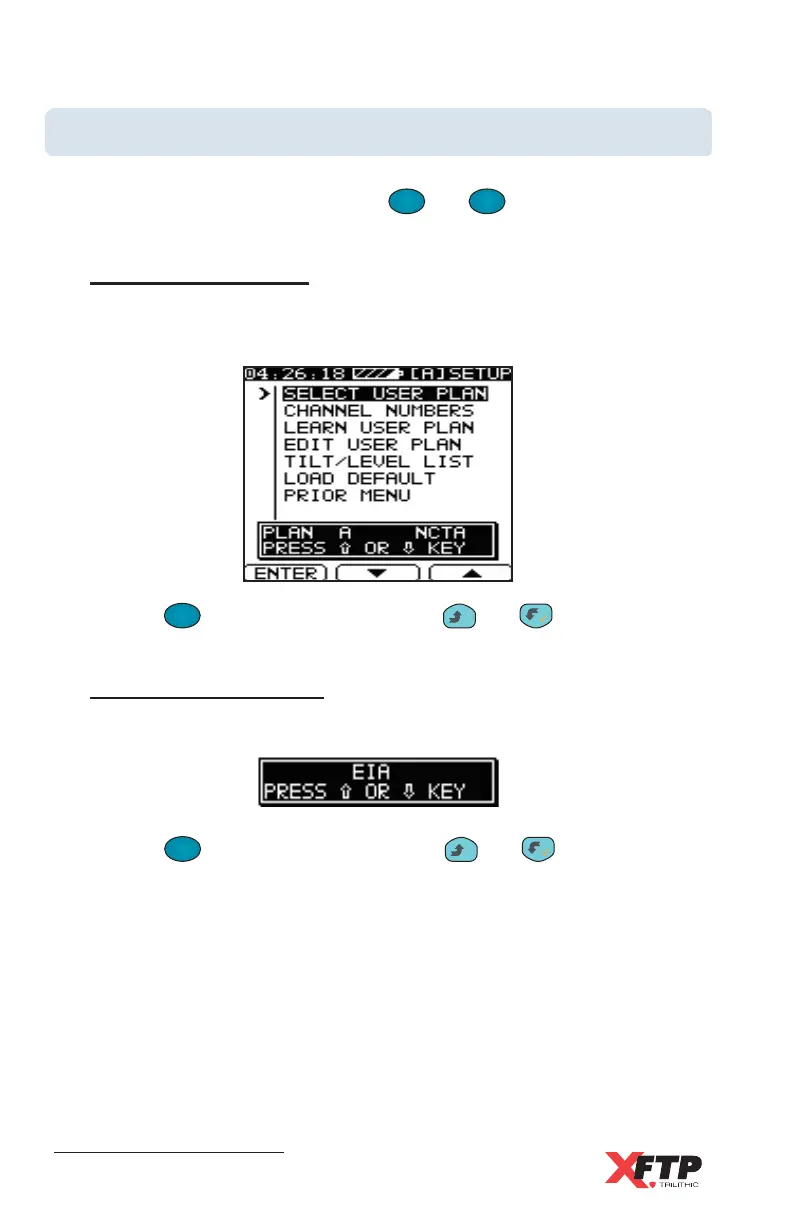
Use the CHANNEL PLAN menu screen to select, learn, and edit up to four
channel plans for the device. Use the
F
2
and
F
3
keys to scroll through
the command choices.
Select User Plan
Use this selection to set the active user plan. You can have up to four
user-defined channel plans (A-D) on the Model Three.
Use the
F
1
F
1
(ENTER) key, or press the
__
and keys to select
between STANDARD or EIA channel numbering.
Use the
F
1
F
1
(ENTER) key, or press the
__
and keys to change
the selected user plan.
Channel Numbers
Use this selection to choose the channel identifier in the Model Three.



 To Next Page