66
Model Three - Operation Manual
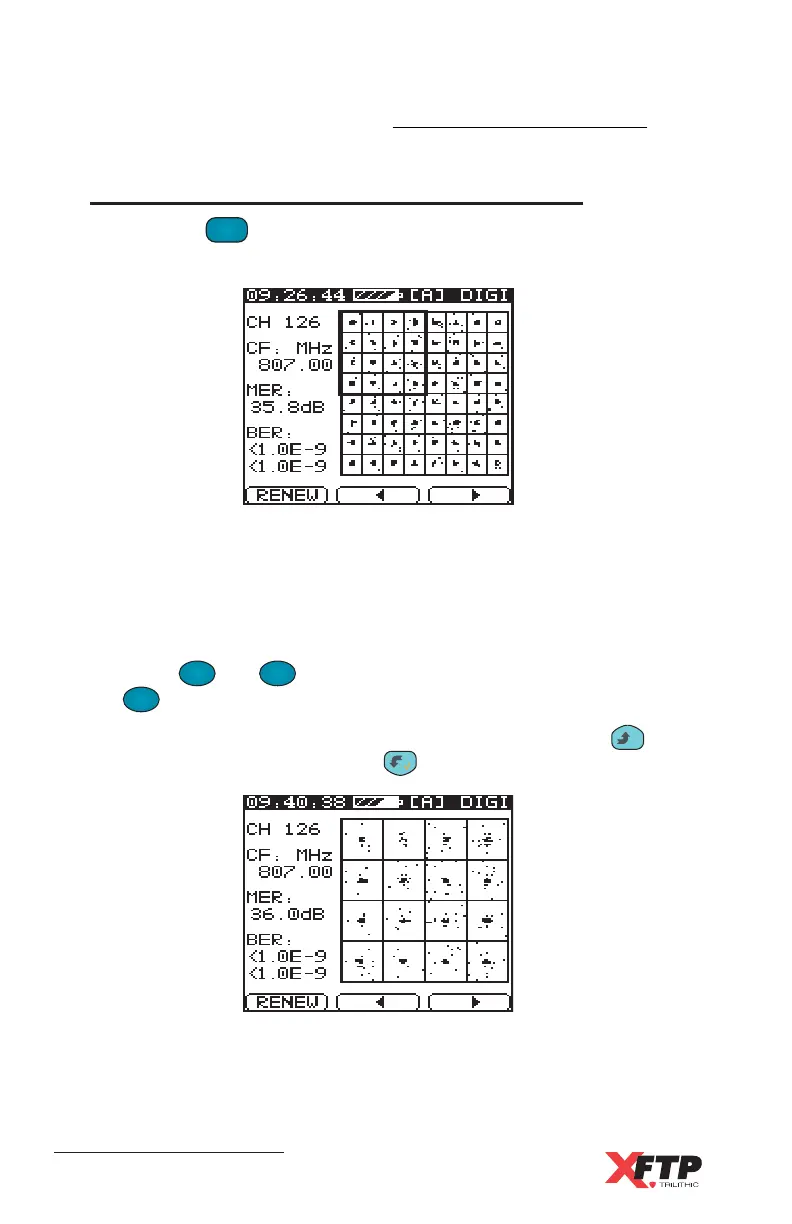
In order to view the QAM Constellation diagram you must have this
option enabled.
The QAM Constellation display allows for a more intuitive
measurement of a digital channel’s faults.
Press the
F
2
and
F
3
keys to choose a quadrant to view and press
the
F
1
F
1
key to refresh the constellation.
Each quadrant can be observed individually by pressing the
__
key to
zoom in. To zoom out, press the key.
See Chapter 5: Basic Operation, Single Channel Level Testing for
complete instructions.
QAM Constellation Display (Optional)
Pressing the
QAM
.
key a third time will display the Constellation
display for digital channels.



 To Next Page