52
Model Three - Operation Manual
Frequency Mode
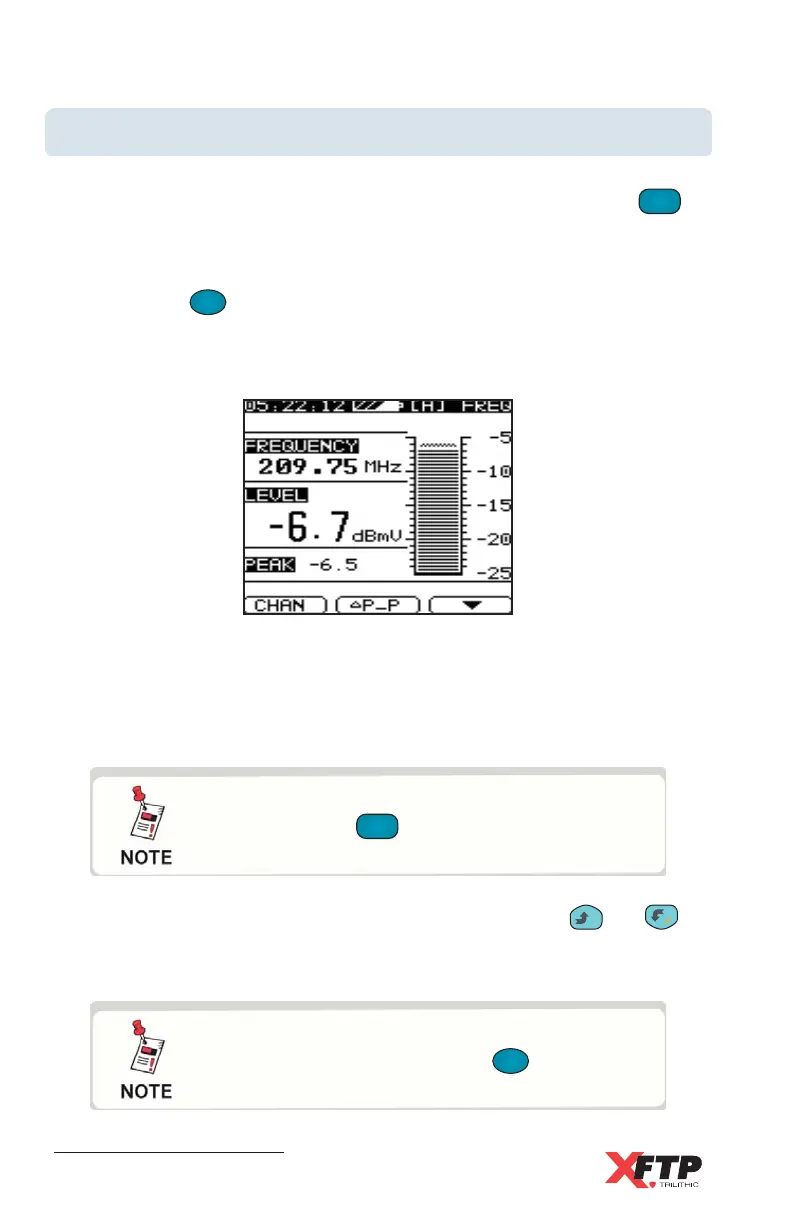
When set to the Frequency Mode, the Model Three displays the frequency
and level for the desired channel. To access this screen, press the
LEVEL
4 JKL
key.
The Single Channel Level screen is displayed.
Now, press the
F
1
F
1
(FREQ) key.
This toggles the Model Three so that it displays the Frequency screen for
the channel designated in the Single Channel Level screen.
If the channel is a TV type channel with audio and video carriers, the
Model Three is tuned to the audio frequency. If the channel is a DIGI type
channel, the Model Three is tuned to the center frequency. The signal level
and peak level are displayed.
To change the frequency that is being measured, press the
__
and
keys. The frequency moves in increments set in the SINGLE
FREQUENCY SETUP menu.
By pressing FCN, you can enter the desired
frequency. To finish, press the
F
1
F
1
(ENTER)
key.
While in Frequency mode, you can use Fast
Setup (press the
SET
7 STU
key once) to go directly
to the Single Frequency Setup frequency steps.



 To Next Page