77
Model Three - Operation Manual
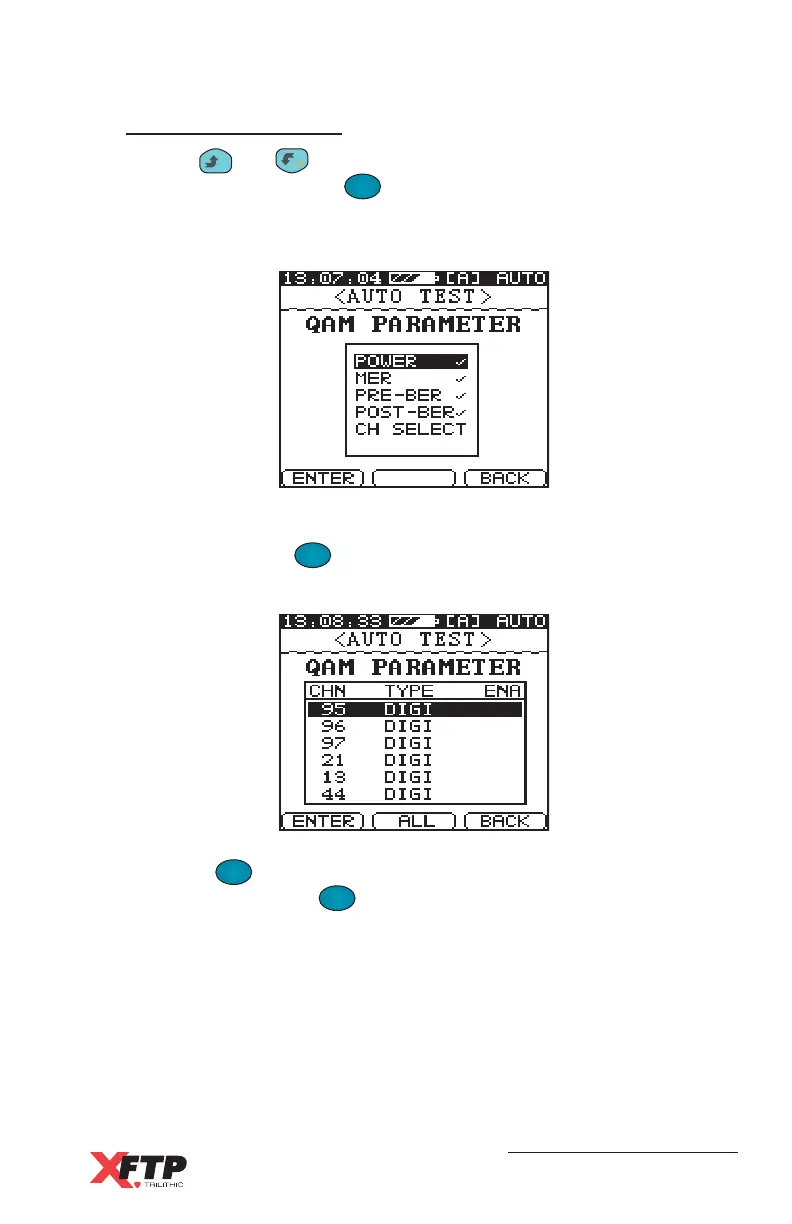
QAM Parameters
Use the
__
and keys to highlight any QAM measurement
parameter and press the
F
1
F
1
(ENTER) key to enable the highlighted
parameter. The enabled parameters for testing are indicated by a
check mark.
Next, select the QAM channels to test. Highlight the CH SELECT
item and press the
F
1
F
1
(ENTER) key to display all of the digital
channels that are listed in the current user plan.
Press the
F
2
(ALL) key to select all of the channels in the user plan
for testing. Press the
F
2
(CLEAR) key to deselect all of the
channels in the user plan.



 To Next Page