87
Model Three - Operation Manual
File Saving and Viewing
The Model Three can save records from QAM, Level, Tilt (Favorite
Channels group), Spectrum, Hum, Scan, or Limit test measurements
either to individual files or all to one file. Auto test files are automatically
saved. These files can be recalled to display the recorded data and Scan,
Spectrum, and Limit graphics can be viewed. All files may also be
uploaded to a PC.
Saving a Test Record to a File
Before saving a record, be sure the time, date, and date sequence
(M/D/Y) has been set (see Chapter 4: Setup, General, Date and
Time). If the date sequence is changed after storing files, the date
information for those files will not be correct.
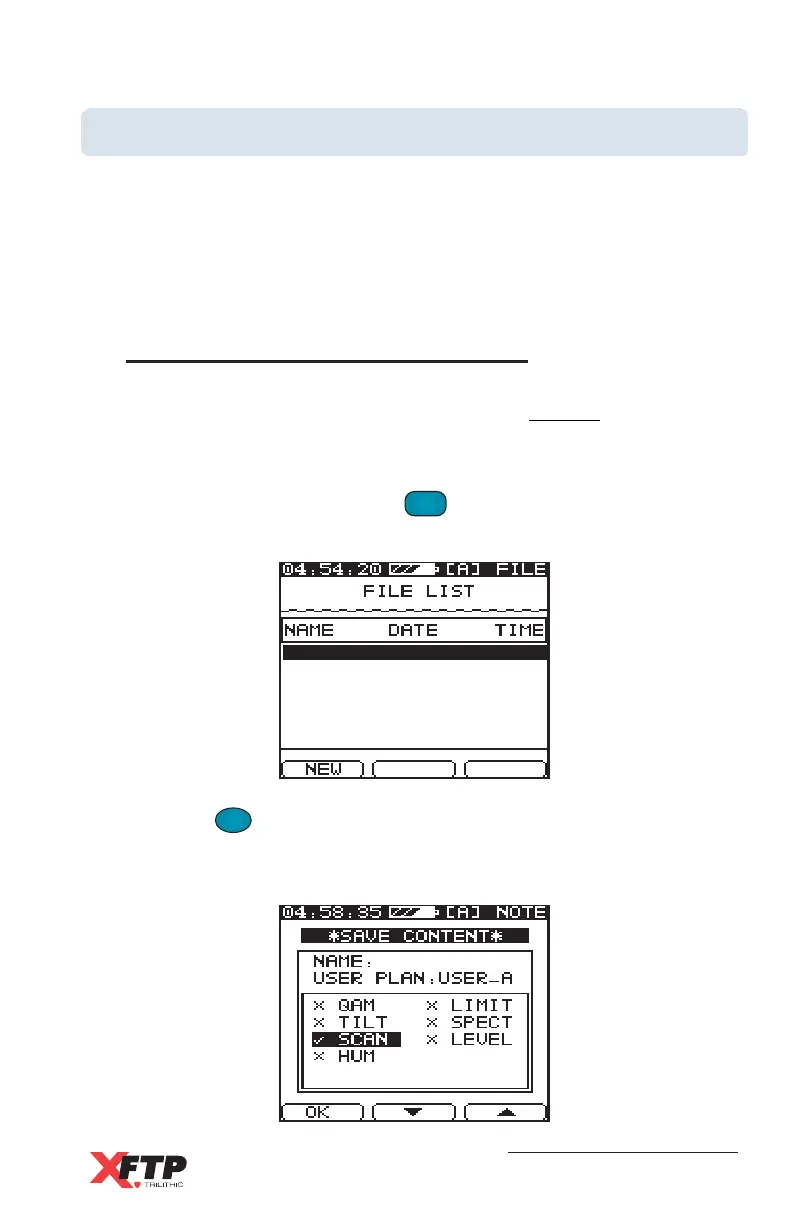
To save a test record, press the
FILE
8 VWX
key. The Model Three File
directory appears with the file name, date, and time of all existing files.
Press the
F
1
F
1
(NEW) key to create a new file. A Save Content
screen appears with a list of test records that are available to be
saved.



 To Next Page