86
Model Three - Operation Manual
Also, information about an existing file may be obtained by using the
__
and keys to highlight the program name and pressing the
F
3
(INFO) key.
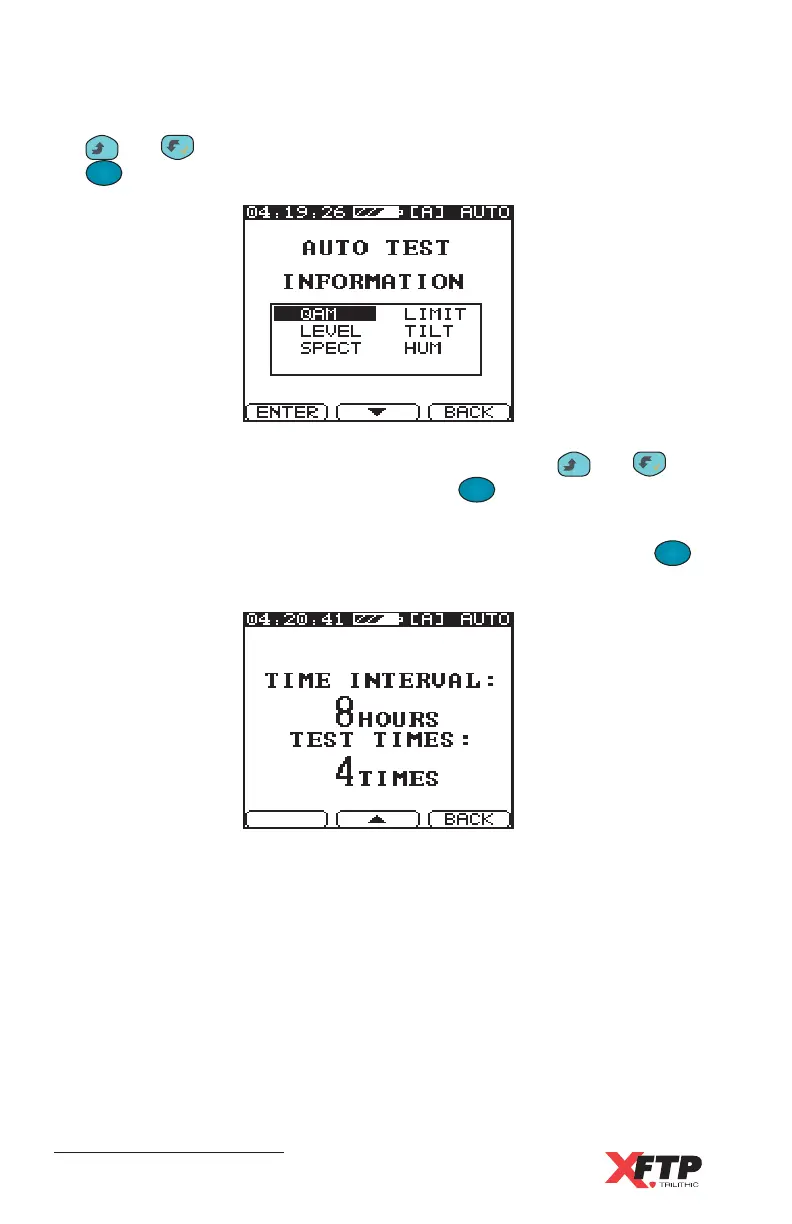
Parameters for each test may be viewed by using the
__
and
keys to highlight the test and pressing the
F
1
F
1
(ENTER) key to view
the setup parameters.
Also, the status of the 24 HR setup can be seen by pressing the
F
2
key to view the test times and time intervals.



 To Next Page