25
Model Three - Operation Manual
General
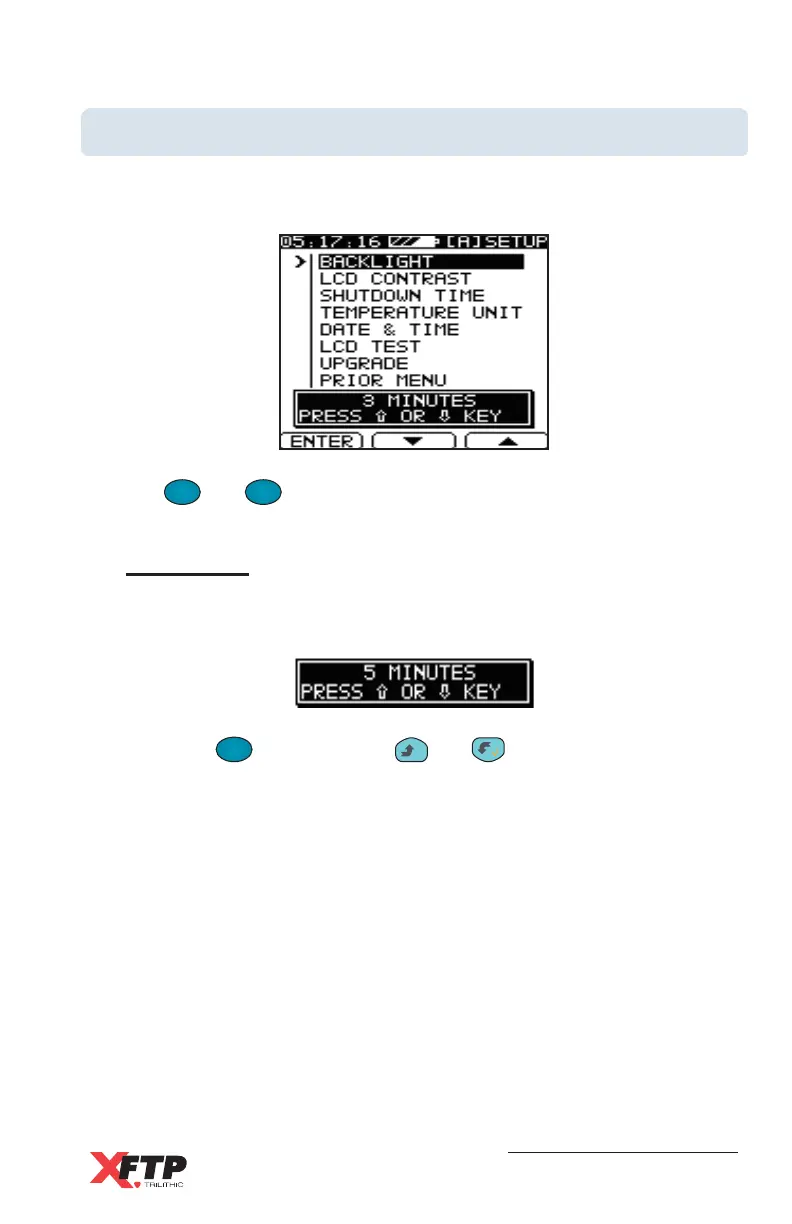
Use the General menu screen to set the operational parameters of your
device.
Use the
F
2
and
F
3
keys to scroll through the command choices to the
desired parameter.
Backlight
This selection determines the backlighting time on the Model Three
display.
Press the
F
1
F
1
key (or use the
__
and keys) to change the
backlighting time. The selected time is displayed in the window near
the bottom of the display screen. You can select ON (backlighting is
always on), OFF (backlighting is always off), or 3, 5, 10, or 30 minutes
(activates the backlight for the selected number of minutes, then turns
it off to save power).



 To Next Page