31
Model Three - Operation Manual
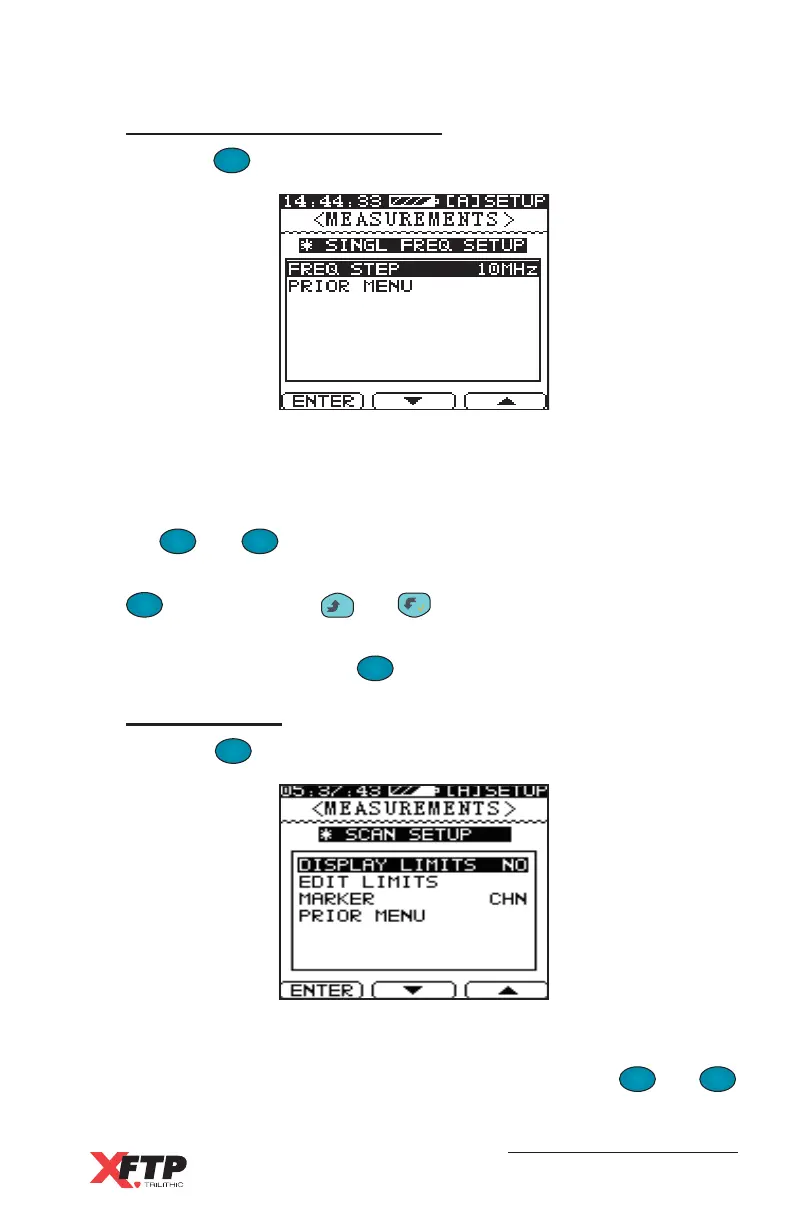
Single Frequency Setup
Press the
F
1
F
1
key to enter the SINGLE FREQUENCY SETUP menu.
Use this menu to set the frequency steps for the frequency display
mode.
To select an item from the SINGLE FREQUENCY SETUP menu, use
the
F
2
and
F
3
keys to scroll to the selection.
FREQ STEP - Select the meter’s internal step values by pressing the
F
1
F
1
key, or press the
__
and keys. The tuning steps can be
either 10 MHz, 1 MHz, 100 kHz, 10 kHz, or by Channel.
PRIOR MENU - Press the
F
1
F
1
key to return to the previous menu.
Limit Setup
Press the
F
1
F
1
key to enter the SCAN SETUP menu.
Use this menu to set Scan parameters, including test limits.
To select an item from the SCAN SETUP menu, use the
F
2
and
F
3
keys to scroll to the selection.



 To Next Page