56
Model Three - Operation Manual
Limit Testing
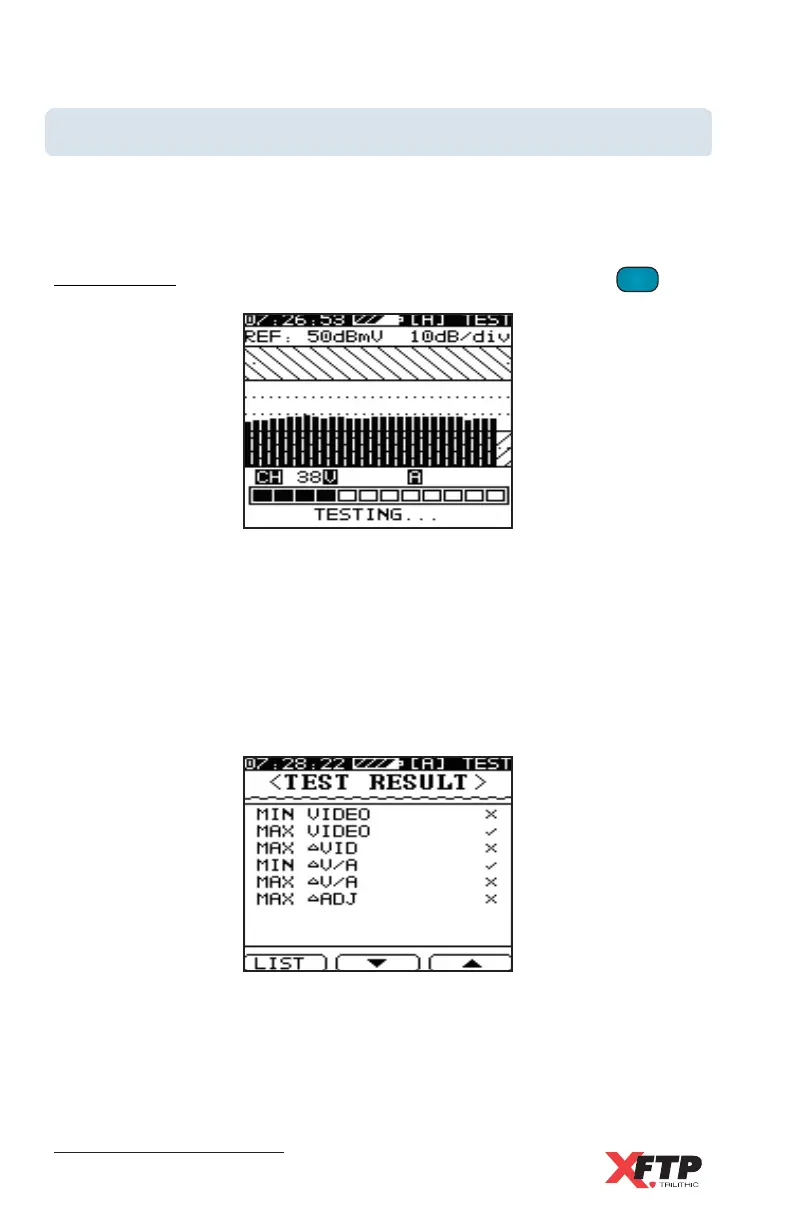
The Model Three can quickly perform a test of all analog channels in the
cable system to specified test limits with a single key press. The selected
User Channel Plan is tested to all enabled limit parameters as set in the
Edit Limits display from the Limit Setup menu (see Chapter 4: Setup,
Measurement, Limit Setup). To perform the Limit test, press the
LIMIT
3 GHI
key.
Channels are displayed momentarily as each channel is scanned. In
addition, a progress bar indicates the scan status.
When the Limit test is complete, a Test Result summary screen appears
to indicate the Pass or Fail status for each test parameter. Each test that
has passed has a check mark next to that parameter.
Each test that has failed has an X next to that parameter.



 To Next Page