89
Model Three - Operation Manual
Viewing File Records
To recall (load) a test record file, press the
FILE
8 VWX
key.
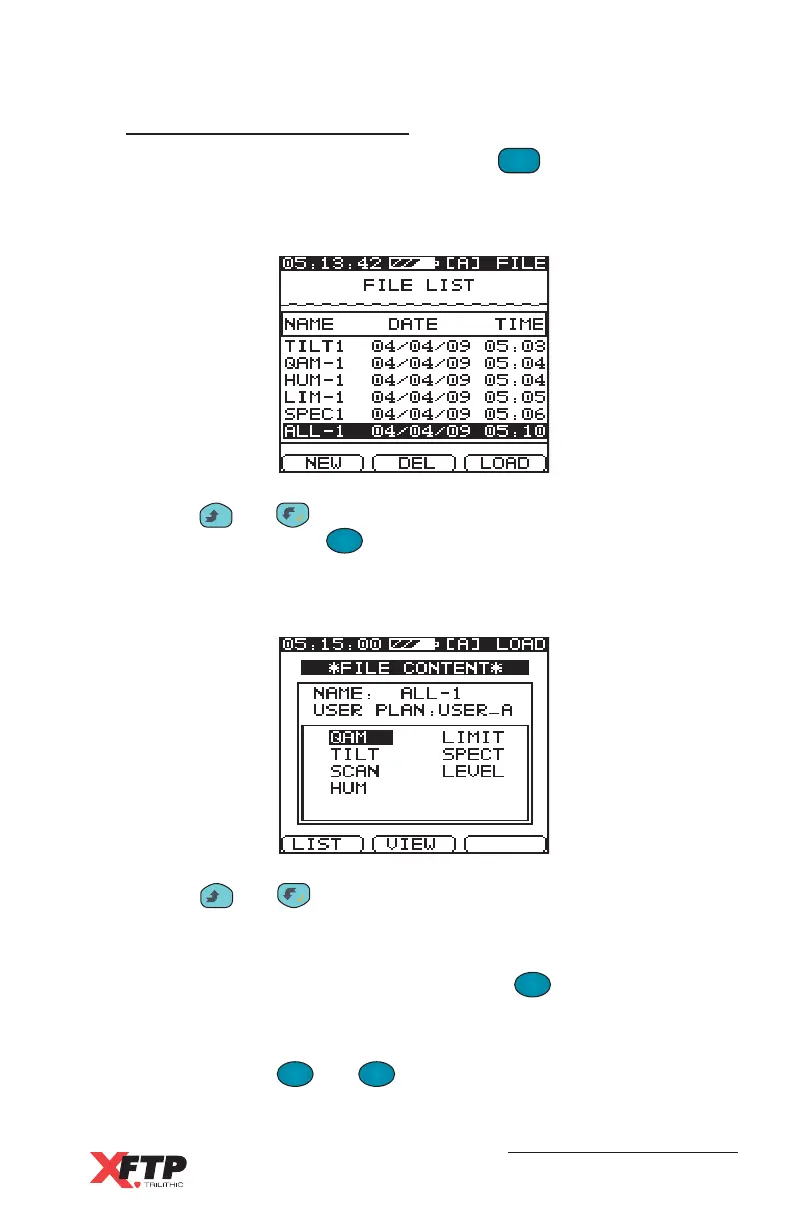
The Model Three File directory appears with the file name, date, and
time of all existing files.
Use the
__
and keys to scroll to the file name of the file you wish
to view, then press the
F
3
(LOAD) key.
The File Content screen appears with the file name, User Plan, and a
list of all test records in the file.
Use the
__
and keys to scroll to the test record that you wish to
list the data record, or view graphically (Limit, Spectrum, and Scan
records only).
To LIST the data for a test record, press the
F
1
F
1
(LIST) key:
Limit Test - This data record is listed with the number of channels
failed for individual Channel test parameters displayed at the top of the
screen. Use the
F
2
and
F
3
keys to scroll to any channel to see
the Video level and Pass (check mark) or Fail (X) indication.



 To Next Page