30
Model Three - Operation Manual
Measurement
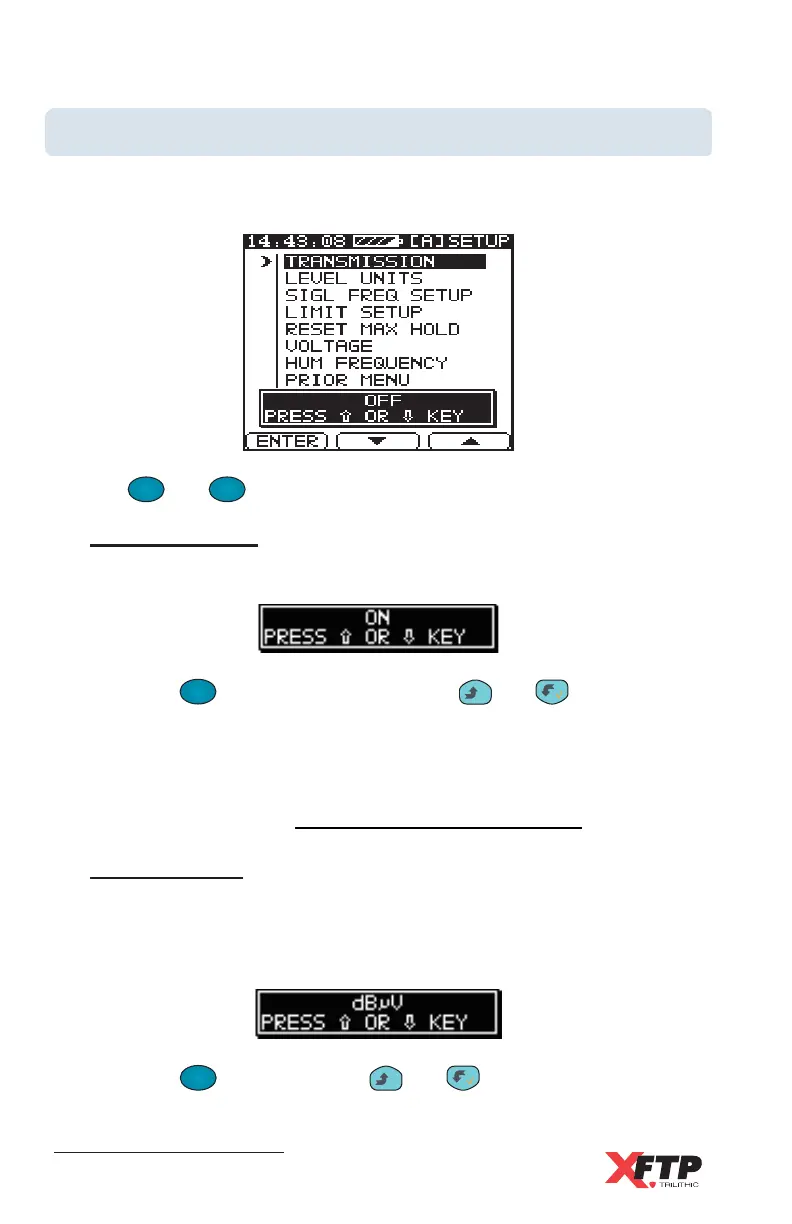
Use the MEASUREMENTS menu screen to set the measurement
parameters of your device.
Use the
F
2
and
F
3
keys to scroll through the command choices.
Transmission
Use this selection to enable the transmission mode.
Press the
F
1
F
1
(ENTER) key, or press the
__
and keys to enable
the Transmission mode. The selected transmission state ON or OFF
is displayed in the window near the bottom of the display screen. Use
this parameter to test for transmission characteristics and loss of in-
between connections in your CATV system (see Chapter 6:
Advanced Operation, Transmission Characteristic Test).
Level Units
Use this selection to set the signal level units for the Model Three.
The selected signal level units are displayed in the window near the
bottom of the display screen.
Press the
F
1
F
1
key or press the
__
and keys to switch between
dBmV, dB
μμ
μμ
μV, or dBmW.



 To Next Page