40
Model Three - Operation Manual
Press the
F
1
F
1
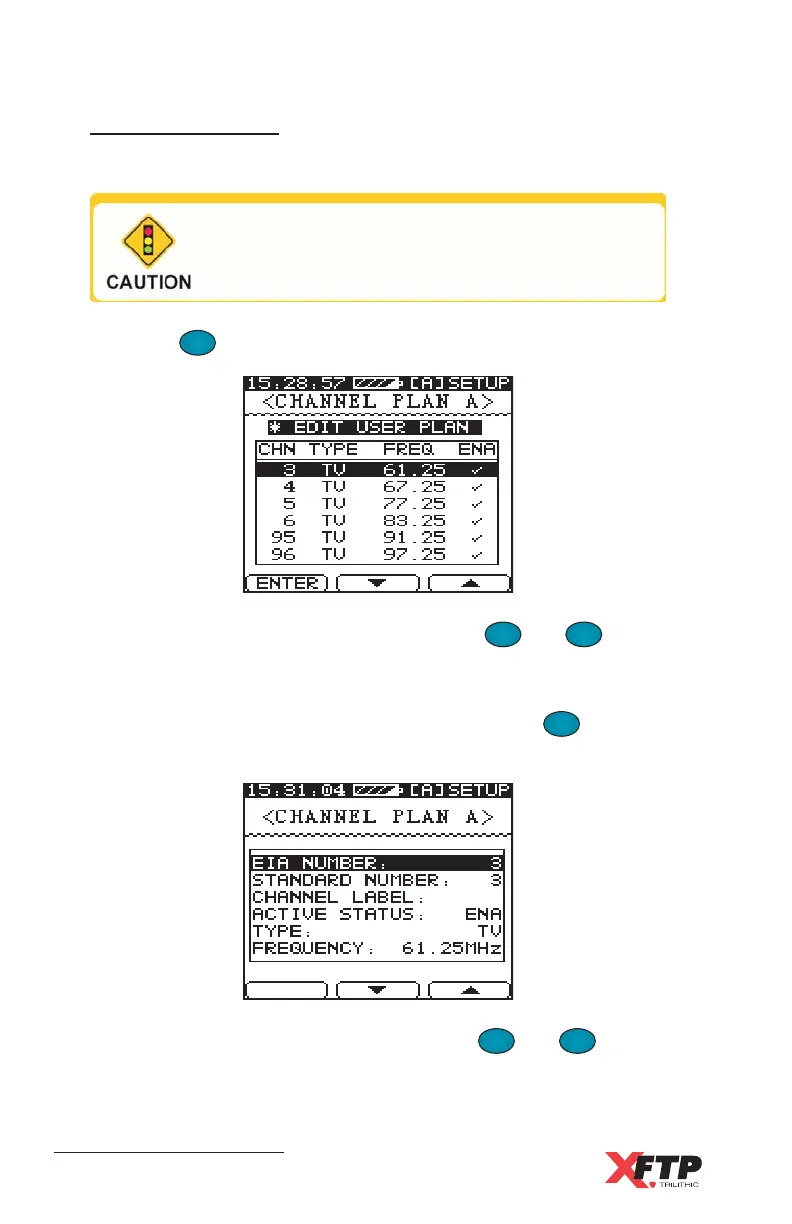
key to display the selected User plan for editing.
Within the EDIT USER PLAN menu, use the
F
2
and
F
3
keys to
scroll through the list of channels.
All enabled channels have a check mark under ENA. When the
channel you wish to modify is highlighted, press the
F
1
F
1
(ENTER)
key. The selected Channel Setup screen appears.
To select the channel’s parameters, use the
F
2
and
F
3
keys to
scroll up and down the list. There are different methods for modifying
each parameter.
Edit User Plan
Once you have learned a Channel Plan, you can edit the plan.
Whenever you edit a Channel Plan, all files
and Auto test programs that were saved for the
User Plan prior to editing are deleted.



 To Next Page