50
Model Three - Operation Manual
Single Frequency Channels
You can use the Model Three to measure a Single Frequency level
over a specified bandwidth. To do this, first set the Model Three’s
channel type to SIGL or single frequency channel (see Chapter 4:
Setup, Channel Plan, Edit User Plan).
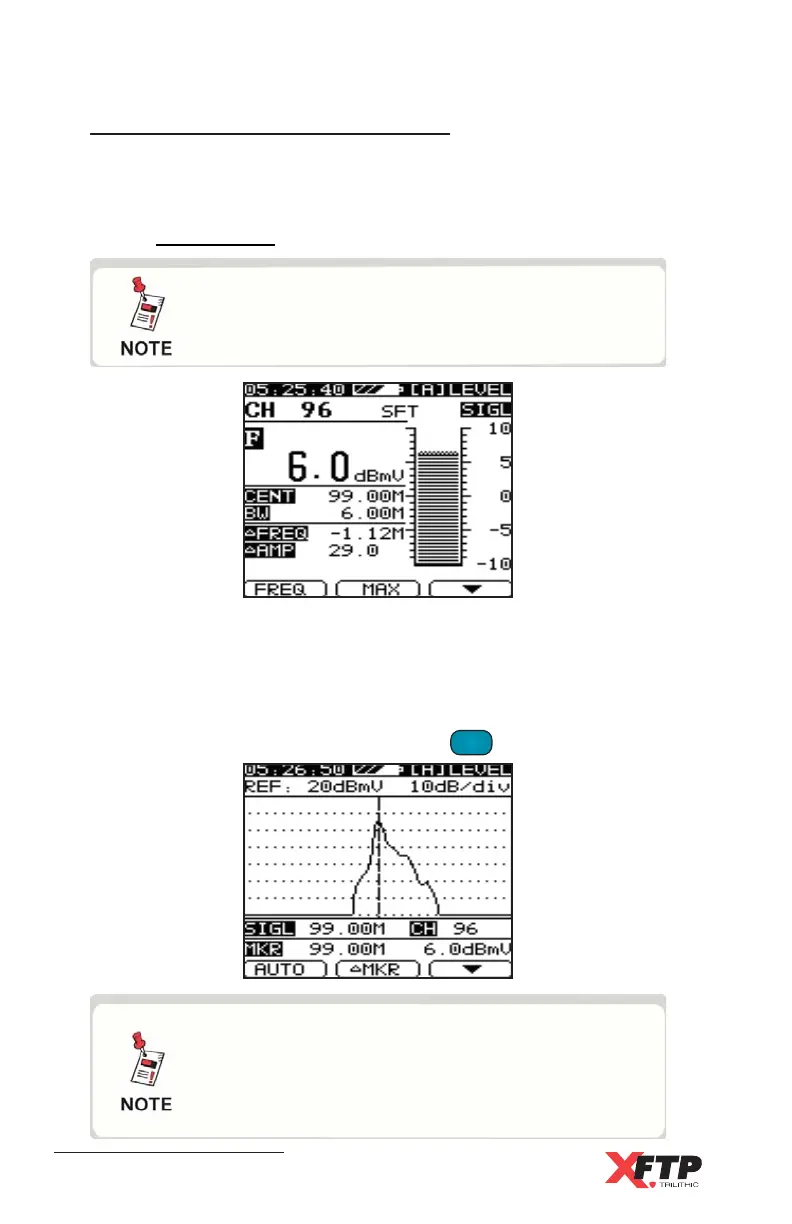
The level for the signal is displayed along with an F to indicate Single
Frequency mode. Also displayed are
ΔΔ
ΔΔ
Δ FREQ and
ΔΔ
ΔΔ
Δ AMP to indicate
the distance and amplitude difference between the center frequency
and the highest peak of the signal in the bandwidth.
To scan the channel spectrum, press the
LEVEL
4 JKL
key again.
While in Level mode, you can use Fast Setup
to go directly to the setup parameters for the
current channel.
With a Single Frequency Channel, the Level
(Live, Max,
ΔΔ
ΔΔ
Δ
p-p), Scale, Reference, Auto,
Marker,
ΔΔ
ΔΔ
Δ
Marker, and Average may be used
as described for TV Channels.



 To Next Page