72
Model Three - Operation Manual
You may wish to stop the scanning process so you can study the
transmission graph. Simply press the
F
1
F
1
(HOLD) key. The scan marker
stops moving. To resume scanning, press the
F
1
F
1
(TRIG) key.
As in Spectrum mode (absolute), other functions are available by using the
F
3
key to change the function of the
F
1
F
1
and
F
2
keys.
Press the
F
3
key to change the function of the
F
1
F
1
and
F
2
keys to
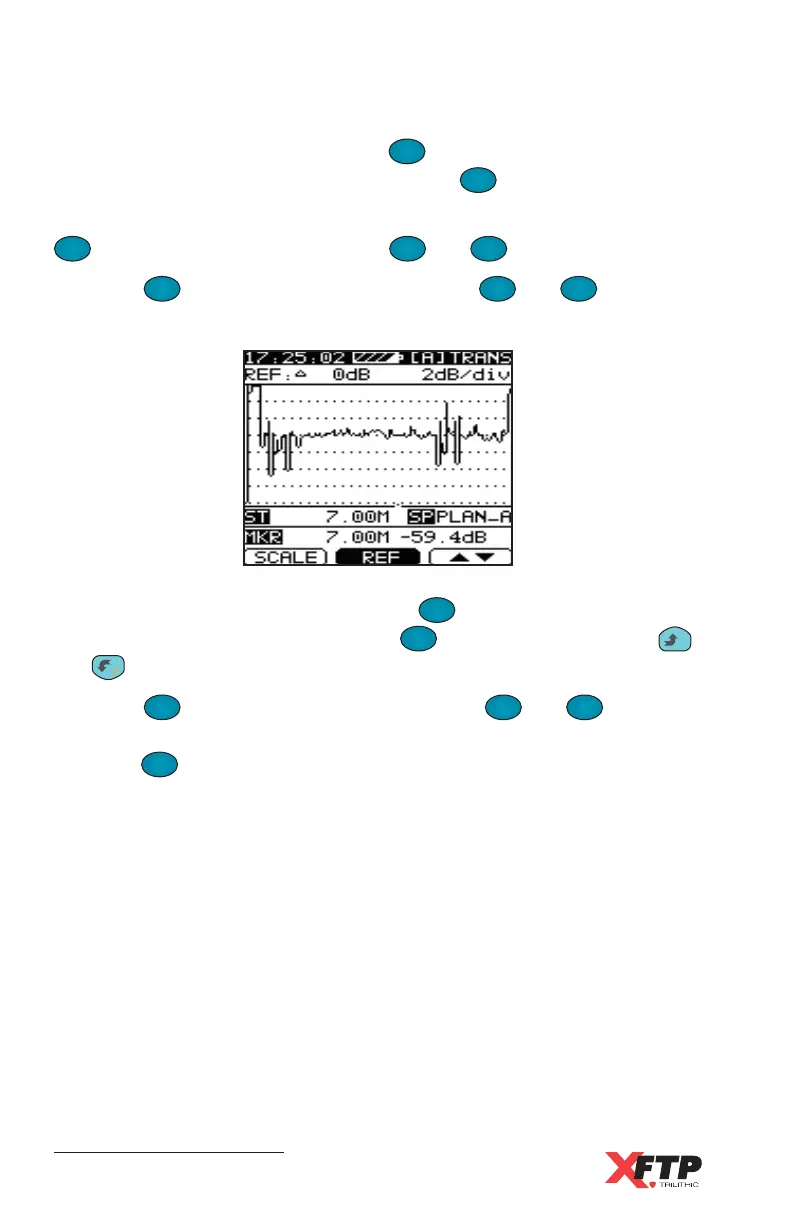
SCALE and REF.
Change the display scale by pressing the
F
1
F
1
(SCALE) key. Change the
reference level by pressing soft key the
F
2
(REF) key and using the
__
and keys to change the reference.
Press the
F
3
key to change the function of the
F
1
F
1
and
F
2
keys to
Auto and
ΔΔ
ΔΔ
ΔMkr. To set the reference level and the scale automatically,
press the
F
1
F
1
(AUTO) key.



 To Next Page