TRIMBLE TMX-2050 DISPLAY CABLING GUIDE
1 – Components and Cable Configuration Guidelines
11
Making correct connections with cables
Keep the following guidelines in mind for configuring multiple connectors to single ports:
C
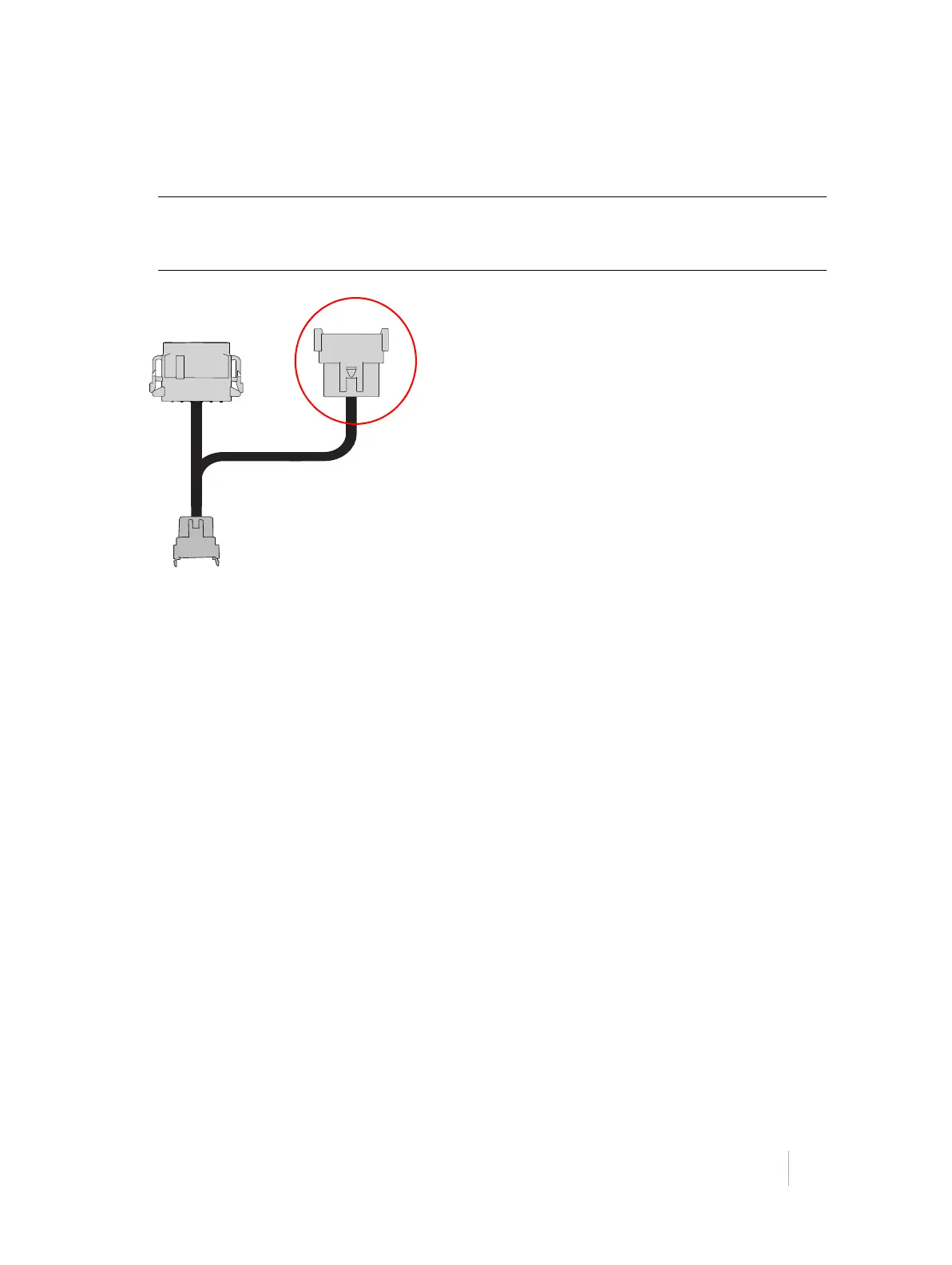
CAUTION – EQUIPMENT DAMAGE. Do not connect the port replicator to the NavController II.
The replicator port on most cables breaks away the pins not used by the primary device the
cable was designed for. Incorrect connection will damage the equipment.
•The Field-IQ
™
crop input control and boom height control systems and the Yield Monitoring
system require a CAN connection.
• The EZ-Steer® and EZ-Pilot® assisted steering systems require their own dedicated CAN ports.
• The Autopilot
™
automated steering system must be connected to port A on the TM-200 Module.
See TM-200 Module, page 8.
• The DCM-300 modem can only be connected to the Ethernet expansion port on the TM-200
Module. See TM-200 Module, page 8.



 To Next Page