TRIMBLE TMX-2050 DISPLAY CABLING GUIDE
1 – Components and Cable Configuration Guidelines
12
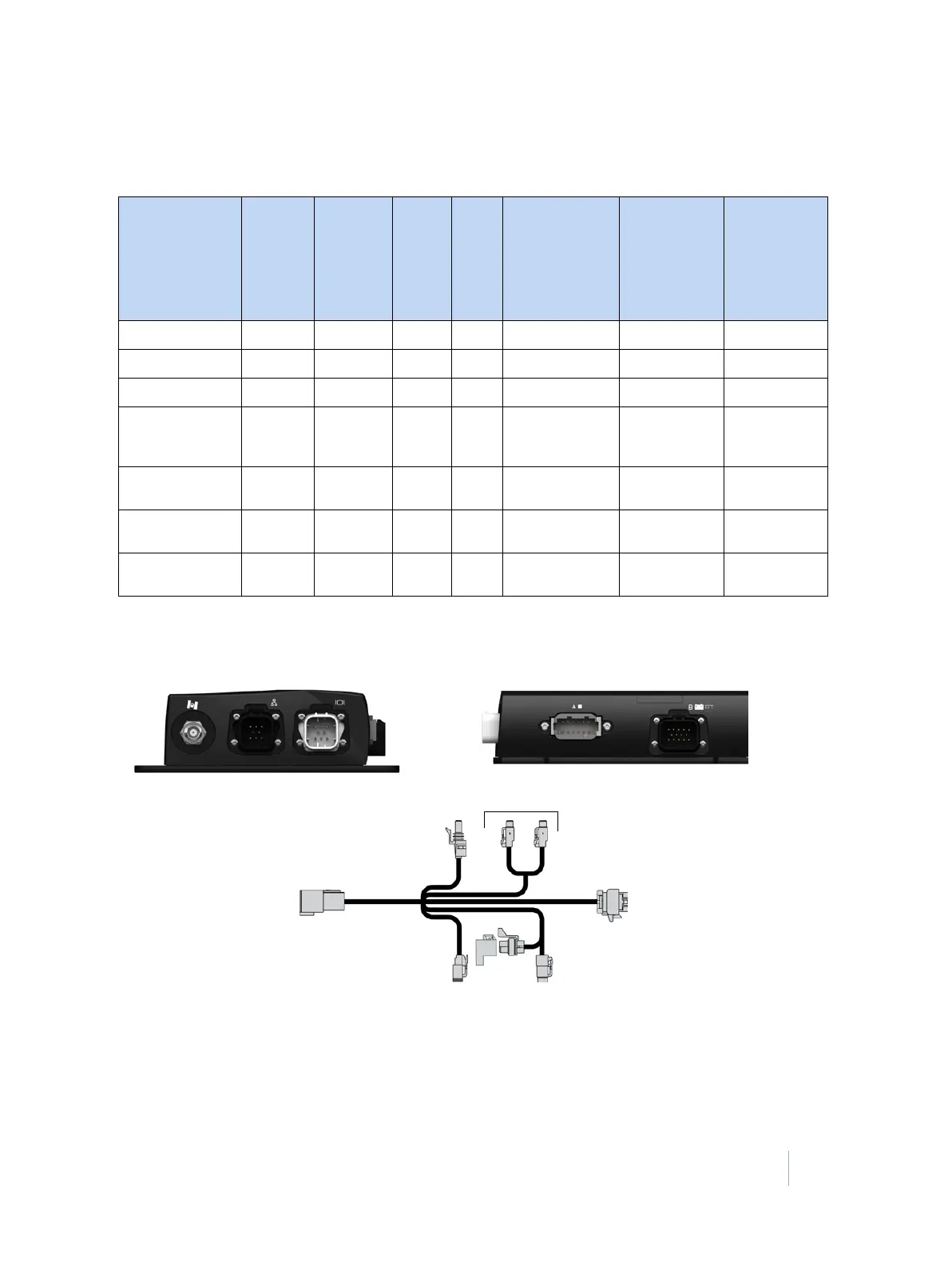
Cable/port compatibility table
Use this table to confirm which TMX-2050 display cable can be used in each port.
Note – EZ-Pilot and EZ-Steer systems must be on a dedicated CAN connection. A port replicator
can not be used to make this connection.
Function Type
❸
R3 power
to TM-200
Module
P2
power
out
P4
CAN
❹
P5 and P6 I/O on
TM-200 Module
power and I/O
cable
❷
12-pin Deutsch
(Port A) on
TM-200
Module
❶
Trimble
Ethernet
expansion on
TM-200
Module
Autopilot system RS232
FF
EZ-Pilot system CAN
FF
EZ-Steer system CAN
FF
Field-IQ rate and
section control
system
CAN
F
F
Field-IQ boom
height control
CAN x 2 F
FF
DCM-300 modem Trimble
Ethernet
F
Remote Engage Input/
Output
F



 To Next Page