Conversion Between MicronNav Responder and Transponder MicronNav System
0656-SOM-00001-07 136 © Tritech International Ltd.
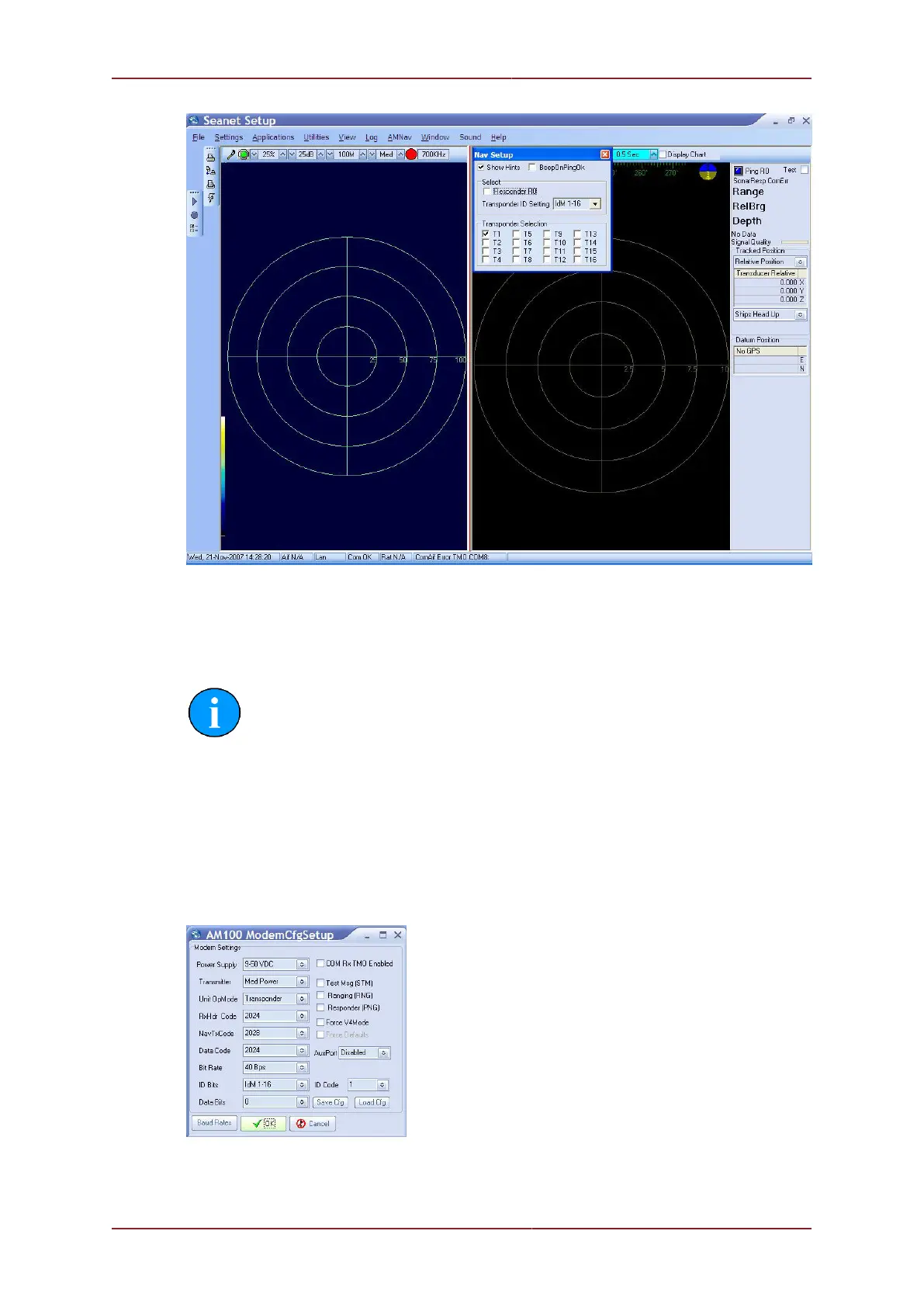
Confirm the settings and close the setup page.
This completes the conversion to Transponder mode. Position the Transponder unit near the
USBL Transducer will confirm operation and "Ping T1 ok" should be displayed at the top-
right of the MicronNav window.
Note
If not already done so, delete the Seanet Pro Supervisor shortcut from the
desktop before standard use of Seanet Pro
11.3. Conversion to Responder
The Transponder unit can be reconfigured to Responder mode by clicking on the Action
arrow button in the MINIMODEM row followed by Setup from the sub-menu to display the
AM100 ModemCfgSetup page.
Change the Unit OpMode to Responder, ID Bits to IdM0, and enable the COM Rx TMO
Enabled check-box (as shown below).



 To Next Page